


Humidifier Guides and Support
Find Honeywell humidifier setup, cleaning, filter, water, indicator light, white dust, buying, and troubleshooting guides for common models and types.
Related Topics:
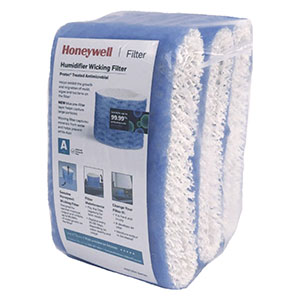
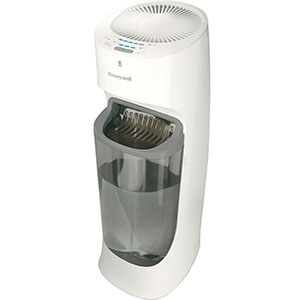
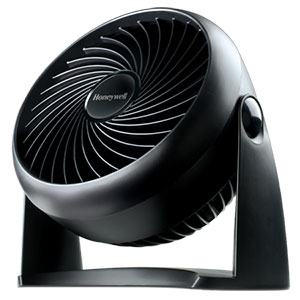
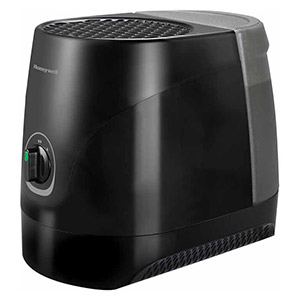
Find answers to common Honeywell humidifier questions, from first-time setup and daily operation to cleaning, filter replacement, warning lights, water leaks, and reduced mist output. These support guides cover portable Honeywell warm-mist, ultrasonic cool-mist, and evaporative cool-moisture humidifiers, with additional troubleshooting information for select whole-house models.
Start by locating the model number printed on the humidifier’s rating label. Model numbers commonly begin with letters such as HCM, HEV, HUL, HWM, or HWC. Because controls, filters, indicator lights, and cleaning procedures vary, use the guide below together with the owner’s manual for your specific model.
Correct setup protects surrounding surfaces and helps the humidifier deliver moisture efficiently. Before operating a new unit, remove all packaging, verify that the tank and removable components are properly installed, and place the humidifier on a firm, level, water-resistant surface.
Learn where to place a Honeywell humidifier in a bedroom, nursery, or living area. This guide explains recommended elevation, clearance from walls and furniture, indoor humidity targets, window condensation, and choosing the correct water for evaporative and ultrasonic models.
View the Honeywell Humidifier Setup & Placement Guide
Review the basic operating process for top-fill and removable-tank models. The guide explains how to fill the tank without spilling, use dial or digital controls, select an output level, and understand automatic shutoff and built-in humidistat functions.
Learn How to Use a Honeywell Humidifier
Compare the three primary portable humidifier technologies before selecting a model. Warm-mist units boil water to create steam vapor, evaporative cool-moisture units move air through a wet wick, and ultrasonic models produce a visible cool mist with a vibrating nebulizer.
Compare Honeywell Warm Mist vs. Cool Mist Humidifiers
Regular cleaning helps prevent mineral scale, stale odors, reduced output, and microbial growth in standing water. Empty unused water, rinse the appropriate components regularly, and complete the model-specific descaling and disinfecting procedures separately.
Follow step-by-step instructions for removing mineral scale with distilled white vinegar and disinfecting approved components with a diluted bleach solution. The guide also explains how to clean an ultrasonic nebulizer and prepare the humidifier for seasonal storage.
View the Honeywell Humidifier Cleaning & Descaling Guide
Never mix vinegar and bleach. Combining them can release dangerous chlorine gas. Complete descaling and disinfecting as separate processes, and rinse the humidifier thoroughly between them.
Do not soak a Honeywell wicking filter in vinegar, bleach, detergent, or other cleaning chemicals. Replace a filter that remains moldy, damaged, odorous, or heavily mineralized.
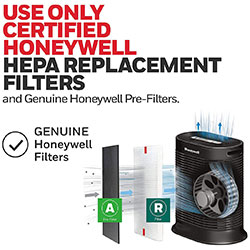
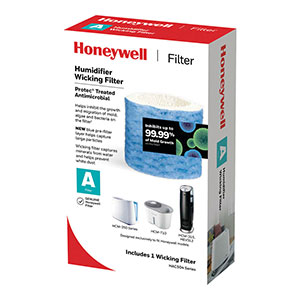
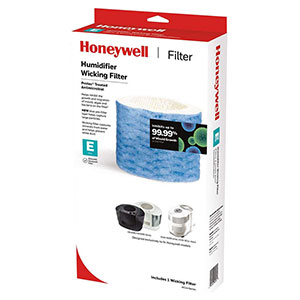
Use the filter compatibility guide to identify the correct Honeywell replacement wick and understand lettered filters such as Filter A, Filter C, Filter E, and Filter T. It also explains when to replace a hard, yellow, brown, or poorly absorbing filter.
Find the Correct Honeywell Humidifier Filter
A fine white powder near an ultrasonic humidifier is usually dried calcium, magnesium, or other mineral material from hard tap water. The white-dust guide explains how ultrasonic mist carries minerals and how to reduce the residue.
View the Honeywell Humidifier White Dust Prevention Guide
Indicator colors and reset procedures vary by model. A red or amber light may indicate an empty tank, while a separate filter reminder may operate according to elapsed runtime rather than the filter’s actual physical condition.
This guide explains how to identify common indicator lights, complete a model-appropriate reset, free a stuck water-level float, and clear a filter reminder after replacing the wick.
Troubleshoot Honeywell Humidifier Lights and Resets
Use the complete troubleshooting guide when the humidifier is not producing mist, is leaking from the base, makes an unusual noise, develops an odor, or continues displaying a warning light. It provides separate diagnostic steps for ultrasonic, evaporative, warm-mist, and whole-house humidifier systems.
Open the Honeywell Humidifier Troubleshooting Guide
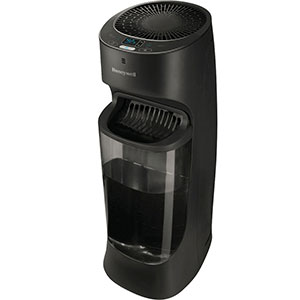
Evaporative humidifiers use a fan and replaceable wicking filter to release invisible moisture. The wick captures much of the mineral content in the water, making this design useful in hard-water areas. Regular filter inspection and replacement are required.
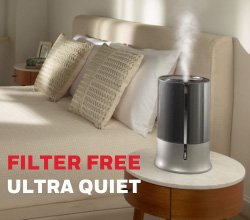
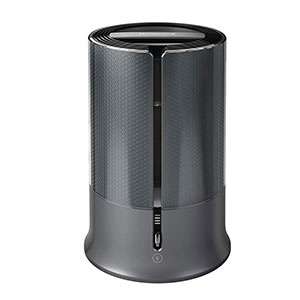
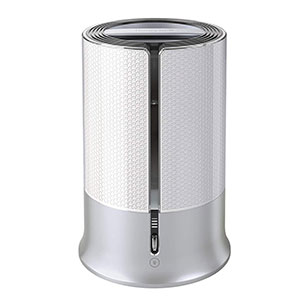
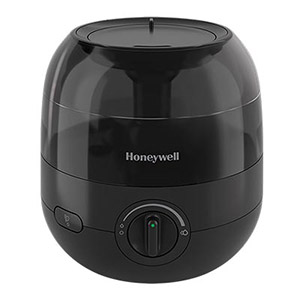
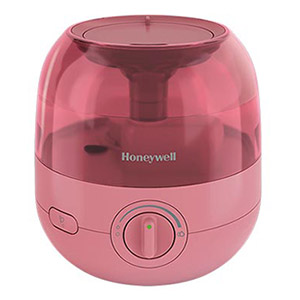
Ultrasonic models use a high-frequency nebulizer to produce a visible, fine mist. They are usually quiet and filter-free, but hard tap water may create mineral scale and white dust. Distilled water can help reduce both problems.
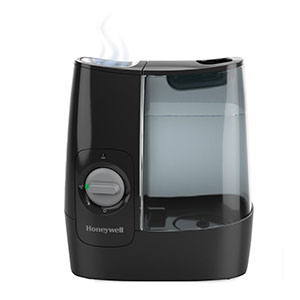
Warm-mist humidifiers use a heating element to boil water and release warm steam vapor. They are generally quiet and do not require a wick, but the heating element must be descaled and the hot water creates a burn risk around children and pets.
Whole-house bypass, powered flow-through, and steam humidifiers connect to the home’s HVAC system. Troubleshooting may involve water valves, solenoids, humidistats, airflow switches, transformers, drain lines, or furnace controls. Electrical and plumbing repairs should be completed by a qualified HVAC professional.
An evaporative cool-moisture humidifier releases invisible humidity, so no visible mist is expected. If an ultrasonic or warm-mist model has stopped producing visible output, check the water supply, tank seating, float, nebulizer, or heating element.
Empty unused water and rinse the appropriate components regularly. A thorough weekly cleaning is commonly recommended, but the exact procedure should come from the model’s owner’s manual.
A typical replacement interval is approximately 30–60 days, depending on operating time and water hardness. Replace the wick sooner if it becomes stiff, heavily discolored, odorous, damaged, or unable to absorb water.
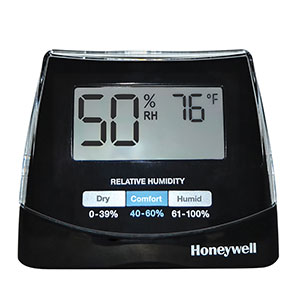
A target range of approximately 30%–50% relative humidity works well for most homes. Reduce the output if condensation appears on windows, walls, furniture, or around the humidifier.
Turn off and unplug the appliance if it leaks into electrical components, trips a breaker, produces a burning smell, has a damaged cord, or continues making grinding or electrical buzzing sounds. Contact support or replace the unit rather than opening the motor housing.

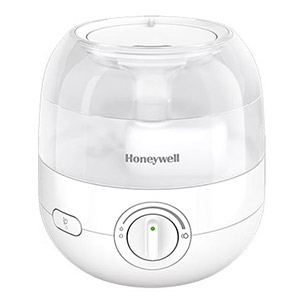
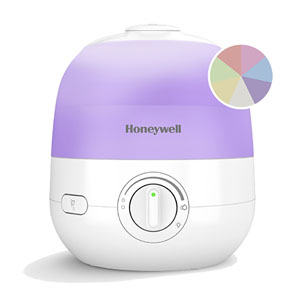
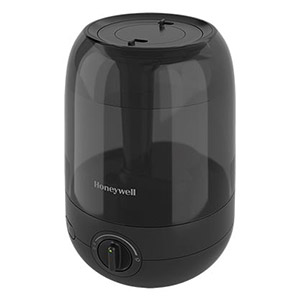
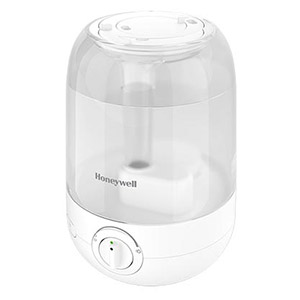
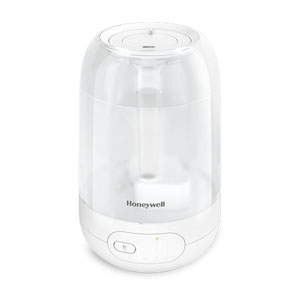
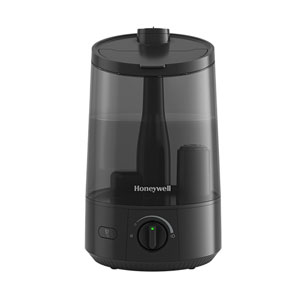
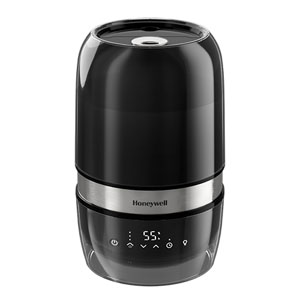
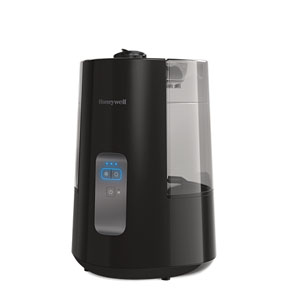
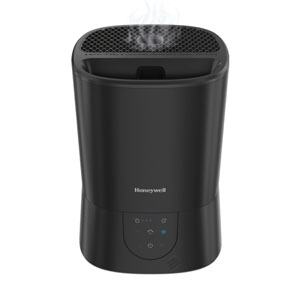
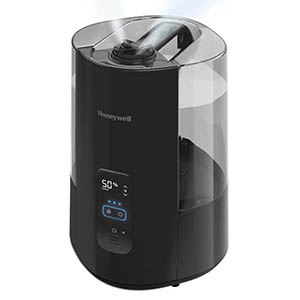
Explore related support articles and resources for this topic.
Find Honeywell humidifier setup, cleaning, filter, water, indicator light, white dust, buying, and troubleshooting guides for common models and types.
Contact options may differ depending on the type of help you need.