





Fan Guides and Support
Find Honeywell fan setup, cleaning, controls and troubleshooting help for TurboForce, QuietSet, tabletop, floor, tower and portable models.
Related Topics:
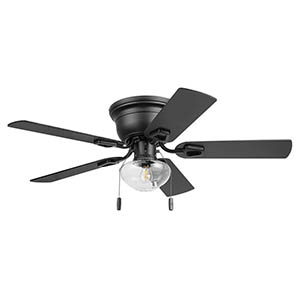
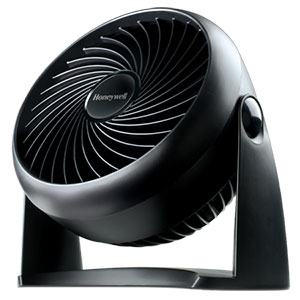
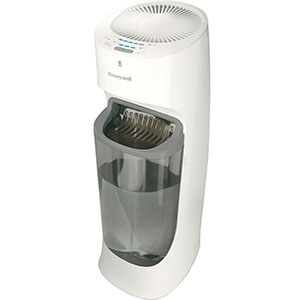
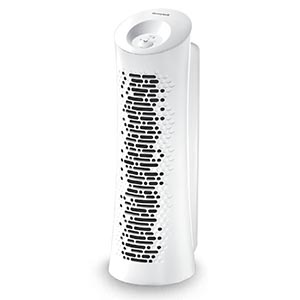
Find setup instructions, cleaning advice, operating tips and troubleshooting help for Honeywell TurboForce, QuietSet, tabletop, floor, pedestal and tower fans. Choose your fan type or select the problem you are experiencing to find the right support guide.
Instructions can vary by model. Before removing a grille, base or housing panel, locate the model number on the product label and consult the owner’s manual for model-specific warnings and fastener locations.
Use the Honeywell Fan Setup and Assembly Guide for:
Dust on the blades, intake grille and motor vents can reduce airflow, increase operating temperature and contribute to noise. Always switch off and unplug a portable fan before cleaning it.
The Honeywell portable fan cleaning guide explains how to remove loose dust, clean accessible blades and grilles, use compressed air around the motor housing and reinstall the front grille.
Tower fans require a different cleaning method because the blower wheel sits inside a tall enclosure. Follow the dedicated Honeywell tower fan cleaning guide for intake-grille vacuuming, compressed-air cleaning and model-dependent deep cleaning.
If routine exterior cleaning is not enough, review the Honeywell fan disassembly guide before removing the front grille, base collar or housing screws. Opening the motor or electronic housing may affect warranty coverage.
If your Honeywell fan stopped working, begin by checking the outlet, controls, power cord and plug. A humming sound with no blade movement points to a different problem than a completely unresponsive fan.
Use the Honeywell fan no-power troubleshooting guide to check for overheating, blocked motor vents, a stuck blade, electronic control problems and a replaceable fused safety plug where fitted.
A Honeywell fan not oscillating may have a stuck control, blocked rotating base, displaced linkage arm or worn oscillation gearbox. A Honeywell fan running slow can be caused by dust, shaft friction, tangled debris or internal motor wear.
Follow the Honeywell oscillation and slow-running guide for safe diagnostic steps.
Fan noises often reveal where the problem is located. Clicking during an oscillation sweep can indicate a gear or linkage issue, while constant rattling may come from a loose grille, base, fastener or unbalanced blade.
Use the Honeywell fan noise troubleshooting guide to identify the sound and determine whether cleaning, realignment, tightening or professional service is appropriate.
The available Honeywell fan controls depend on the model. Features may include multiple speed levels, oscillation, auto-off timers, display-light adjustment, temperature-based modes and remote operation.
The Honeywell Fan Remote and Controls Guide covers:
Fans improve comfort by moving air across the skin, but they do not lower room temperature by themselves. Positioning matters: direct airflow works well for personal cooling, while an upward or angled air-circulator position can help mix air throughout a room.
Read How to Use a Fan for Efficient Cooling for cross-ventilation, window-exhaust, nighttime cooling and fan-plus-air-conditioner strategies.
The model number helps you locate the correct manual, replacement part and troubleshooting procedure. Depending on the fan style, check:
Record the complete model number before ordering a remote, fuse, base component or other replacement part. Products that look similar may use different fasteners, electronics or control sequences.
Unplug a portable fan immediately if any of these conditions occur. Do not bypass safety plugs, thermal protection devices or damaged controls.
Check for dust on the intake grille and blades, verify that nothing blocks the rear intake and confirm that the fan is facing the intended direction. Slow blade movement, unusual humming or excessive heat may indicate shaft friction or motor trouble.
Vacuum accessible grilles every few weeks during regular use. Perform a more thorough cleaning when airflow decreases or visible dust collects on the grille and blades. Homes with pets, smoke or heavy airborne dust may require more frequent maintenance.
Only wash removable, non-electrical parts when the model instructions permit it. Never allow water to enter the motor, switch, control panel or wiring. All cleaned parts must be completely dry before reassembly.
Base and grille removal may be part of normal assembly or cleaning on some models. Opening the motor or electronic housing can expose electrical components and may affect warranty coverage. Consult the model manual before proceeding.
Usually not. A fan primarily cools people through increased air movement and evaporation. Turn it off when the room is unoccupied unless it is being used intentionally for ventilation or to redistribute conditioned air.
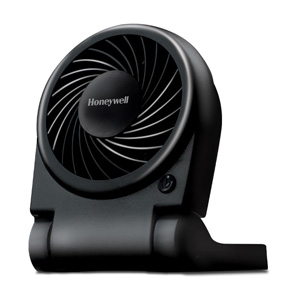
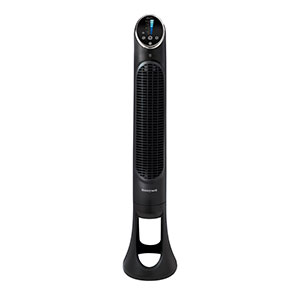
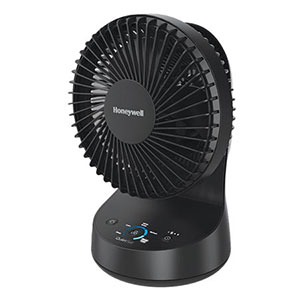
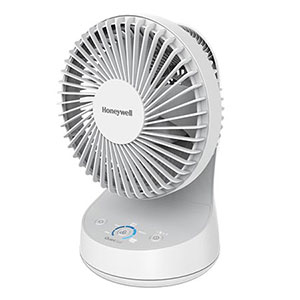
Browse current Honeywell portable fans and air circulators or visit the Honeywell ceiling fan collection.
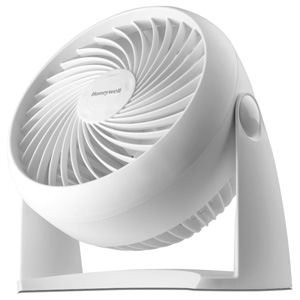
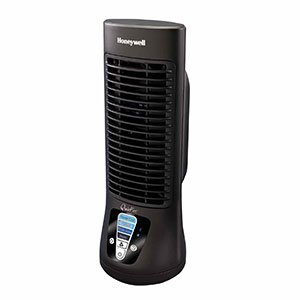

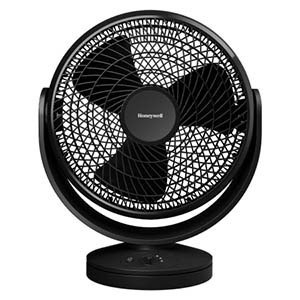
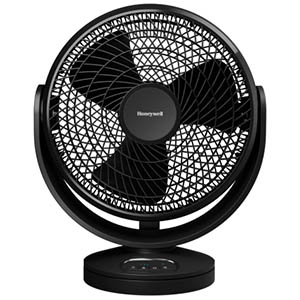
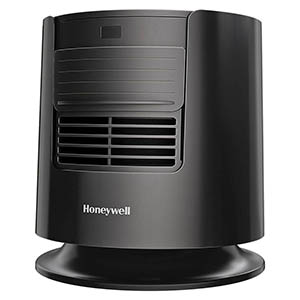
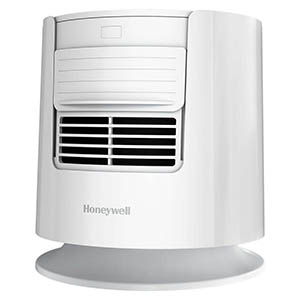
Explore related support articles and resources for this topic.
Find Honeywell fan setup, cleaning, controls and troubleshooting help for TurboForce, QuietSet, tabletop, floor, tower and portable models.
Contact options may differ depending on the type of help you need.