

Humidifier Guides and Support
Find Honeywell humidifier setup, cleaning, filter, water, indicator light, white dust, buying, and troubleshooting guides for common models and types.
Related Topics:
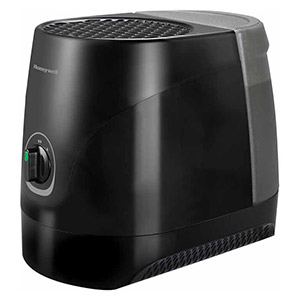
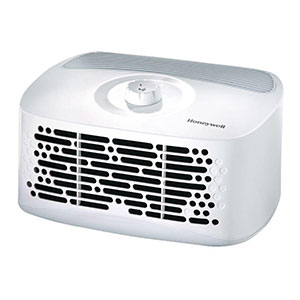
A Honeywell Humidifier indicator light may signal an empty tank, a filter reminder, a reached humidity setting or a model-specific maintenance condition. Because Honeywell evaporative, ultrasonic and warm-mist humidifiers use different control systems, the correct reset procedure depends on the model number and light label - not color alone.
This guide explains how to reset Honeywell humidifier controls, troubleshoot a refill light that stays on and interpret common red, amber, orange, blue and green indicators.
Honeywell does not use one universal indicator system across every humidifier. An orange light can mean Refill on one model and Check Filter on another. A red power light may indicate low water on some humidifiers, while the HCM-350 uses a red power light to indicate that its ultraviolet bulb requires replacement.
Do not repeatedly press every control or bypass a water-level switch. If the warning returns, correct the water, filter, float or scale condition that activated it.
If you are researching how to reset Honeywell humidifier electronics after an unresponsive control or temporary error, begin with a short power cycle:
On certain electronic models, unplugging restores default control settings. It may also restart a timed filter reminder. The HEV615 and HEV620, for example, return to default settings when unplugged, and their 30-day Check Filter counter starts over.
If the short power cycle does not help and the model manual does not provide a different procedure, the humidifier can be left unplugged for 15–20 minutes before reconnection. This extended disconnection removes power from the controls, but it should not be treated as a universal “memory circuit” reset.
Before reconnecting power:
Use caution with models that maintain a filter timer. Disconnecting power may reset the timer even though the wicking filter has not been replaced.
The Honeywell humidifier reset button location depends on the model. When included, the control is usually found on the top or front control panel and may be labeled Reset, Check Filter or with a corresponding maintenance icon.
Do not look for or press an internal switch inside the wet reservoir or electrical base. Water-level floats and safety interlocks are not user-operated reset buttons.
Not every model beeps or flashes when successfully reset. Watch the applicable indicator or display message to confirm that it has cleared.
For a basic cool-mist model with a mechanical control:
This restarts normal operation but does not correct a stuck float, blocked tank valve or mineral-covered sensor. Models such as the HUL520 use a mechanical power/output knob and do not have the same dedicated Refill or Check Filter controls found on electronic models.
If the Honeywell humidifier reset light remains illuminated, mineral scale may be covering the heating element. Turn off and unplug the unit, allow it to cool for 20–30 minutes, and follow the model-specific descaling instructions.
When a Honeywell humidifier refill light stays on after the tank has been filled, the control system may still be detecting a low water level. The problem is often related to water not reaching the base reservoir or the float failing to rise.
Some float rods click into brackets, while others rest loosely over their supports. Do not assume that every Honeywell float should snap into place.
If the tank does not release water, remove it rather than loosening the cap while it is installed. Opening a full tank over the humidifier can cause uncontrolled leaking or base overflow.
A short delay or gurgling sound can occur as water replaces air inside a removable tank. If water does not enter the reservoir:
Do not puncture the cap, enlarge a vent or modify the valve to release trapped air.
If a Honeywell humidifier red light won’t turn off, first identify the model and the symbol beside the light. Red is not a universal low-water color.
If the tank is full, check the reservoir, float and tank valve before repeatedly cycling the power. If the warning remains after cleaning and proper reassembly, consult the model-specific troubleshooting guide.
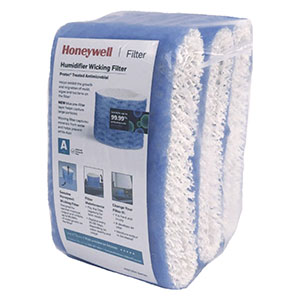
The Honeywell humidifier Check Filter light is generally a timed reminder. It does not directly measure the amount of dirt, mineral scale or odor in the wicking filter.
The filter may need replacement before the reminder appears in a hard-water home. It may also remain usable when the reminder first appears. Inspect the wick for stiffness, crusting, odor, tears and reduced moisture output.
Do not reset the reminder without inspecting the filter. Honeywell generally recommends replacing evaporative wicks every 30–60 days, depending on water quality and usage.
The following examples demonstrate why the model number and light label are more reliable than color alone.
| Model or Series | Light or Display | Typical Meaning | Recommended Action |
|---|---|---|---|
| HEV615 / HEV620 | Steady orange Refill indicator | The water tank is empty and the humidifier has shut off. | Turn off the unit, refill the tank and reinstall it. |
| HEV615 / HEV620 | Steady orange Check Filter indicator | The 30-day filter reminder has been reached. | Inspect or replace the wick, then hold Check Filter for two seconds. |
| HEV615 / HEV620 | Steady blue Humidity Reached indicator | The selected humidity has been reached, so the fan has stopped. | No repair is needed. Raise the humidity setting only if more output is desired. |
| HUL565 / HUL585 / HUL588 | Orange Power icon | The unit is out of water and has shut off. | Refill the tank and place it correctly on the base. |
| HEV685 | F on the digital display | The unit is out of water and the motor has stopped. | Refill the tank and verify the float position. |
| HEV685 | CF on the digital display | The approximately 720-hour Check Filter reminder has been reached. | Inspect or replace the wick, then reconnect power to reset the reminder. |
| HUL520 | No dedicated Refill or Check Filter light listed | This mechanical-knob model relies on tank level and visible mist rather than the HEV-style indicator system. | Check water level, tank seating, float and mist output. |
| HCM-350 | Green Power light | Normal powered operation. | No action is needed. |
| HCM-350 | Steady red Power light | The germicidal UV bulb has reached its replacement condition. | Follow the HCM-350 UV bulb replacement procedure. |
| HWM845 | Green operating light | The warm-mist humidifier is operating. | Allow approximately three to four minutes for visible steam. |
| HWM845 | Reset light | The unit ran out of water or did not reset after refilling. Scale may also cover the heating element. | Turn off, refill, wait five minutes and restart. Descale if the light remains on. |
| Various models | Flashing red light | Flashing red is not standardized across the Honeywell humidifier line. It may be a model-specific alert or unrelated decorative-light function. | Check the label beside the light and consult the exact model manual. |
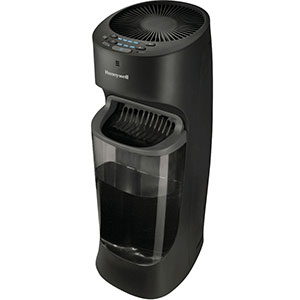
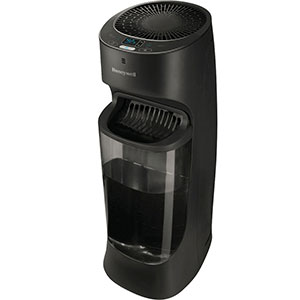
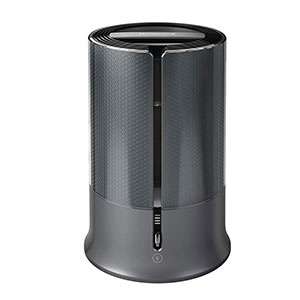
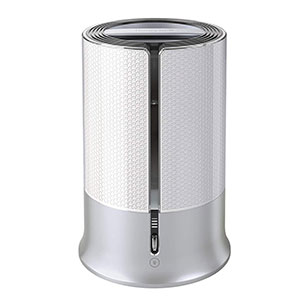
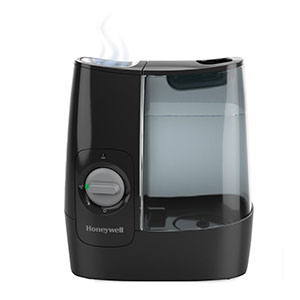
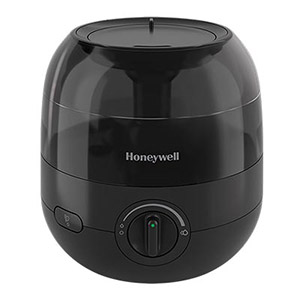
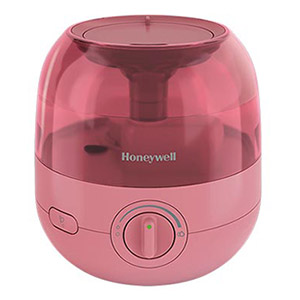
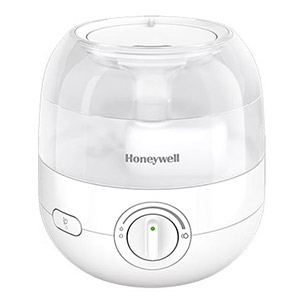
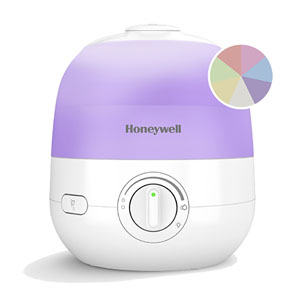
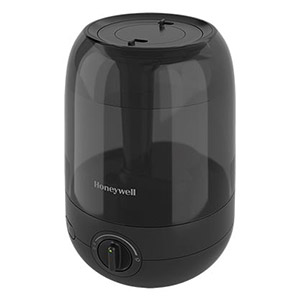
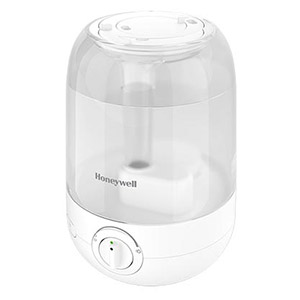
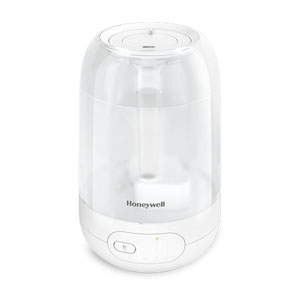
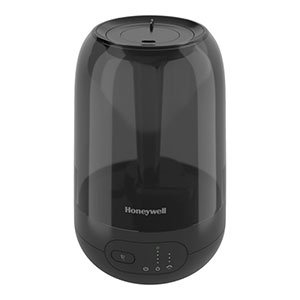
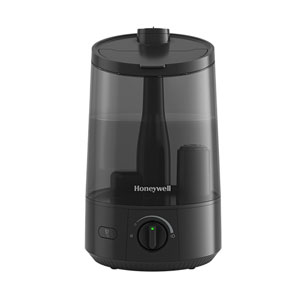
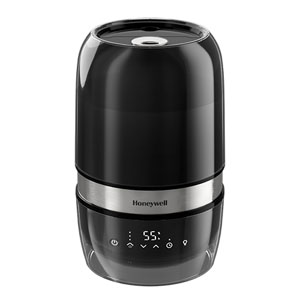
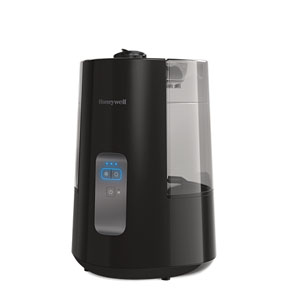
Explore related support articles and resources for this topic.
Find Honeywell humidifier setup, cleaning, filter, water, indicator light, white dust, buying, and troubleshooting guides for common models and types.
Contact options may differ depending on the type of help you need.