


Thermostat Guides and Support
Find Honeywell thermostat support for choosing the right model, installation, wiring, programming, troubleshooting, battery replacement, resets and everyday use.
Related Topics:

Use this troubleshooting guide to diagnose a Honeywell thermostat not working, including blank screens, battery issues, flashing Cool On messages, HVAC power problems and inaccurate temperature readings.
When a thermostat is not working, the problem is not always the thermostat itself. A blank thermostat screen may be caused by weak batteries, no HVAC power, a tripped breaker or an open furnace door safety switch. If the screen is on but heating or cooling will not start, the thermostat may be waiting through a normal equipment protection delay.
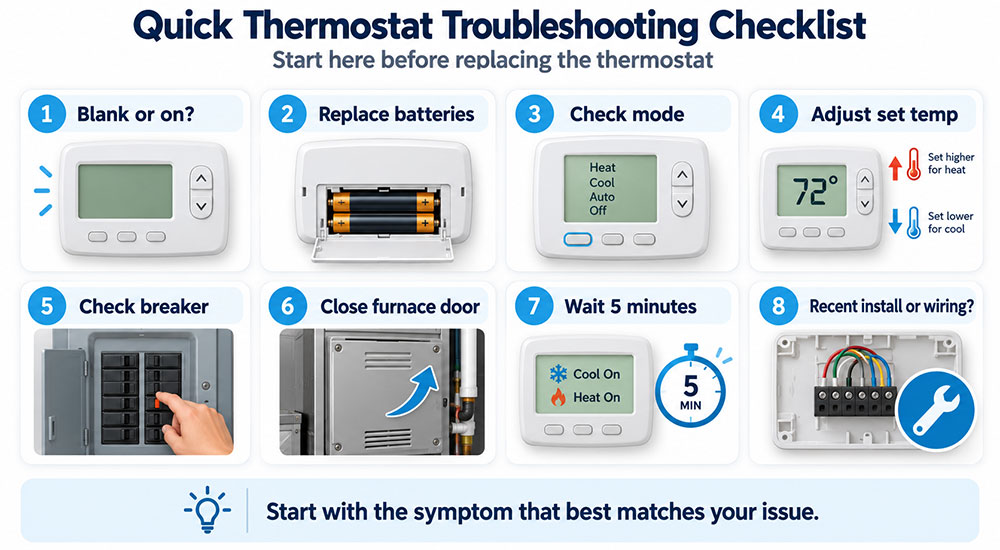
Start with the symptom that best matches your issue below. For safety, do not remove wiring or open HVAC equipment panels unless power is off and you are comfortable with the task. If the wiring is damaged, the system does not respond after basic checks or you are unsure what you are looking at, contact a licensed HVAC professional.
If your Honeywell thermostat not working issue started immediately after installation, review the wiring and setup instructions for your exact model before continuing.
A blank thermostat screen usually points to a power problem. Depending on the model, your thermostat may use batteries, HVAC system power or both. Start with the easiest fix first: battery replacement.
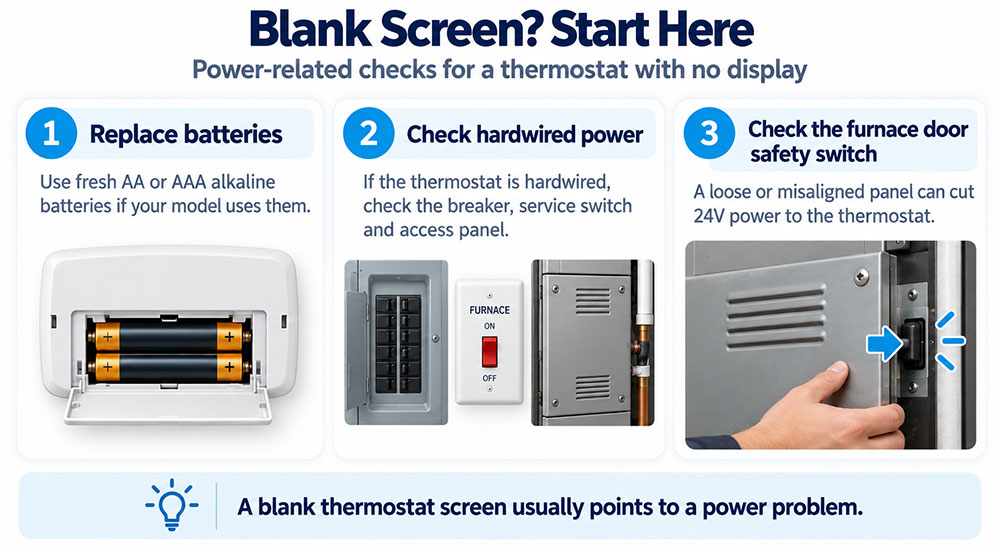
A standard honeywell thermostat battery replacement can restore the display if the batteries are weak, dead or installed incorrectly. Many Honeywell thermostats use AA or AAA alkaline batteries, but the required battery type depends on the model.
If the screen returns after replacing the Honeywell thermostat battery, reset the date, time or schedule if prompted.
Some Honeywell thermostats receive power from the HVAC system through a common wire, also called a C-wire. If a hardwired thermostat has a blank screen, replacing batteries may not solve the issue because the thermostat may not be receiving 24V power from the furnace or air handler.
A hardwired thermostat can go blank when the HVAC system loses low-voltage power, even if the thermostat itself is not defective.
Many furnaces and air handlers include a furnace door safety switch. If the access panel is loose, removed or not properly seated, the switch may cut power to the HVAC control board. When that happens, the thermostat may lose the 24V power it needs to turn on.
Do not tape, bypass or disable a furnace door safety switch. It is designed to help keep the equipment from running while the access panel is open.
If the thermostat display is on but the furnace, air conditioner or fan will not start, the thermostat may not be calling for equipment operation, or the HVAC system may be waiting through a normal delay.
Make sure the thermostat is set to the correct mode. In cooling season, the thermostat should be set to Cool and the set temperature should be lower than the current room temperature. In heating season, it should be set to Heat and the set temperature should be higher than the current room temperature.
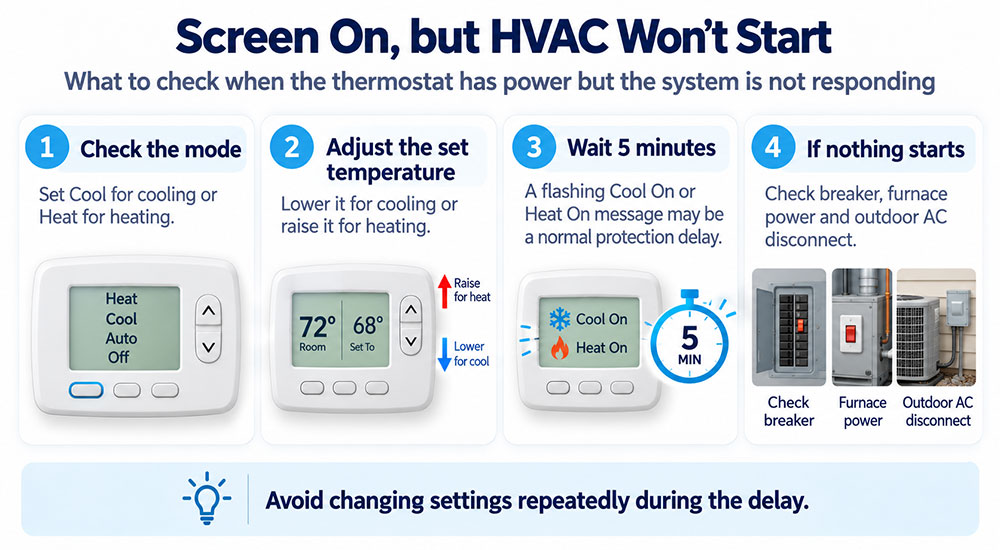
If the thermostat is in Off mode or the set temperature is not calling for heating or cooling, the HVAC system will not start.
A Honeywell thermostat flashing Cool On message does not always mean the air conditioner is broken. Many thermostats use a built-in compressor protection delay. This delay is commonly around 5 minutes and helps protect HVAC equipment from short-cycling after a power interruption, mode change or recent cooling cycle.
Repeatedly changing the temperature during the delay can make troubleshooting harder. Wait for the delay period to finish before assuming the system has failed.
If the thermostat clicks or shows Heat On or Cool On but the equipment does not run after the delay, the issue may be outside the thermostat. Possible causes include a tripped breaker, furnace lockout, outdoor AC disconnect, clogged drain safety switch, failed transformer, blown low-voltage fuse or HVAC equipment problem.
If the thermostat appears to be calling correctly but the HVAC system does not respond, professional service may be needed.
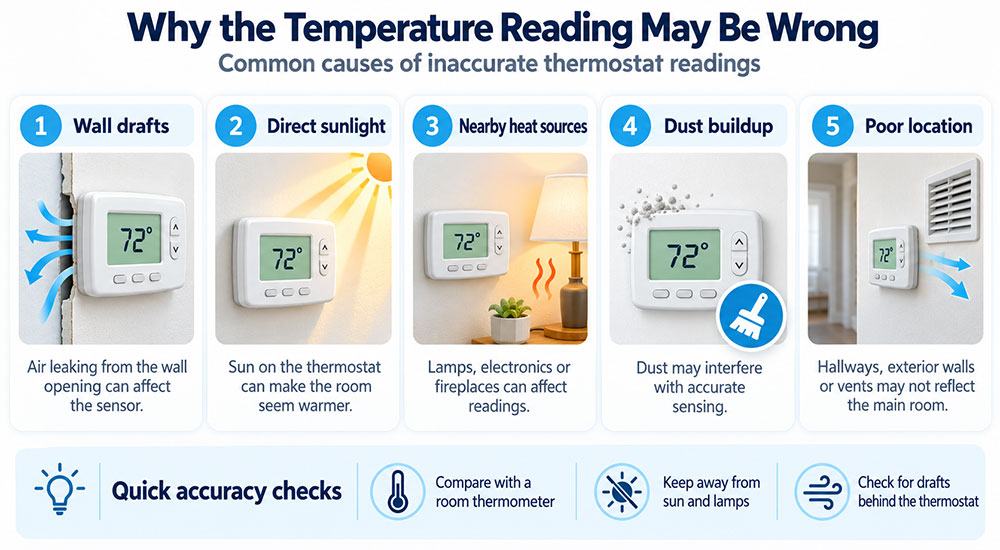
If the thermostat powers on and controls the system but the temperature reading seems wrong, the problem may be the thermostat location, airflow around the wall opening or dirt inside the thermostat.
If your thermostat supports calibration or temperature offset settings, review your model manual before changing those values.
Troubleshooting should come before replacement, especially when the issue could be batteries, HVAC power or a normal compressor delay. However, replacement may make sense if the thermostat display fails repeatedly, buttons no longer respond, the unit loses settings, the screen is damaged or the thermostat is not compatible with your current HVAC system.
Before replacing the thermostat, confirm whether your system needs a C-wire, adapter or specific compatibility requirements.
Call a professional if the thermostat is blank after battery replacement and power checks, if the breaker trips repeatedly, if the furnace door switch or access panel appears damaged, if wires are loose or damaged, or if the HVAC system does not respond after the thermostat calls for heating or cooling.
Professional help is also recommended if you recently replaced the thermostat and the system now heats when it should cool, cools when it should heat, fan operation is incorrect or your heat pump settings may be configured wrong.
Many battery-powered thermostats should have batteries replaced about once per year, or whenever a low battery warning appears. Use fresh AA or AAA alkaline batteries as required by your model, and do not mix old and new batteries.
The batteries may be installed backward, the thermostat may not be seated correctly on the wall plate, or the HVAC system may not be supplying power. Check the breaker, furnace switch, furnace door safety switch and any required C-wire connection.
Not usually. A Honeywell thermostat flashing Cool On often means the thermostat is waiting through a built-in compressor protection delay. Wait about 5 minutes. If the AC still does not start, check power to the HVAC system and outdoor unit.
The thermostat may be calling for heat, but the furnace may not have power or may be in a safety lockout. Check the breaker, furnace switch, access panel, filter and furnace door safety switch. If the furnace still does not start, call an HVAC professional.
A furnace door safety switch helps prevent the furnace from operating when the access panel is open. If the door is loose or not fully seated, the switch may cut power to the HVAC control board and cause the thermostat screen to go blank.
Fast battery drain may happen if the thermostat is working harder than normal, batteries are low quality, the thermostat is not receiving system power when expected or the unit is aging. Use fresh alkaline batteries and check whether your model requires a C-wire.
Yes. If the HVAC system loses power, a hardwired thermostat may also lose its 24V power source. Check the breaker panel, furnace switch and air handler power before assuming the thermostat has failed.
Incorrect readings may be caused by direct sunlight, wall drafts, nearby heat sources, dust, poor thermostat location or a sensor issue. Compare the reading with a separate thermometer and check for airflow behind the thermostat.
A reset may help with schedule or software issues, but it will not fix dead batteries, no HVAC power, a tripped breaker, wiring problems or equipment failure. Start with power, battery and mode checks before resetting.
Consider replacement if the screen stays blank after confirmed power and fresh batteries, the controls stop responding, the thermostat loses settings repeatedly, the display is damaged or the thermostat is not compatible with your HVAC system.
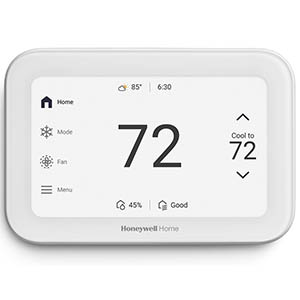
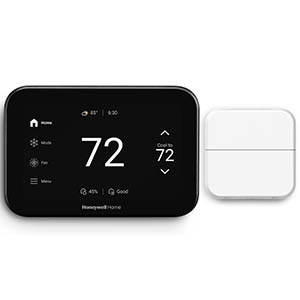
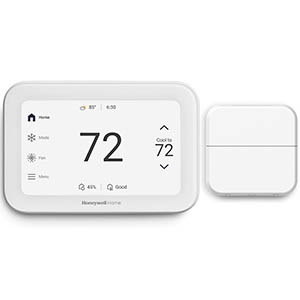
Explore related support articles and resources for this topic.
Find Honeywell thermostat support for choosing the right model, installation, wiring, programming, troubleshooting, battery replacement, resets and everyday use.
Contact options may differ depending on the type of help you need.