



Thermostat Guides and Support
Find Honeywell thermostat support for choosing the right model, installation, wiring, programming, troubleshooting, battery replacement, resets and everyday use.
Related Topics:
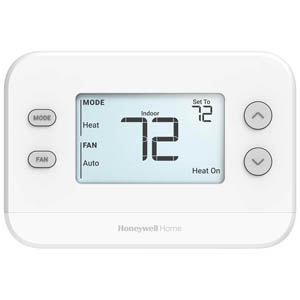
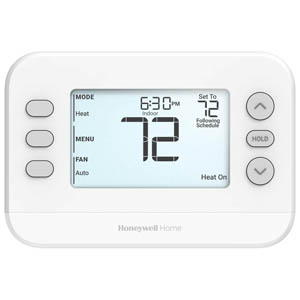

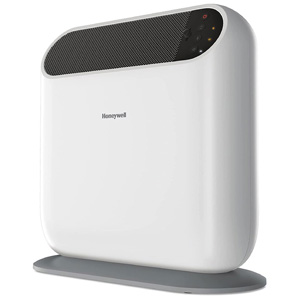

Find helpful Honeywell thermostat support topics for choosing, installing, wiring, programming, resetting and troubleshooting your thermostat.
Honeywell thermostats are designed to help homeowners manage indoor comfort, improve temperature control and support more efficient heating and cooling. Whether you are replacing an older thermostat, installing a smart thermostat, checking wiring compatibility or trying to solve a common issue, the right support topic can help you get started with confidence.
Use this Honeywell thermostat support guide as a starting point. Each section below summarizes an important thermostat topic and links to a more detailed guide for step-by-step help.
If you are installing a new thermostat or replacing an older wall unit, start by confirming system compatibility, turning off HVAC power, labeling the existing wires and mounting the new wall plate correctly.
These guides are helpful for homeowners who want to understand the basic installation process, avoid common wiring mistakes and know when professional installation may be recommended.
Thermostat wiring is one of the most important parts of a successful installation. Wire colors can be helpful, but the terminal letters on the old thermostat are the safer guide. Common terminals include R, Rc, Rh, W, Y, G, C and O/B.
Before replacing a thermostat, check whether your system is conventional, heat pump, multi-stage or another HVAC setup. Smart thermostats may also require a C-wire or compatible power adapter.
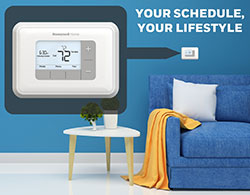
Programmable and smart thermostats can help manage comfort throughout the day by using scheduled temperature periods such as Wake, Leave, Return and Sleep. Understanding temporary hold, permanent hold and run schedule settings can help prevent unwanted temperature changes.
If your thermostat keeps changing temperature, is stuck on Hold or is not following the expected schedule, the programming guide is a good place to start.
A Honeywell smart thermostat can add Wi-Fi connectivity, app-based temperature control, smart home compatibility, geofencing and energy-use insights. These features can make it easier to adjust temperatures from anywhere and manage comfort around your actual routine.
Smart thermostats may also support room sensors, remote scheduling and voice assistant control depending on the model and connected home setup.
If your thermostat is not responding, showing a blank screen, flashing Cool On, failing to follow a schedule or connected to an old Wi-Fi network, a reset or troubleshooting guide can help you identify the issue.
Not every issue requires a factory reset. In many cases, the fix may be a schedule reset, Wi-Fi reset, battery replacement, breaker check or furnace door safety switch check.
Choosing the right thermostat starts with your HVAC system and how much control you want over your home comfort. Some homeowners prefer a simple non-programmable thermostat for basic temperature control, while others want programmable schedules or smart thermostat features.
Non-programmable thermostats are a good option for simple manual temperature control. They are often easier to use and may be preferred for households that do not need scheduled temperature changes.
Programmable thermostats allow you to set heating and cooling schedules for different times of day. They are useful if your routine is consistent and you want the thermostat to adjust automatically.
Smart thermostats add Wi-Fi, app control and connected features. They may allow you to adjust temperatures remotely, create flexible schedules and use smart home integrations.
Before buying or installing a Honeywell thermostat, confirm that the thermostat is compatible with your HVAC system. Compatibility can depend on voltage, wiring, system type and whether your setup requires a common wire.
If your wiring is unclear, your system is high voltage or your HVAC equipment does not match the thermostat instructions, contact a licensed HVAC professional.
A blank screen may be caused by dead batteries, a loose thermostat faceplate, a tripped HVAC breaker, an open furnace door safety switch, a C-wire power issue or a problem with the HVAC control board.
A flashing Cool On message often means the thermostat is waiting through a built-in compressor protection delay. This delay is commonly around five minutes and helps protect cooling equipment from short cycling.
Many smart thermostats need a C-wire or compatible adapter for continuous power. If your current thermostat does not have a C-wire, you may still be able to upgrade using a supported adapter or alternate installation method.
A reset may help with schedule, Wi-Fi or software issues, but it will not fix dead batteries, no HVAC power, wiring problems or equipment failure. Start with basic power and battery checks before performing a factory reset.
The best support path depends on what you are trying to do. If you are replacing a thermostat, start with installation and wiring. If your thermostat is already installed but not behaving correctly, start with programming, reset or troubleshooting help.
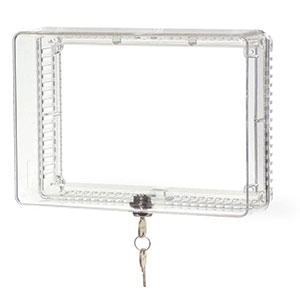
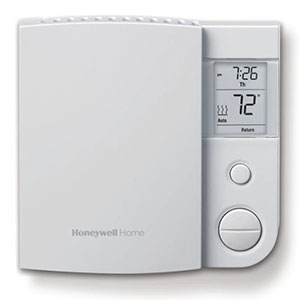
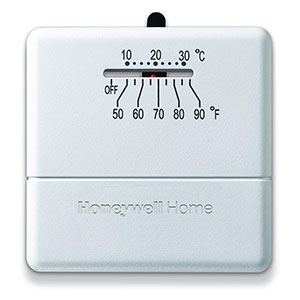
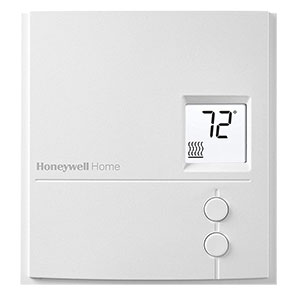
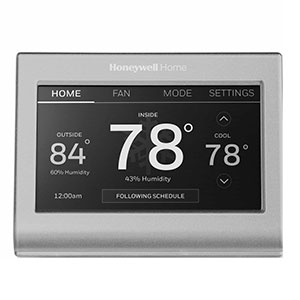
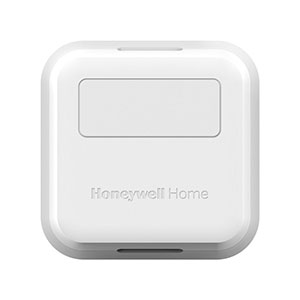
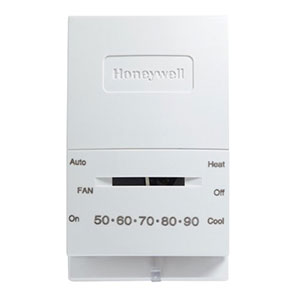
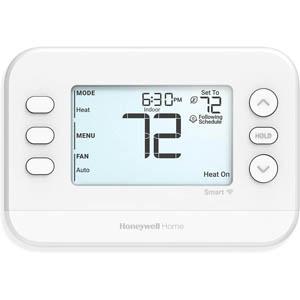
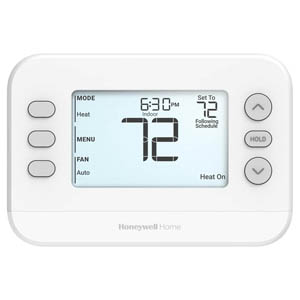
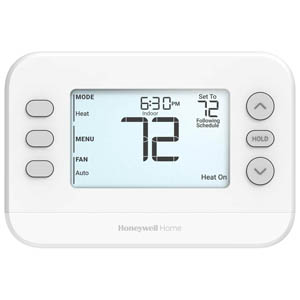
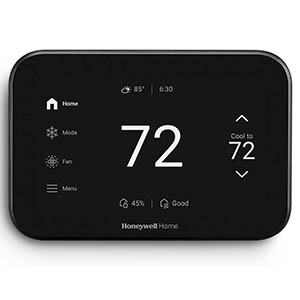
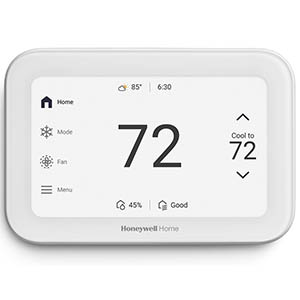
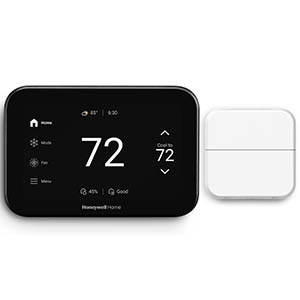
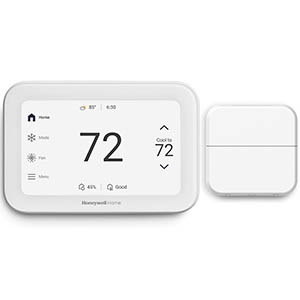
Explore related support articles and resources for this topic.
Find Honeywell thermostat support for choosing the right model, installation, wiring, programming, troubleshooting, battery replacement, resets and everyday use.
Contact options may differ depending on the type of help you need.