
Honeywell Air Purifier Filter Light Guide: Meaning, Reset & First Use Setup
Learn why your Honeywell air purifier red light is on, what each indicator means, how to resolve first use warnings, and how to turn off the check filter light.
Honeywell Air Purifier Indicator Lights Meaning
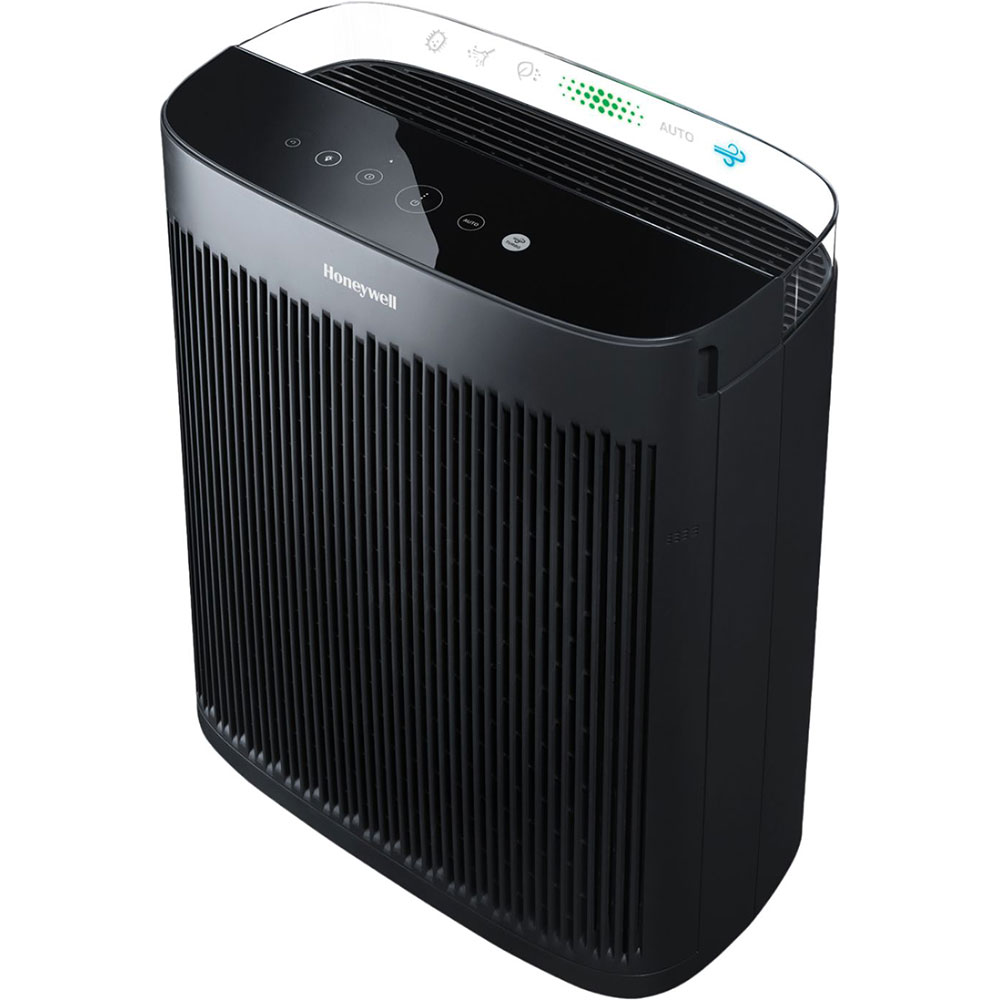
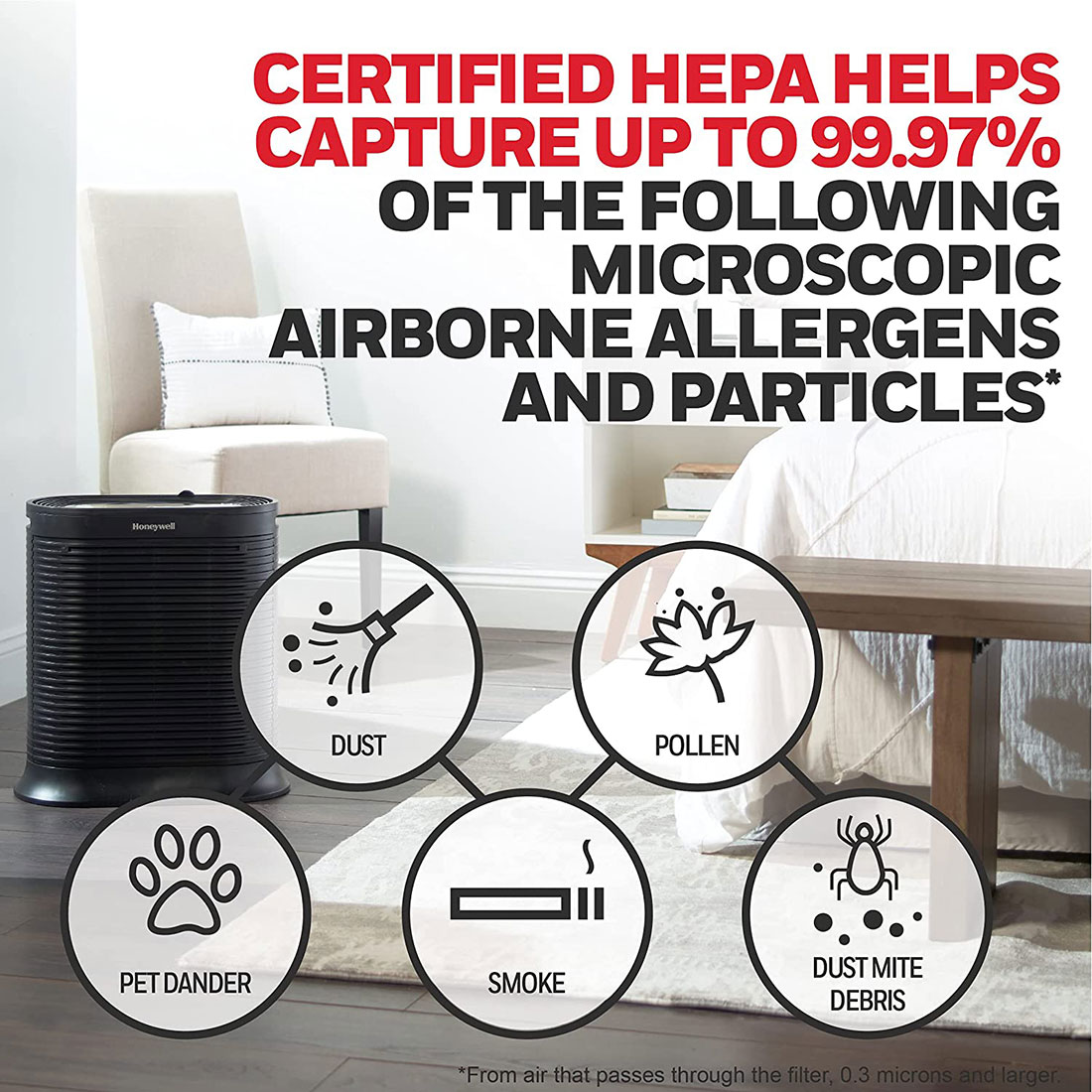
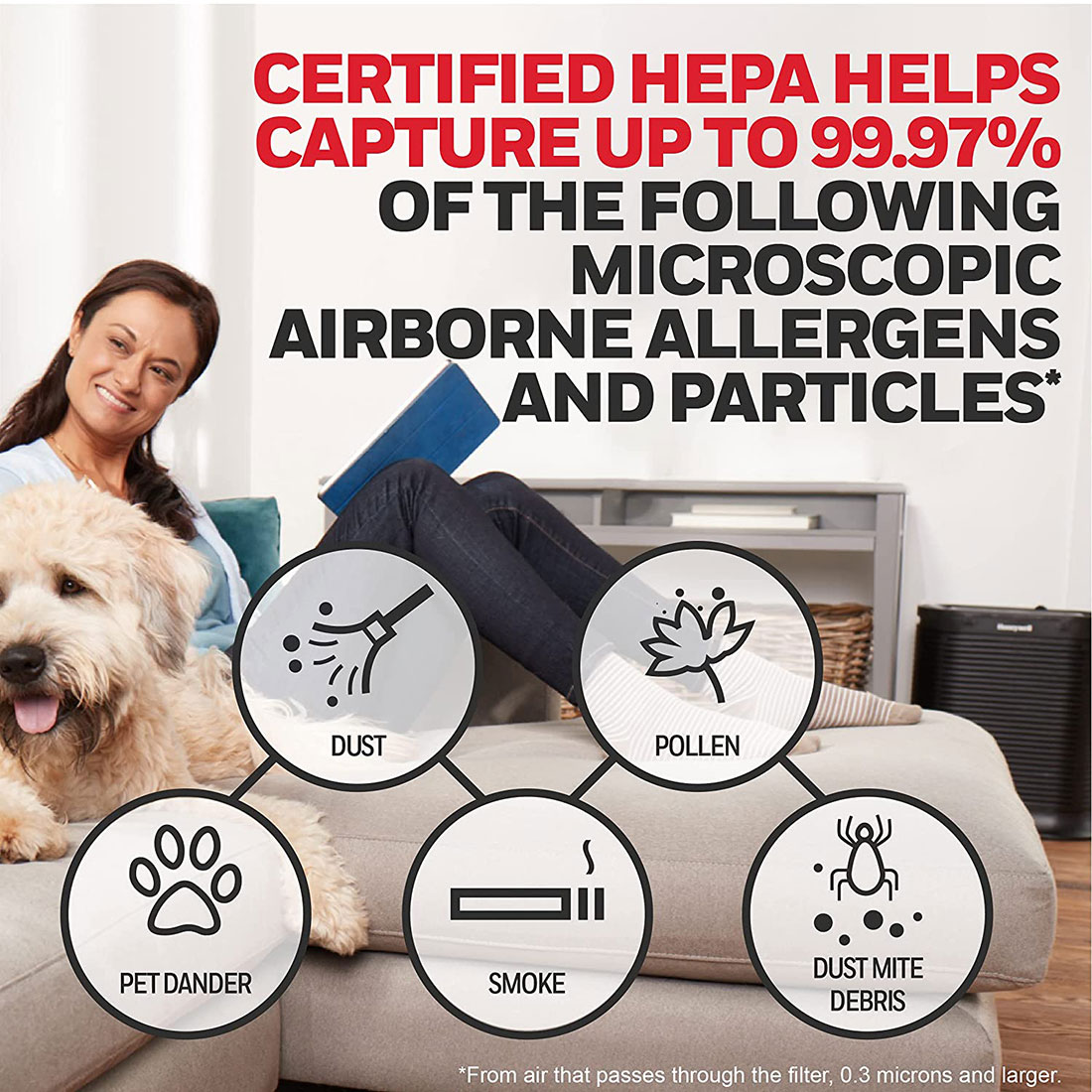
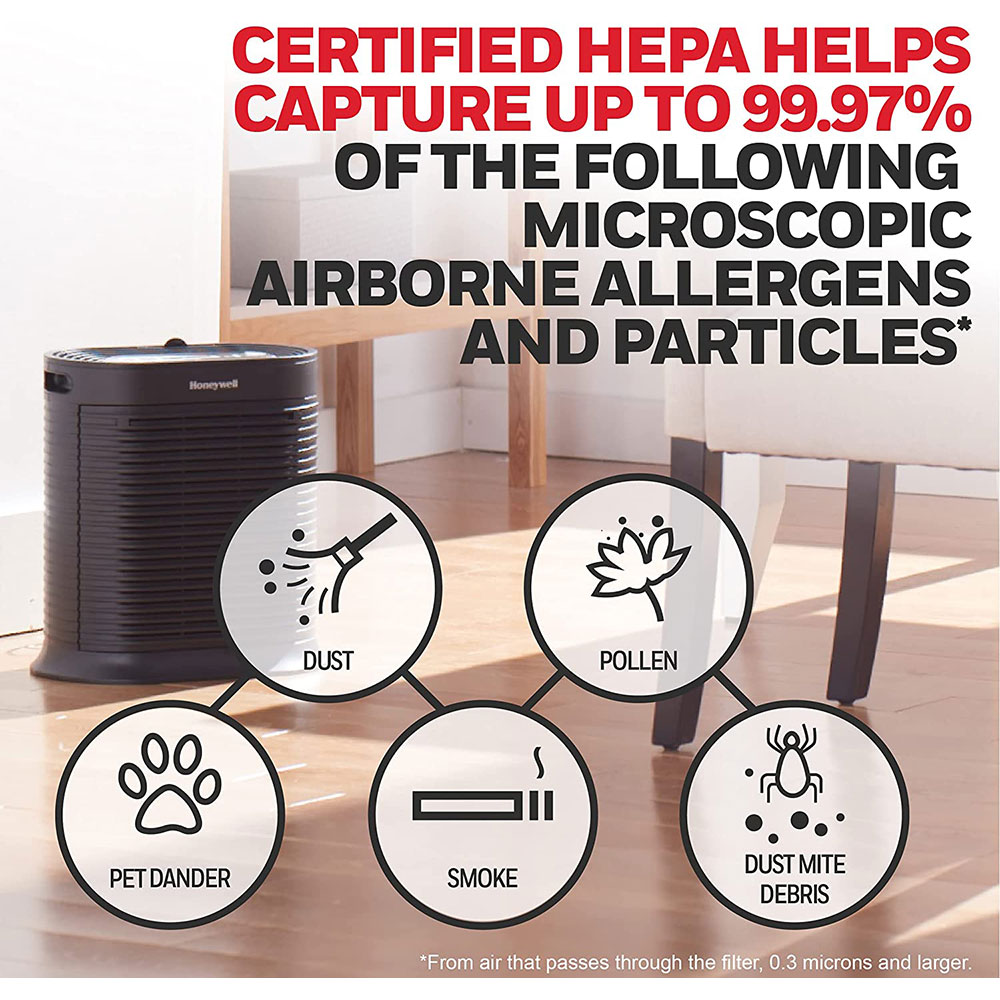
Honeywell HEPA Air Purifiers capture up to 99.97% of microscopic airborne particles, including dust, smoke, pollen, and pet dander. To maintain high Clean Air Delivery Rates (CADR) and safeguard motor efficiency, each unit utilizes built-in electronic filter monitoring lights on the control console.
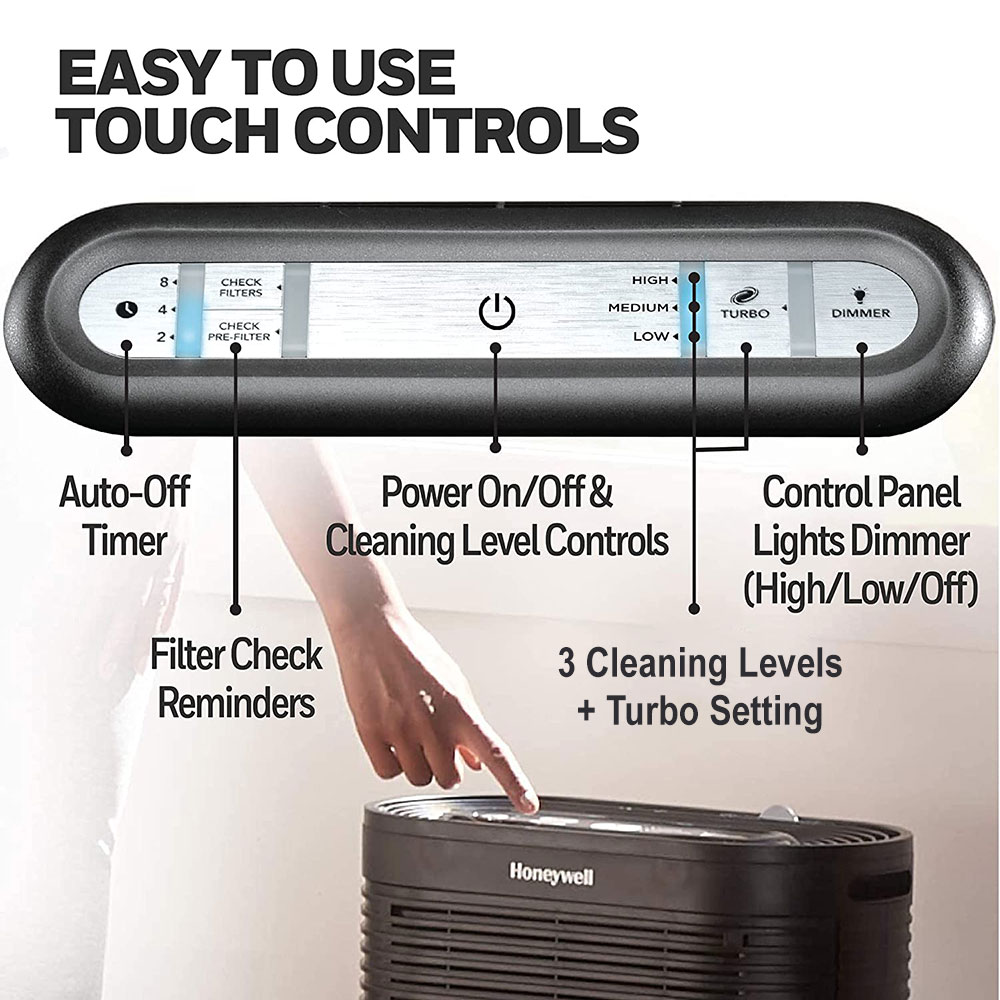
Honeywell consoles communicate filter wear and real-time indoor air conditions through dedicated LED alerts. Learning the meaning of each light ensures your indoor air remains clean without premature filter replacements:
Solid Red "Check Pre-Filter"
Signals that your activated carbon pre-filter has reached its typical 3-month lifespan (approx. 2,160 operating hours) and requires inspection, vacuuming, or replacement.
Solid Red "Check HEPA"
Alerts you that the primary True HEPA filter has completed its 12-month runtime cycle (approx. 8,400 operating hours) and is due for a replacement.
Flashing Red / Amber Light
Indicates the front intake panel is loose or slightly ajar, the safety interlock switch has disengaged, or internal filters are misaligned.
Air Quality Display Bar
Found on InSight and auto-sensing models. Blue signals good air, amber indicates moderate particulate levels, and red reflects poor indoor air quality.
Why Is My Honeywell Air Purifier Red Light On?
A solid red light is not an error code or system malfunction. It is an automated reminder signaling that one or both of your filters have passed their recommended operating hours.
- Carbon Pre-Filter Exhaustion: The activated carbon layer captures larger debris, pet hair, and household odors. After approximately 3 months of continuous runtime, the internal microprocessor triggers the Pre-Filter notification.
- HEPA Filter Saturation: The True HEPA filter traps microscopic allergens down to 0.3 microns. After roughly 12 months of cumulative runtime, the HEPA reminder turns solid red.
- Manual Reset Required: Replacing or cleaning your filter media does not turn off the red light automatically. The internal timer requires a manual reset on the control panel to turn off the red LED.
If both the Pre-Filter and HEPA indicators glow red simultaneously, both filters have completed their respective runtime cycles and must be serviced and reset independently.
Honeywell Air Purifier Check Filter Light First Use
Seeing a check filter warning the first time you plug in your new air purifier is a common issue that is usually resolved in a couple of steps.
First-use alerts typically happen because factory circuit testing leaves the timer primed upon initial plug-in, or because sealed plastic packaging restricts internal air intake. To resolve this, unplug the machine, remove the front grille, discard all clear filter bags, re-seat the filters, snap the grille firmly shut, and complete the manual reset steps below.
How to Reset Filter Light on Honeywell Air Purifier
After inspecting, cleaning, or replacing your filter media, the internal electronic timer must be cleared manually. Use the instructions below to turn off the check filter light on your console.
Standard HPA Console Series (HPA090, HPA100, HPA200, HPA300)
- Plug the air purifier into a wall outlet and press the power button to turn the unit on.
- Locate the illuminated red indicator: "Check Pre-Filter" or "Check Filter" (HEPA).
- Press and hold down the illuminated button firmly for 3 to 5 seconds.
- Release the button once you hear an audible beep and the red light shuts off.
- If both lights are illuminated red, repeat the 3-to-5-second hold on each button separately.
Honeywell InSight™ Series (HPA080, HPA180, HPA280, HPA5300)
- Ensure the air purifier is powered on.
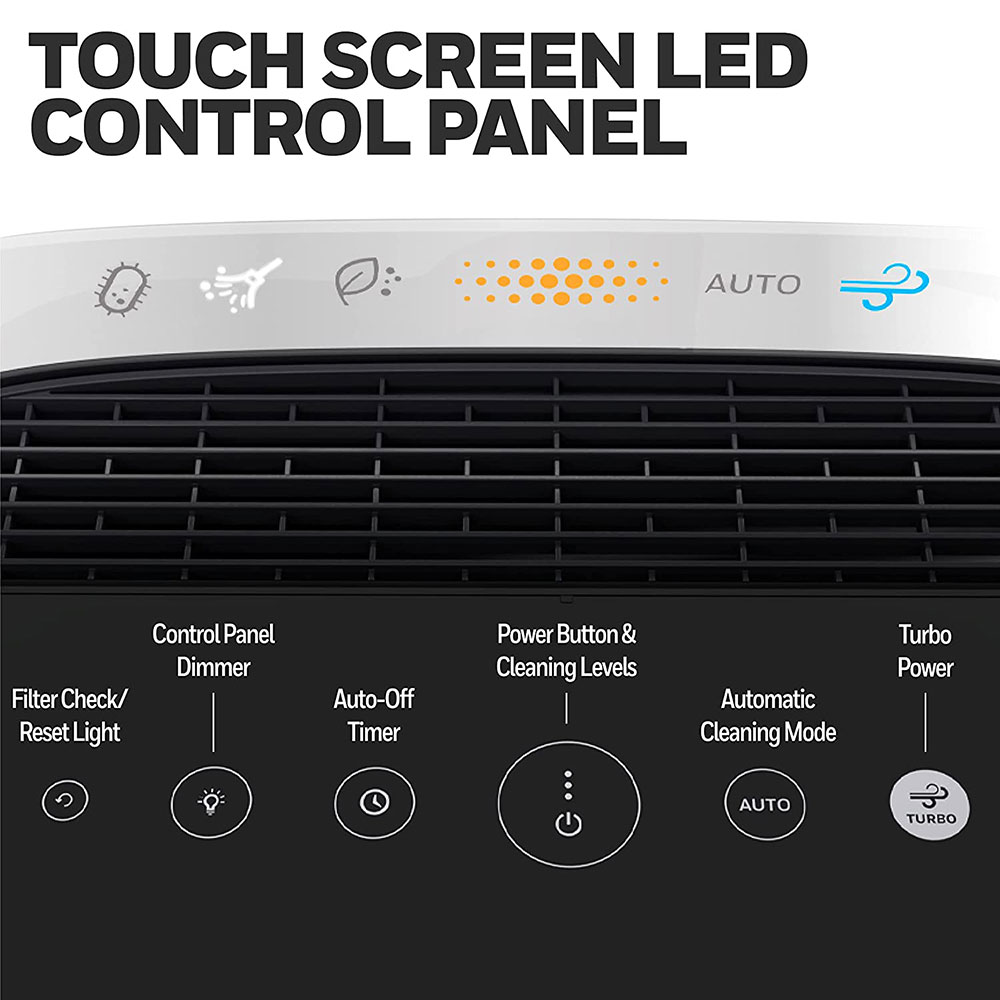
- Locate the illuminated Filter Reset icon on the digital touch panel.
- Touch and hold the Filter Reset icon for 3 seconds.
- Listen for the confirmation chime as the indicator ring powers down, resetting the tracker.
Maintaining Proper Air Purifier Filtration
Resetting your filter indicators on schedule ensures your Honeywell air purifier delivers continuous particle capture without placing extra drag on the fan motor. For clean indoor air, check the black carbon pre-filter every 30 days, replace it every 3 months, and install fresh certified True HEPA filters every 12 months.
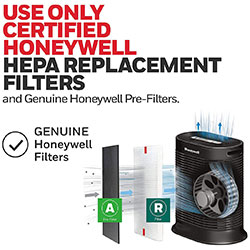
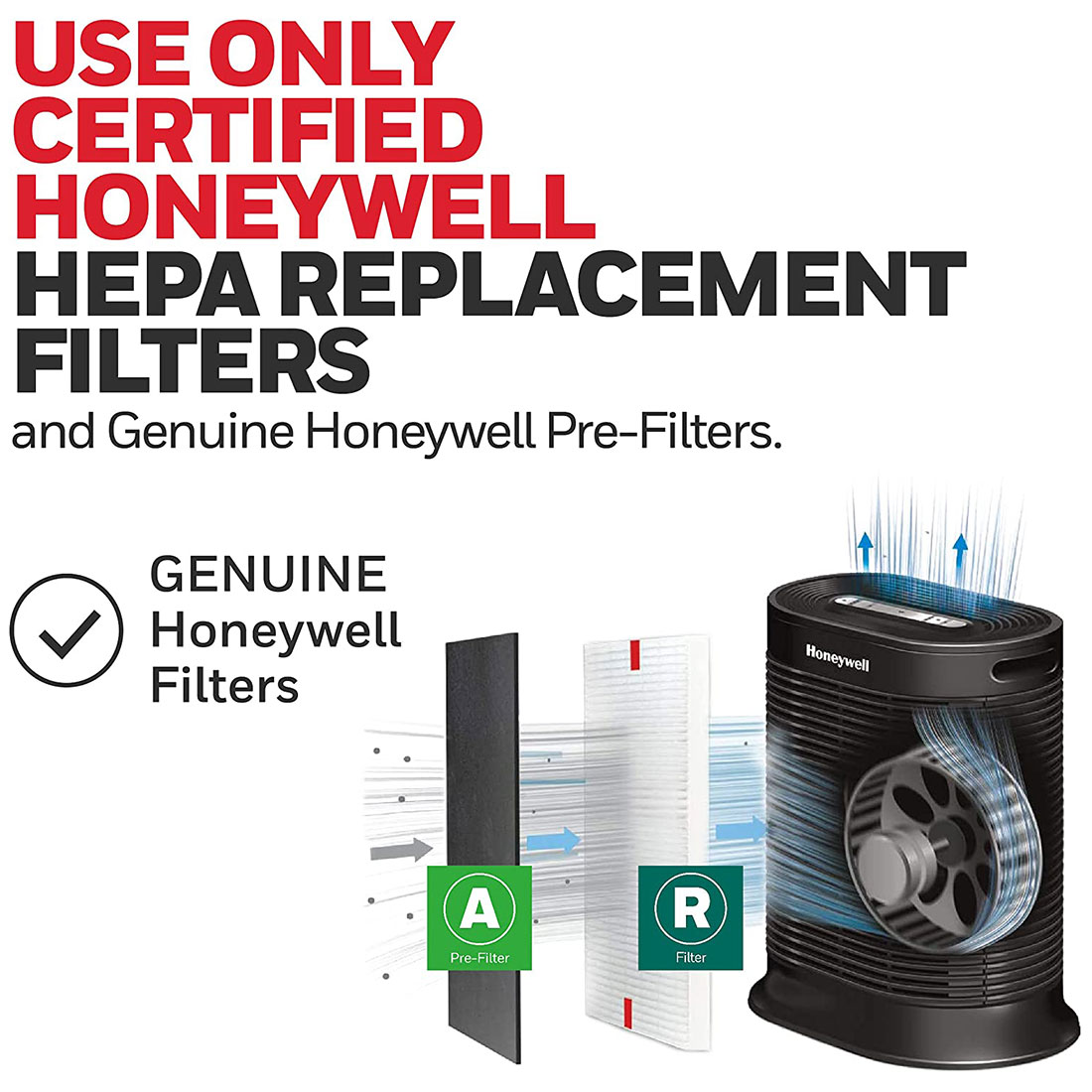
To maintain peak airflow and CADR performance, always use certified genuine filters engineered for your specific model. Explore the full selection of Honeywell Air Purifiers and genuine replacement parts directly at the Honeywell Store.
Frequently Asked Questions
Why won't my Honeywell filter light turn off after holding the button?
The purifier must be powered on (not in standby mode) while pressing the reset button. Apply firm, continuous pressure to the illuminated button for a full 5 seconds without letting go. If the light stays on, unplug the unit for 60 seconds to discharge the circuit board, plug it back in, turn it on, and hold the button again.
Can I wash and reuse my Honeywell HEPA filters instead of replacing them?
No. Standard Honeywell Type R True HEPA filters are made from delicate dry fibrous paper media and cannot be washed. Water disrupts the microscopic fiber mesh and destroys filtration performance. You may lightly vacuum loose dust off carbon pre-filters, but True HEPA filters must be replaced when exhausted.
Does the check filter light mean my filter is completely clogged?
Not necessarily. Honeywell filter reminder lights operate on an internal run-time counter (approximately 2,160 hours for pre-filters and 8,400 hours for HEPA filters) rather than an airflow restriction sensor. The light serves as an automated reminder to inspect filter condition based on operating hours.
Why is the air quality light on my Honeywell InSight purifier staying red?
The air quality light reflects live particle and VOC levels detected by the onboard air sensor. If it stays red, higher concentrations of airborne dust, cooking fumes, smoke, or pet dander are present. Run the unit on Turbo mode and check that the optical sensor opening on the side or back of the unit is free of dust buildup.
Related Products
Honeywell Store Past News Articles
Browse the latest Honeywell Store news, product updates, buying guides, safety tips, promotions, and store announcements.
Honeywell Space Heater Guide: How to Pick the Best Heater for Any Room
Honeywell Air Purifier Filter Light Guide: Meaning, Reset & First Use Setup
Honeywell Lamps Guide: Smart Desk, Table & Floor Lighting for Home and Office
Honeywell Air Purifier Filter Replacement Guide: Models, Sizing & Reset
Honeywell Home X8S Smart Thermostat: Redefining Connected Climate Control
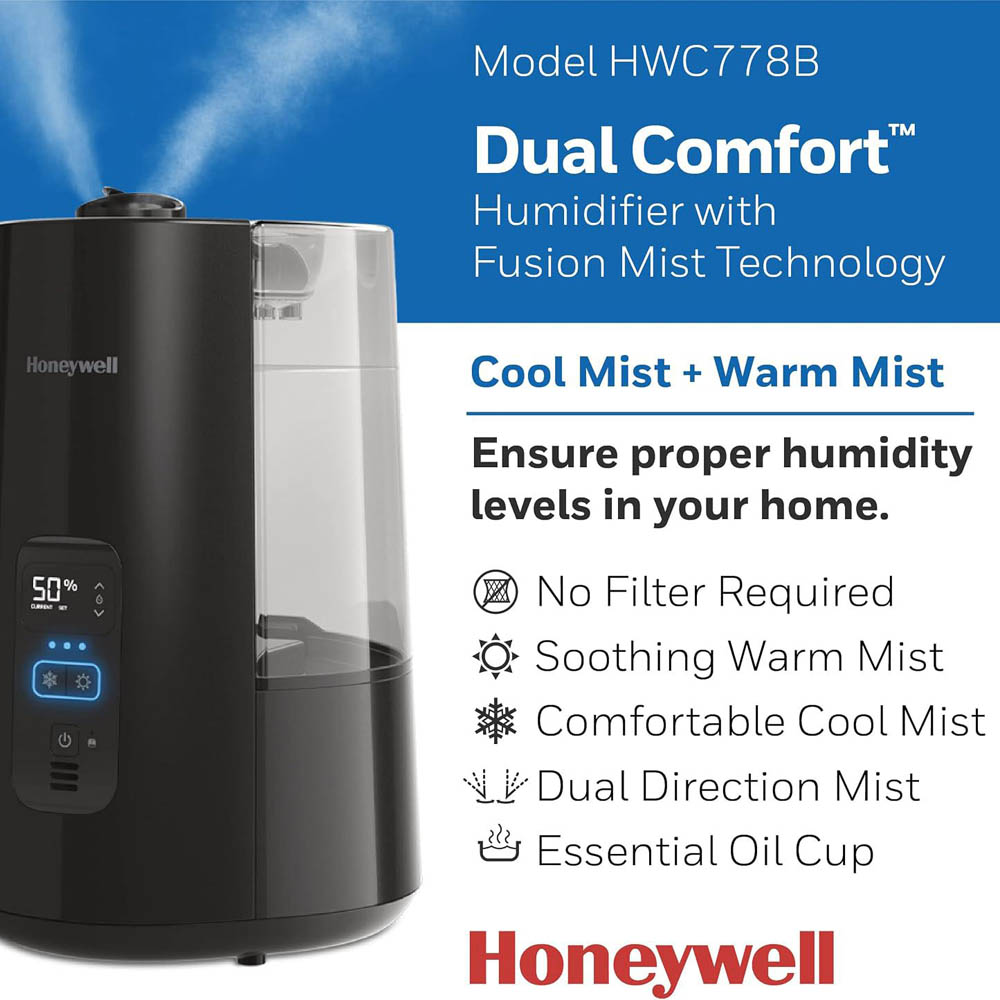
Honeywell HWC778 Cool & Warm Mist Humidifier Review
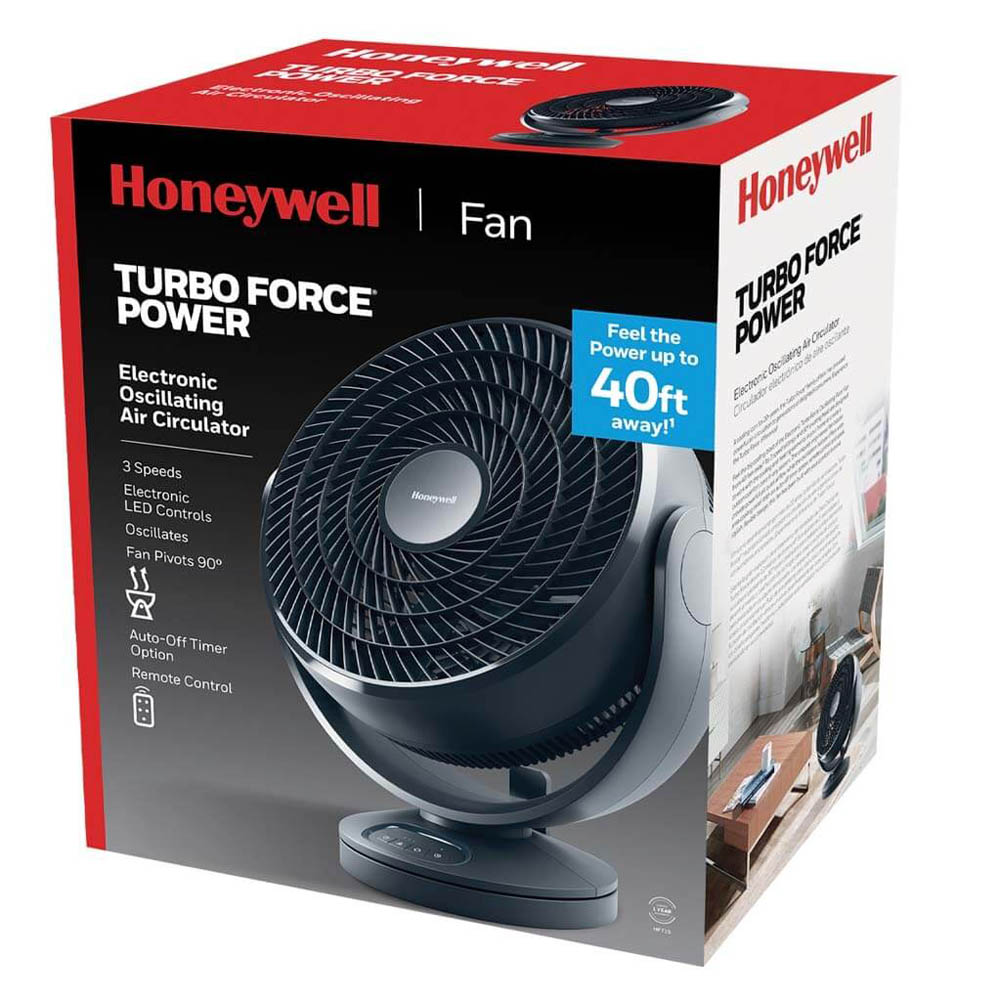
Honeywell TurboForce HF715: Heavy-Duty Whole-Room Air Circulation for Large Spaces
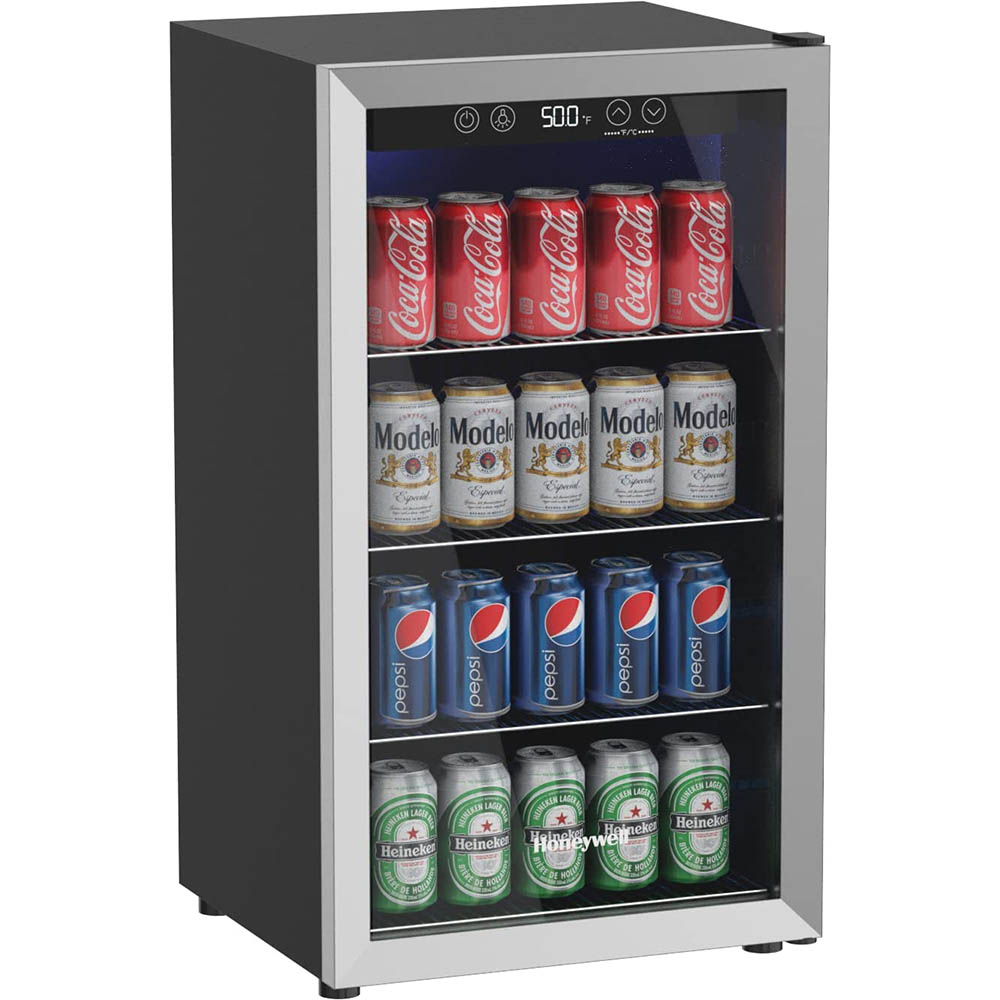
Honeywell Can Cooler: Ice-Cold Drinks Made Easy
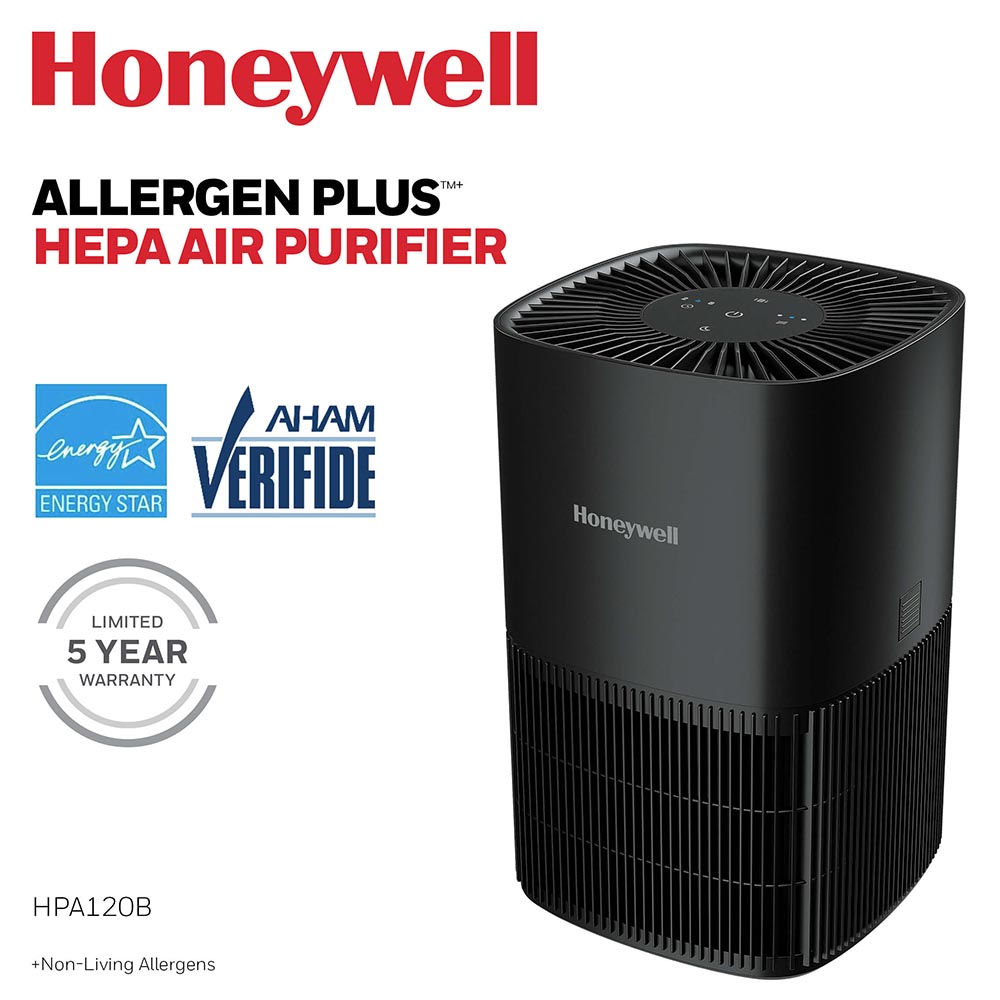
Breathe easier with the Honeywell HPA120W and HPA120B
Finding the Right Ceiling Fan for Any Room
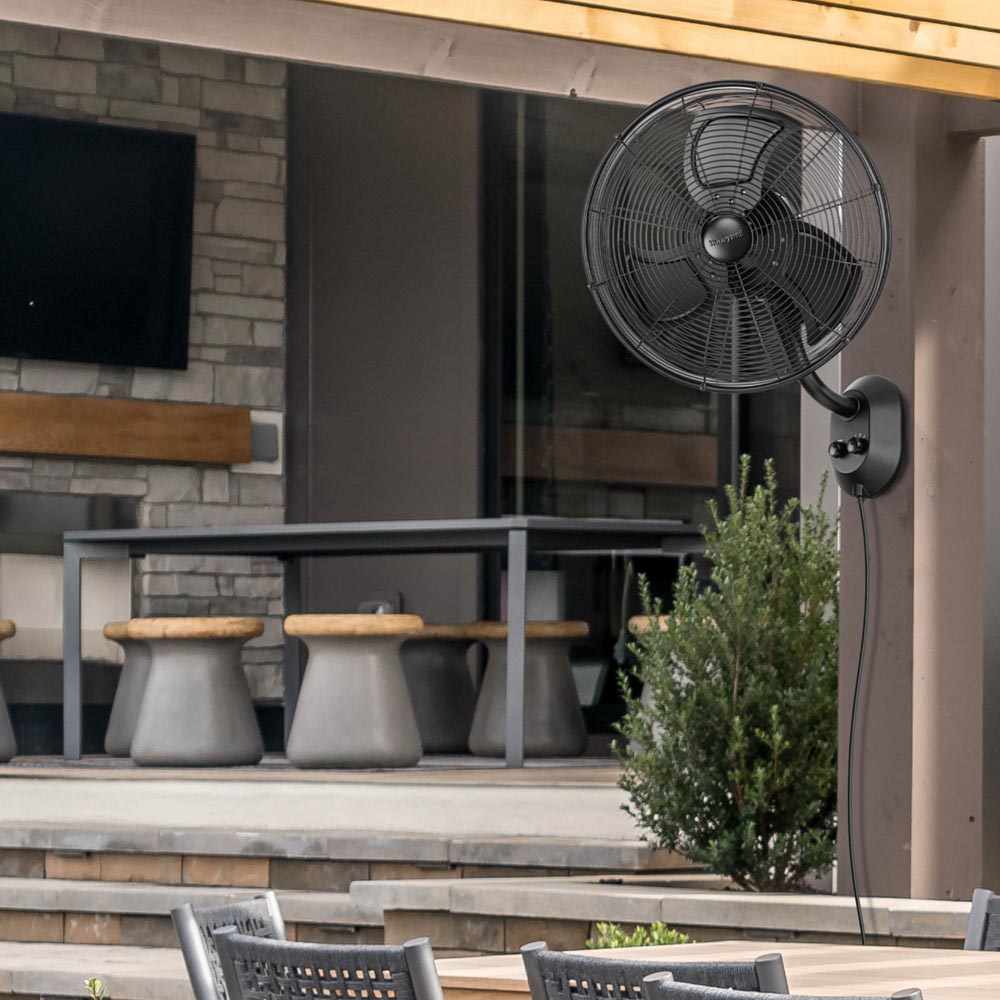
Beat the Summer Heat with Honeywell Fans
Optimize Your Indoor Air Quality: Honeywell Filters vs. Allergy Season
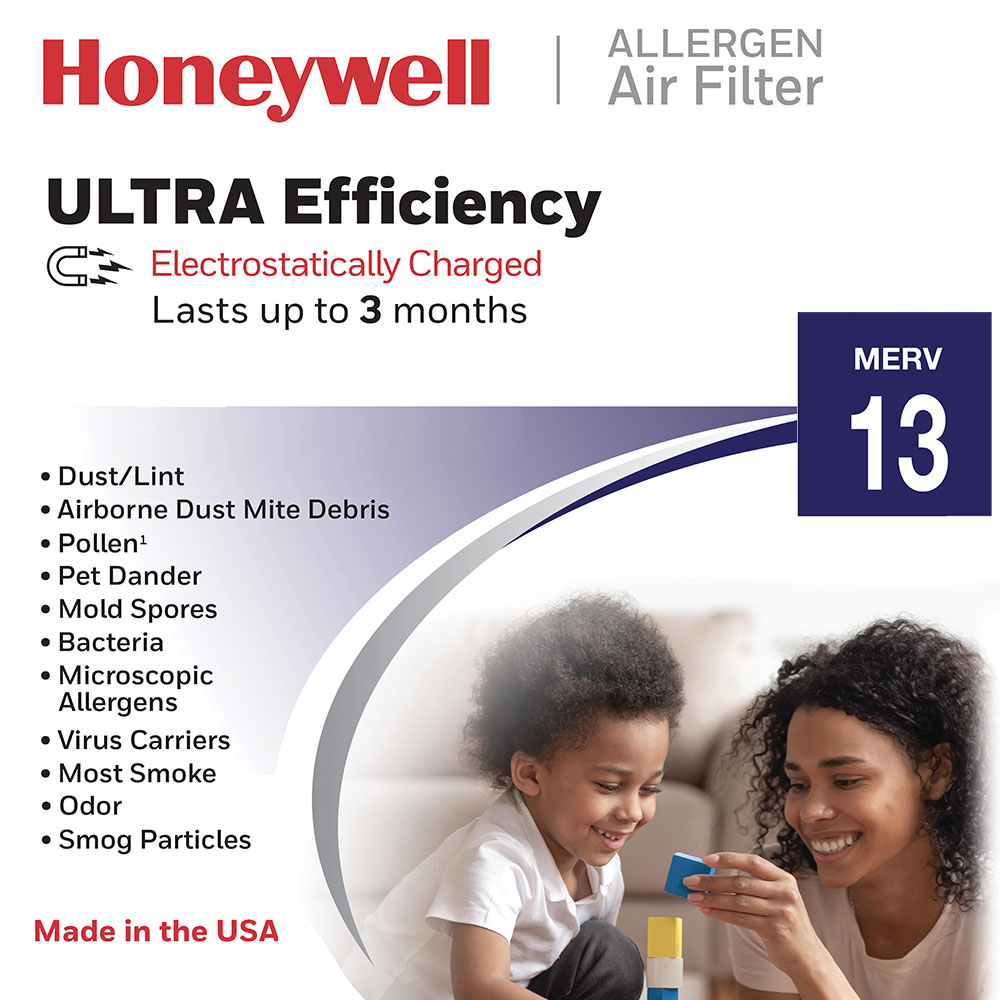
The Breath of Fresh Air: Improving Air Quality During Allergy Season with Air Purifiers and Filters
Home Climate Control with Honeywell Heaters & Thermostats
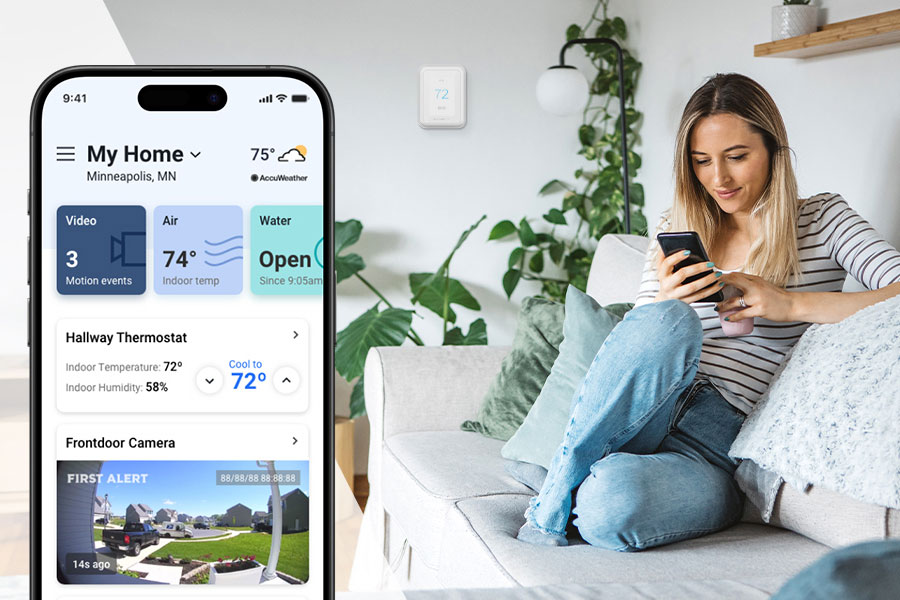
Honeywell Smart Thermostats for Modern Comfort and App-Based Control
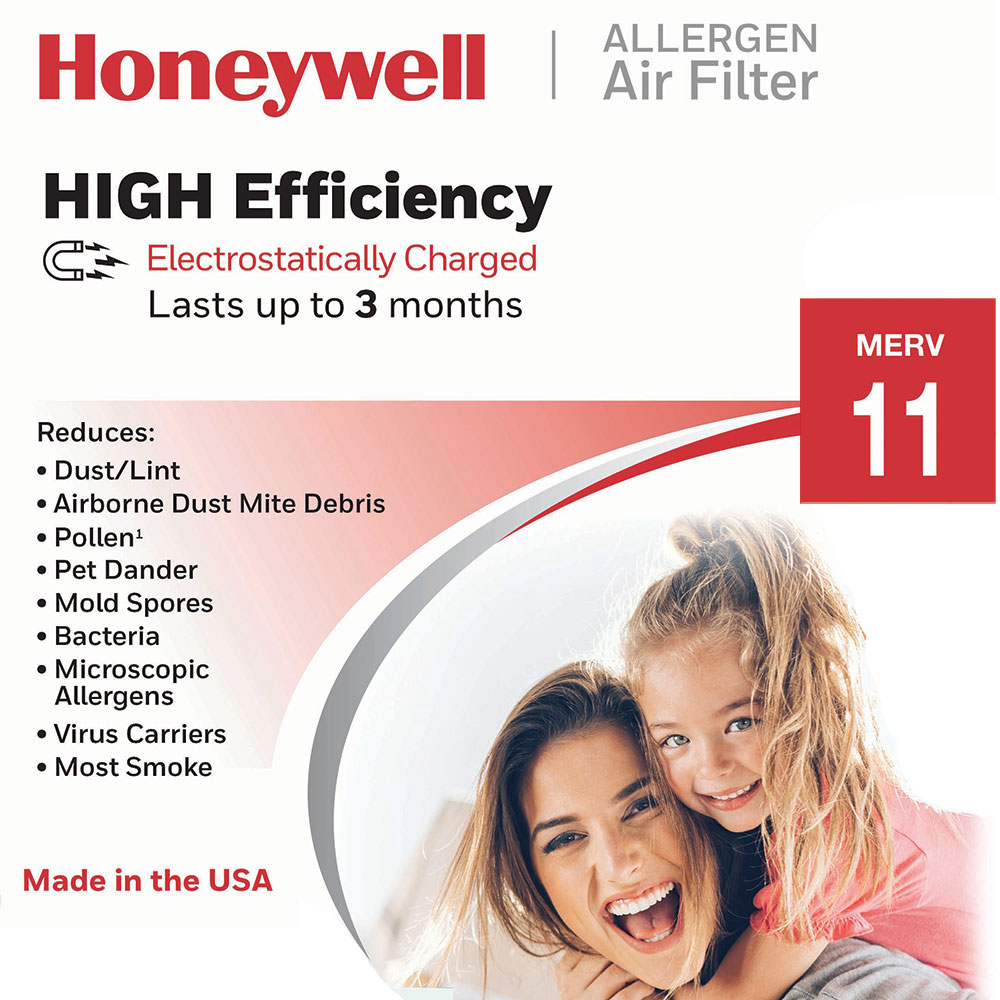
Heating Efficiency with Honeywell Furnace Filters this Winter
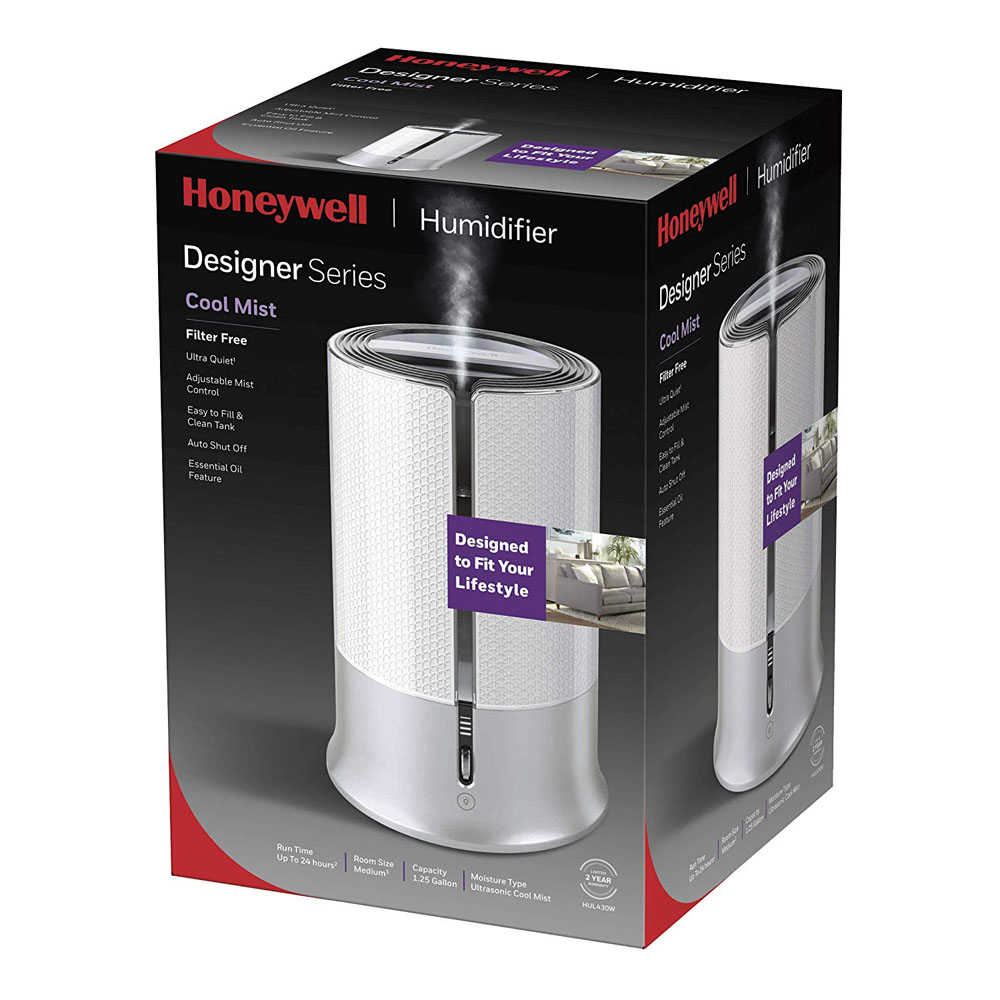
Balancing Indoor Humidity with Honeywell Technology
Smart Home Connectivity with the Honeywell X8S Smart Thermostat
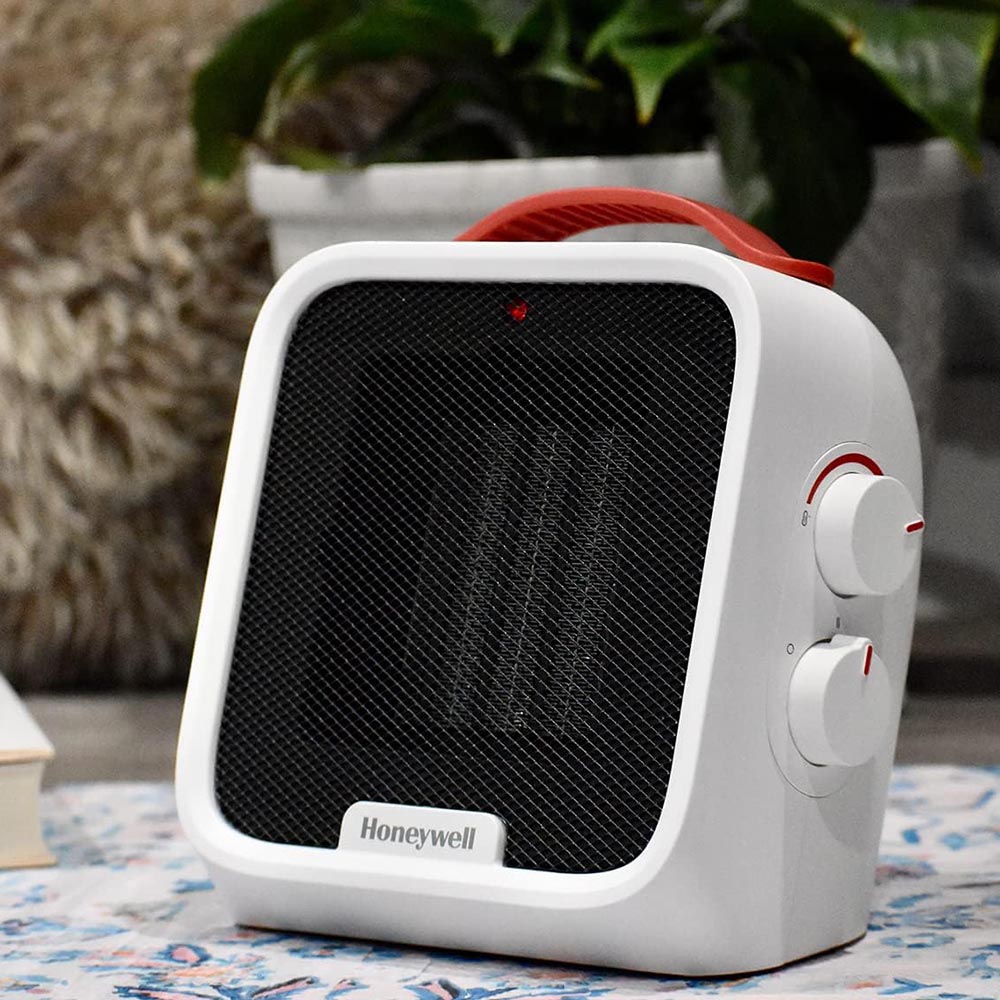
Honeywell Heaters: Safety, Efficiency, and Warmth for Winter
Preparing Your Home for Fall: Essential Honeywell Products
A Guide to Honeywell's Most Popular Smart Lamps
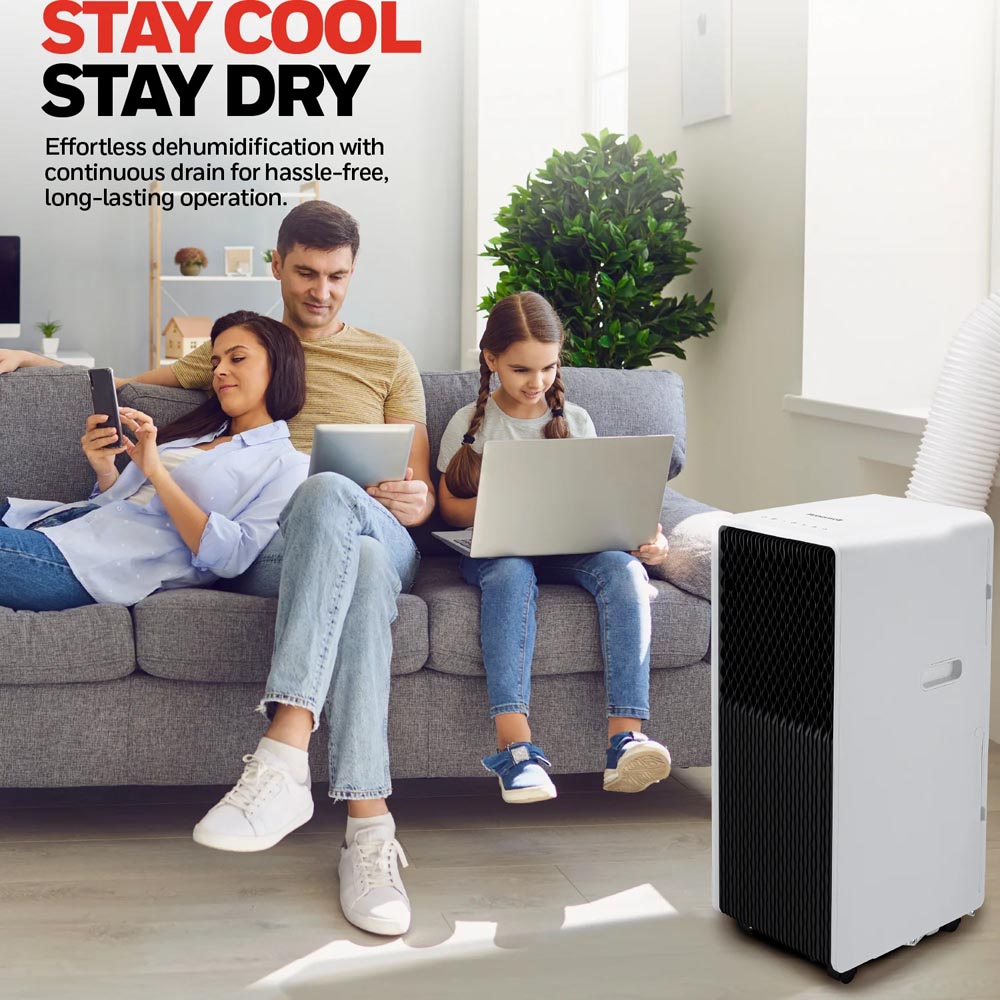
Experience Total Comfort, No Matter the Space: The Honeywell Slim & Small Portable Air Conditioner
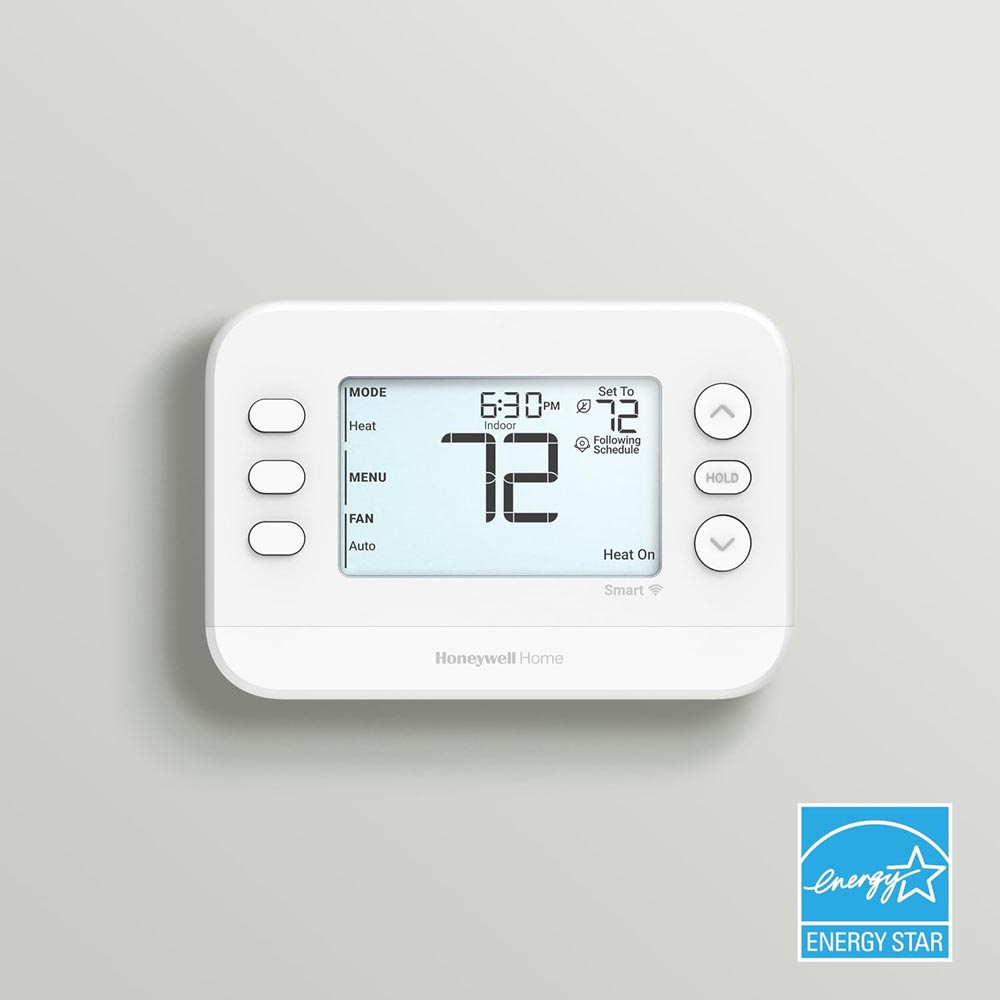
Why the Honeywell Home X2S Smart Thermostat Outshines Standard Models
Stay Cool and Save with Honeywell Ceiling Fans

Guaranteed Performance and Perfect Fit with Honeywell Filters
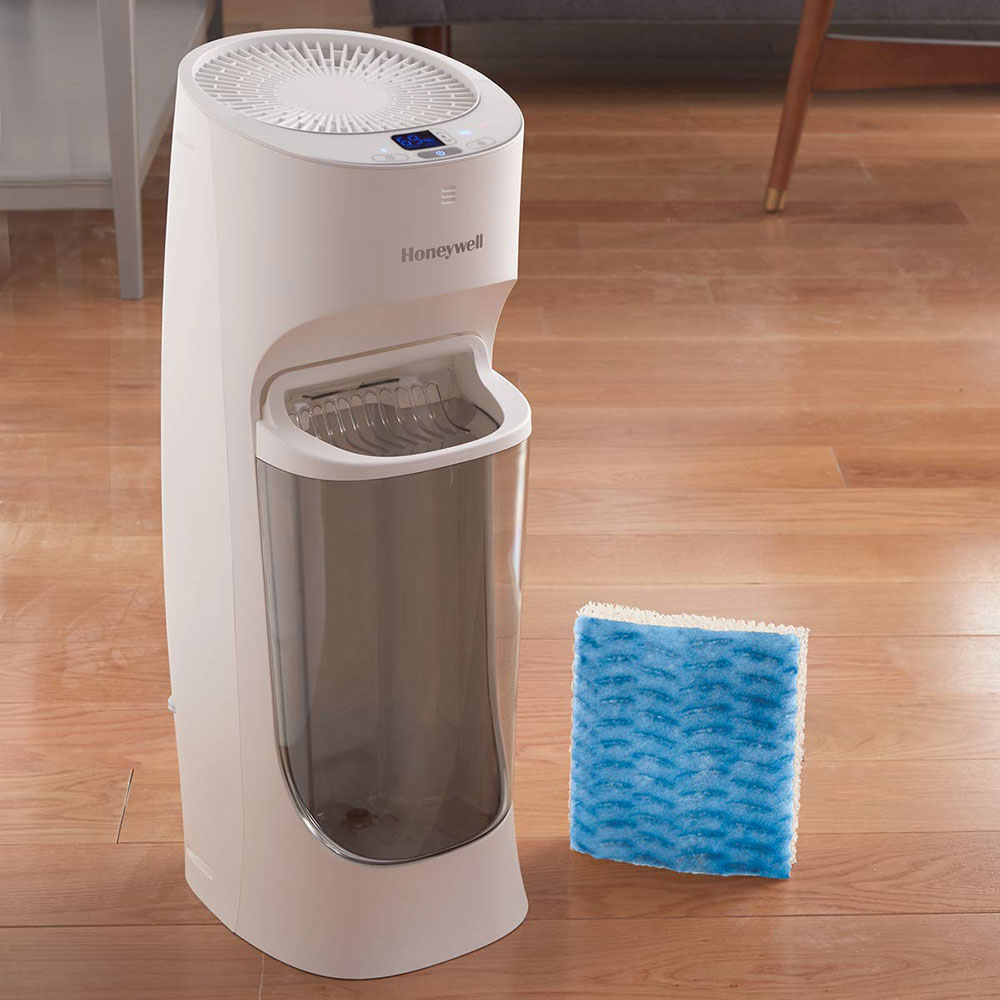
Beat the Summer Dryness: Embrace Comfort with Honeywell Humidifiers
Stay Cool This Summer with Honeywell Fans, Air Conditioners & Thermostats
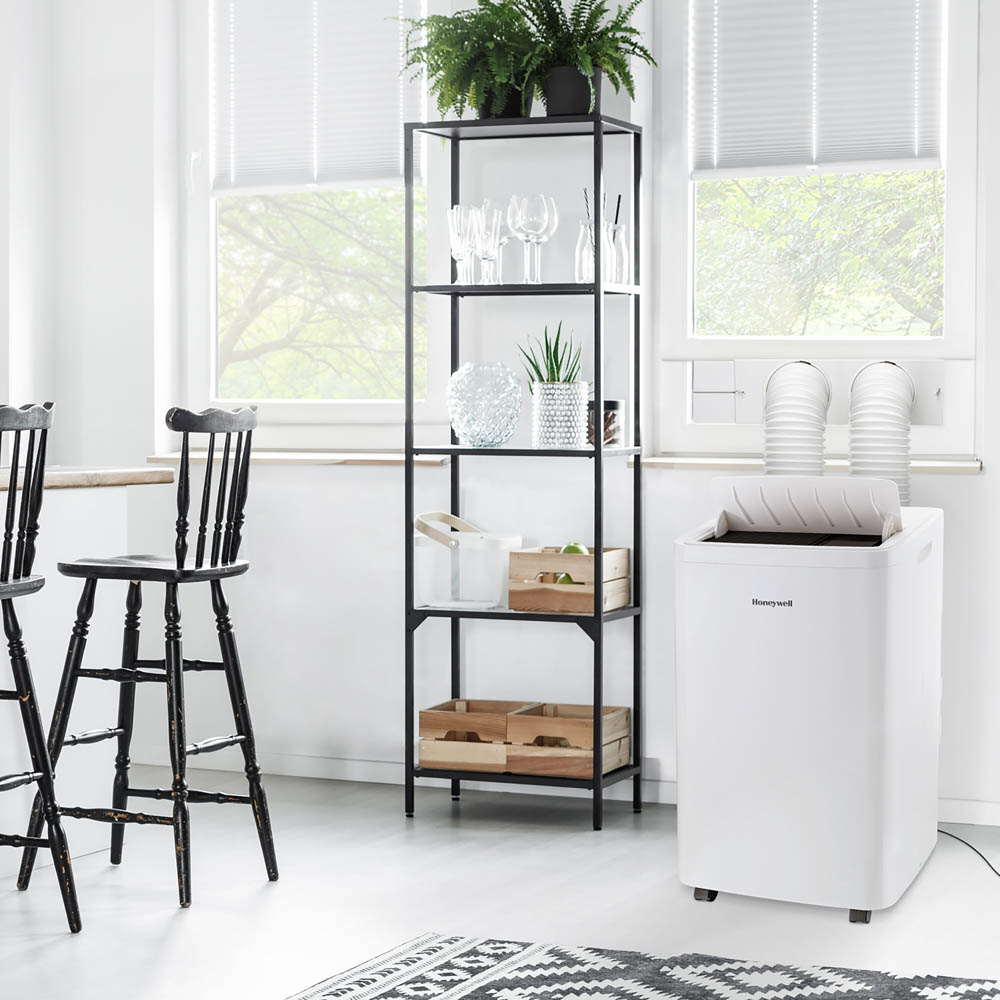
Enjoy Targeted Cooling and Enhanced Comfort with Honeywell Portable Air Conditioners
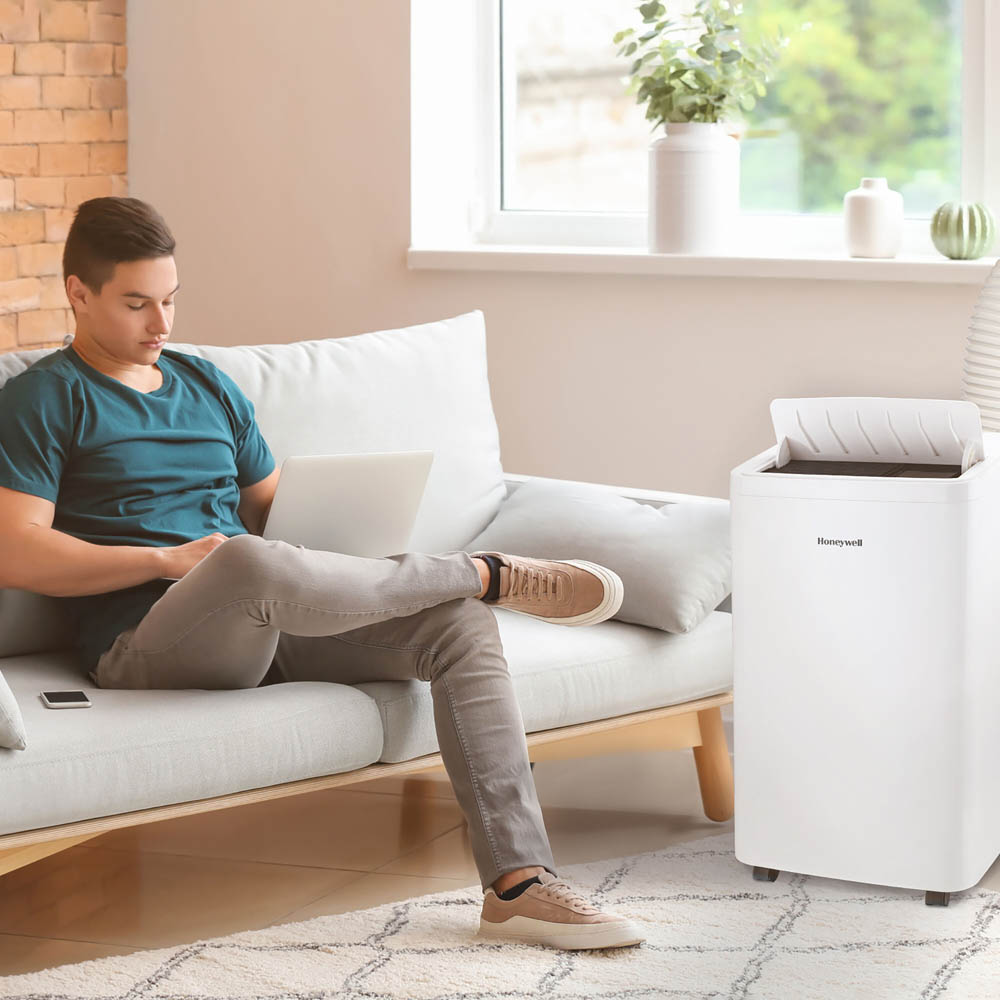
Budget Friendly Honeywell Fans Keep You Cool In Summer Heat
Upgrade Your Air: Honeywell Air Purifier & Filters
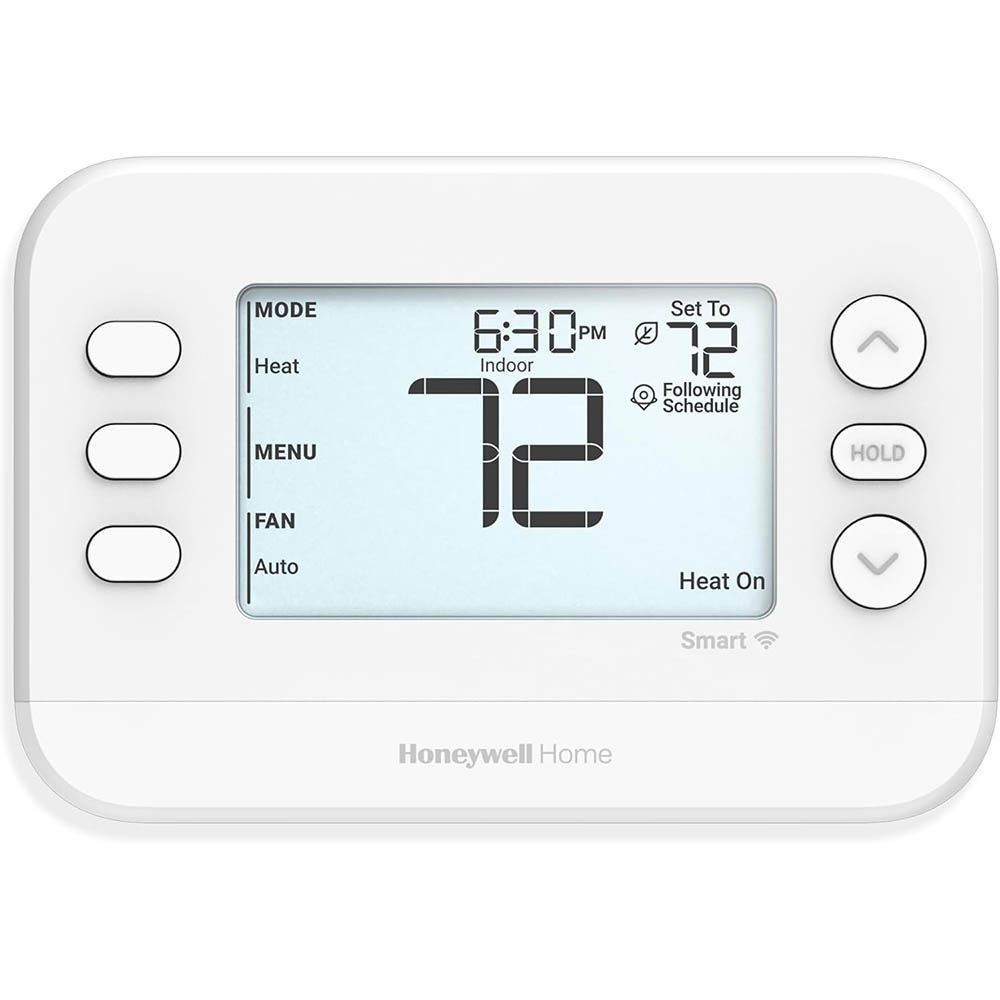
Energy Savings and Simple Control: A Look at the Honeywell Home X2S
Honeywell Wireless Door Chimes, Portable Door Bell Series
Changing Honeywell Furnace Filters and Why It Is Important
Allergy-Free Spring: How Honeywell Air Purifiers Can Help
Preparing for Winter: Choosing the Right Honeywell Thermostat
Safety and Peace of Mind: The Perfect Honeywell Heater
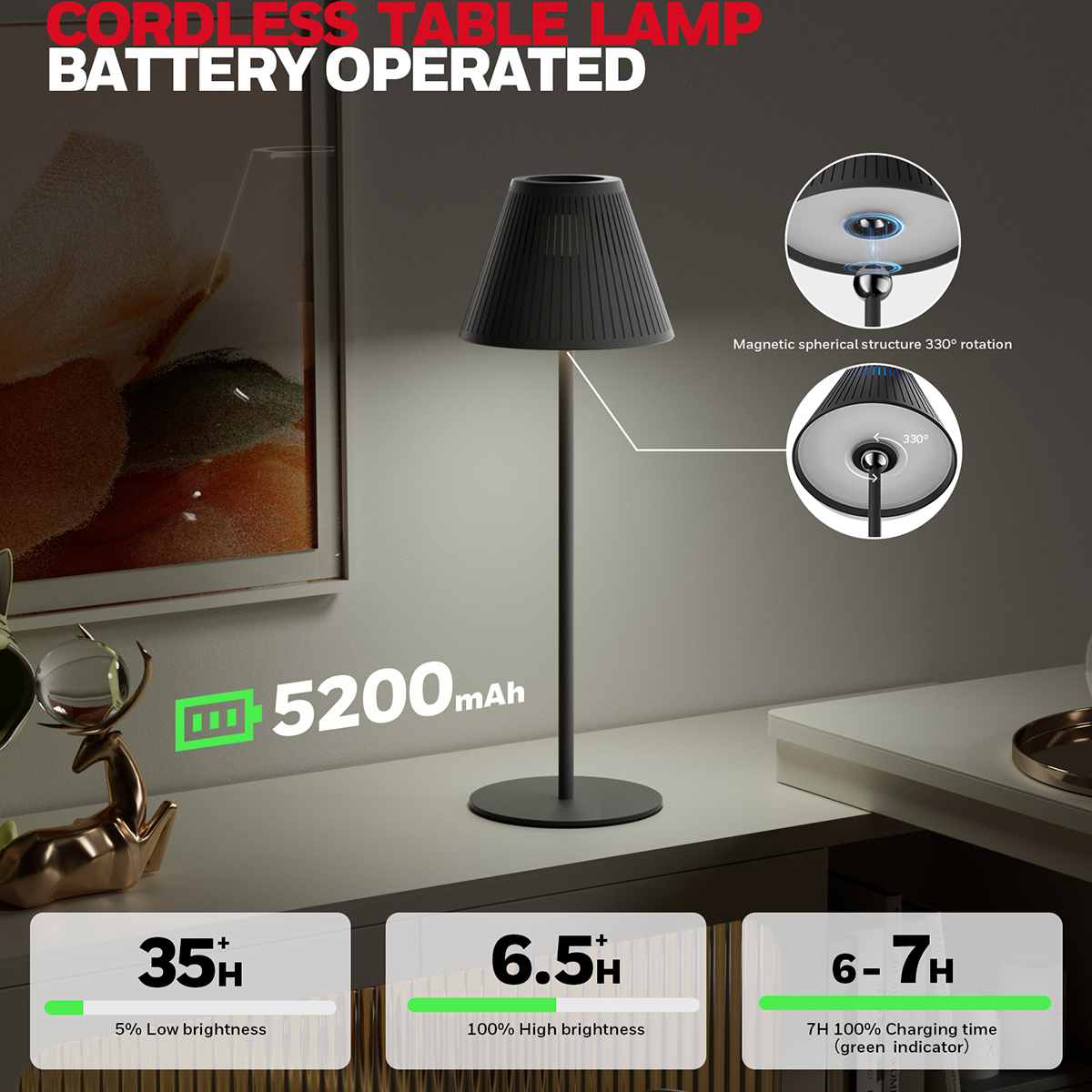
Illuminate Your Workspace in Style and Comfort with the Honeywell Cordless LED Desk Lamp
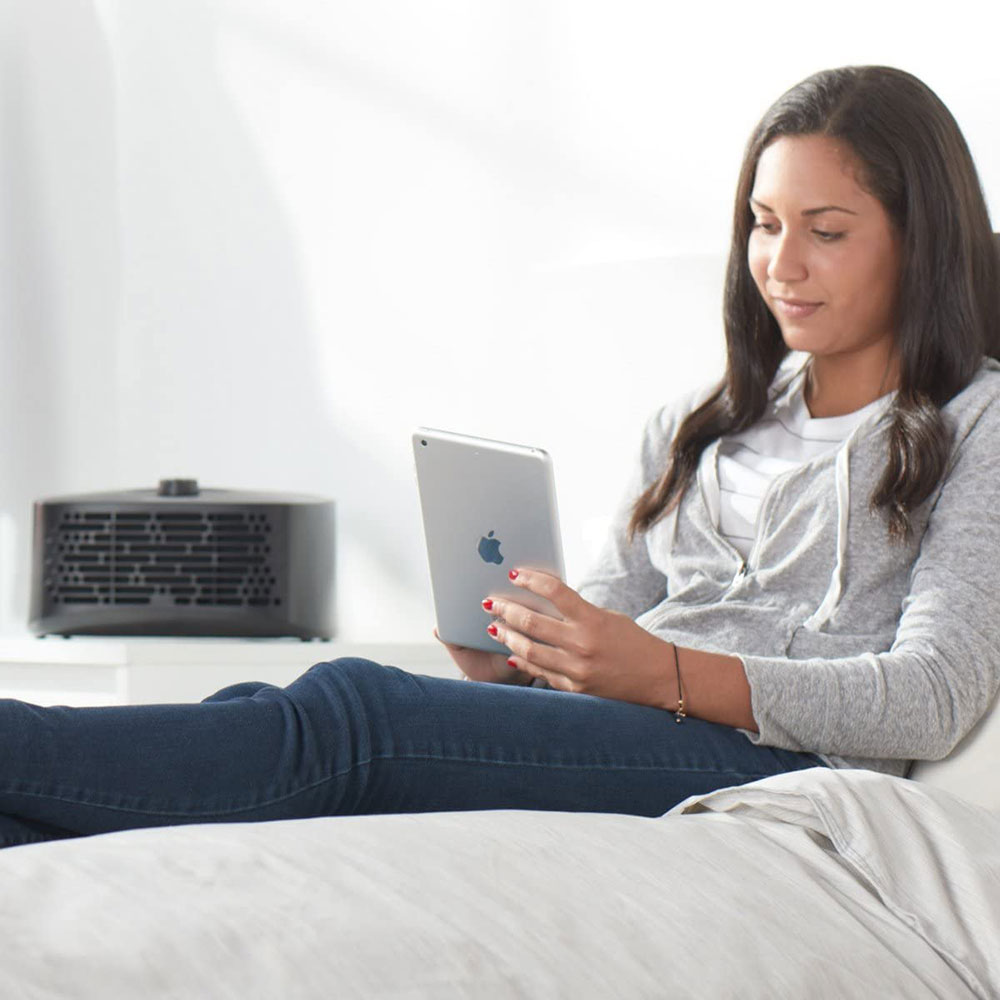
Find Winter Relief with a Honeywell Air Purifier
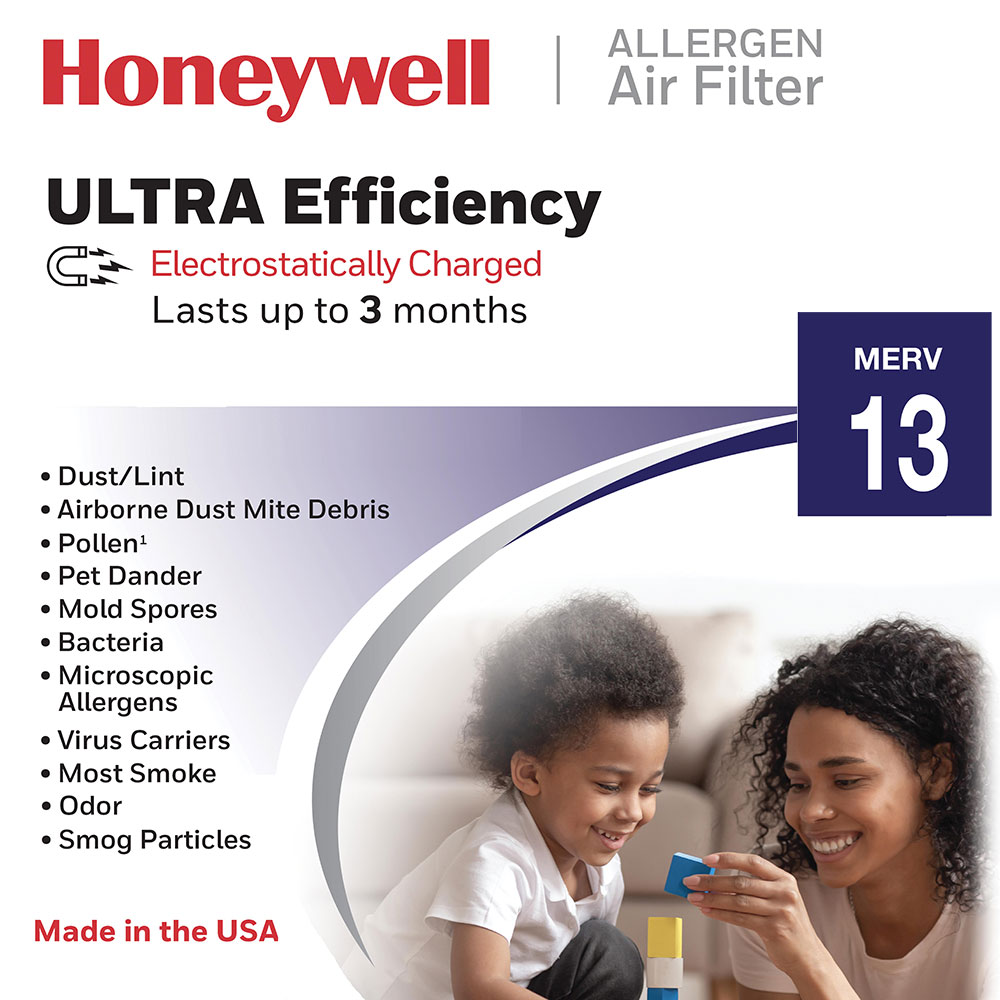
Upgrade Your Home's Air Filtration with Honeywell Furnace Filters
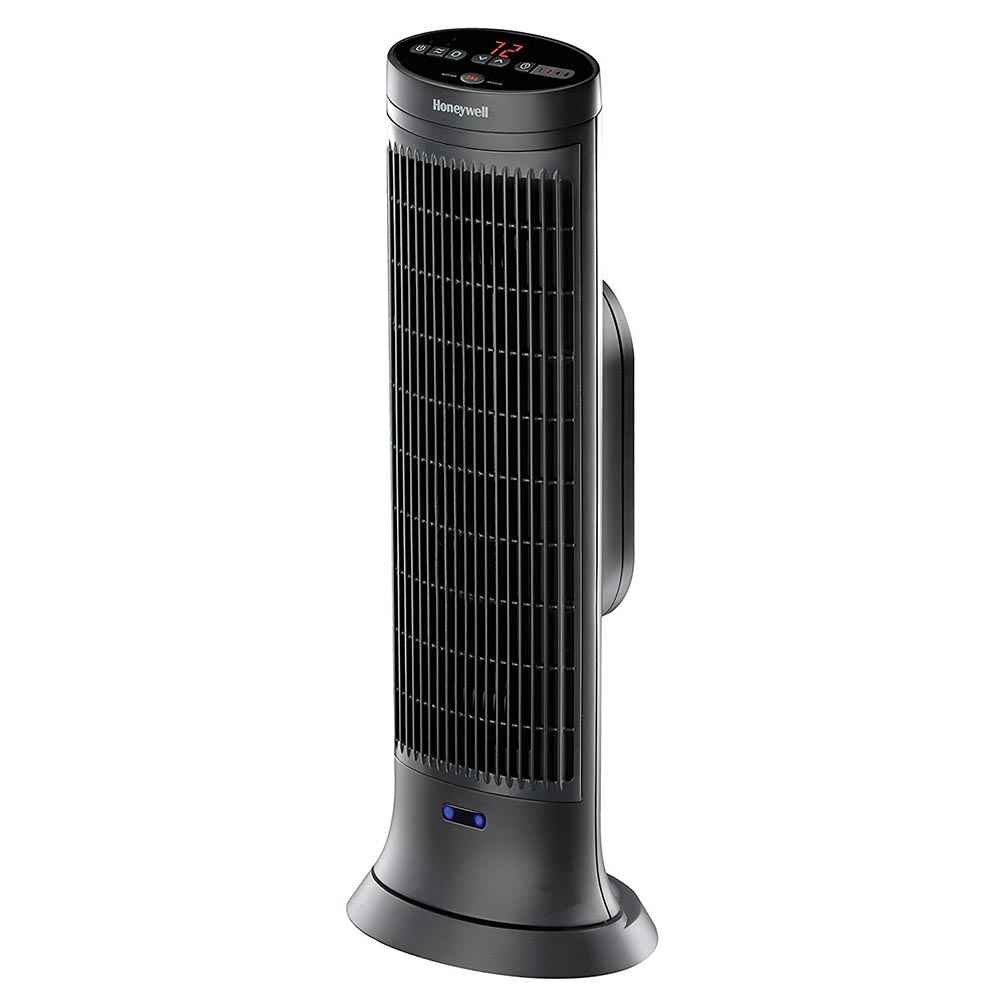
Stay Warm and Cozy This Fall with Honeywell Heaters
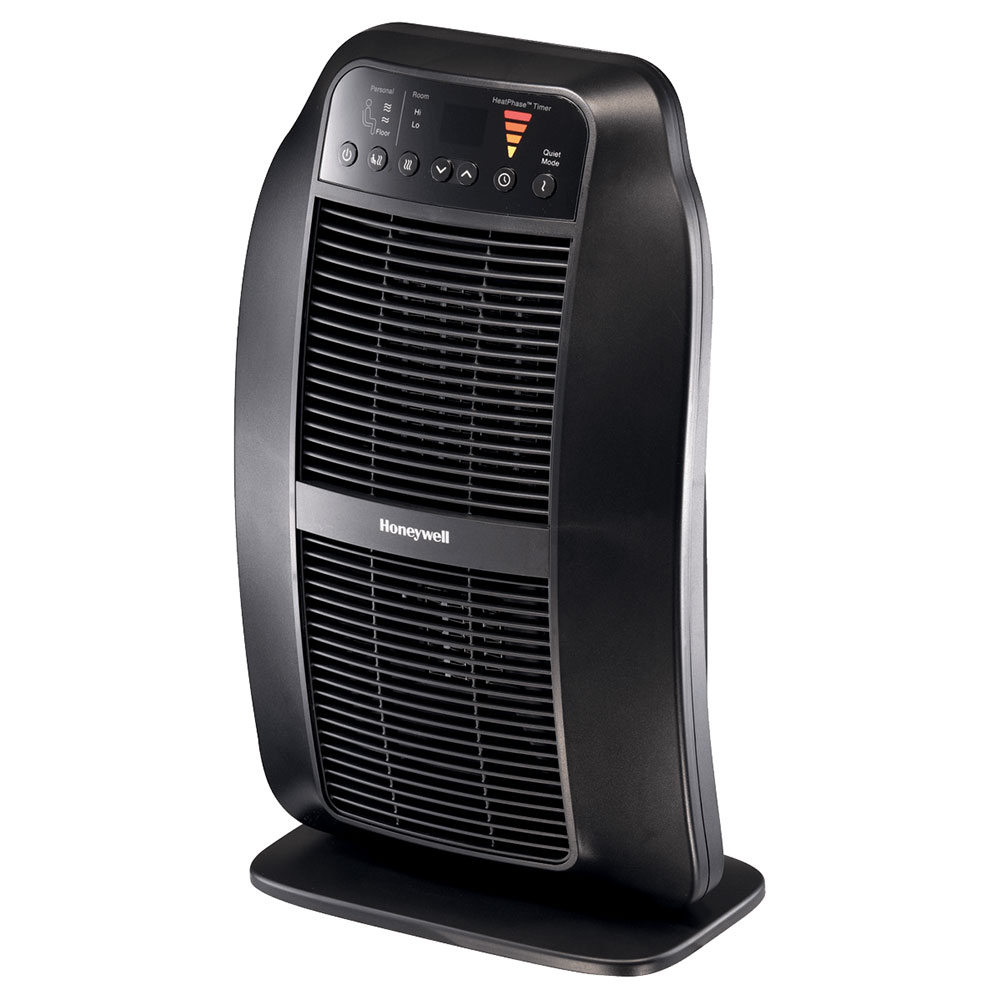
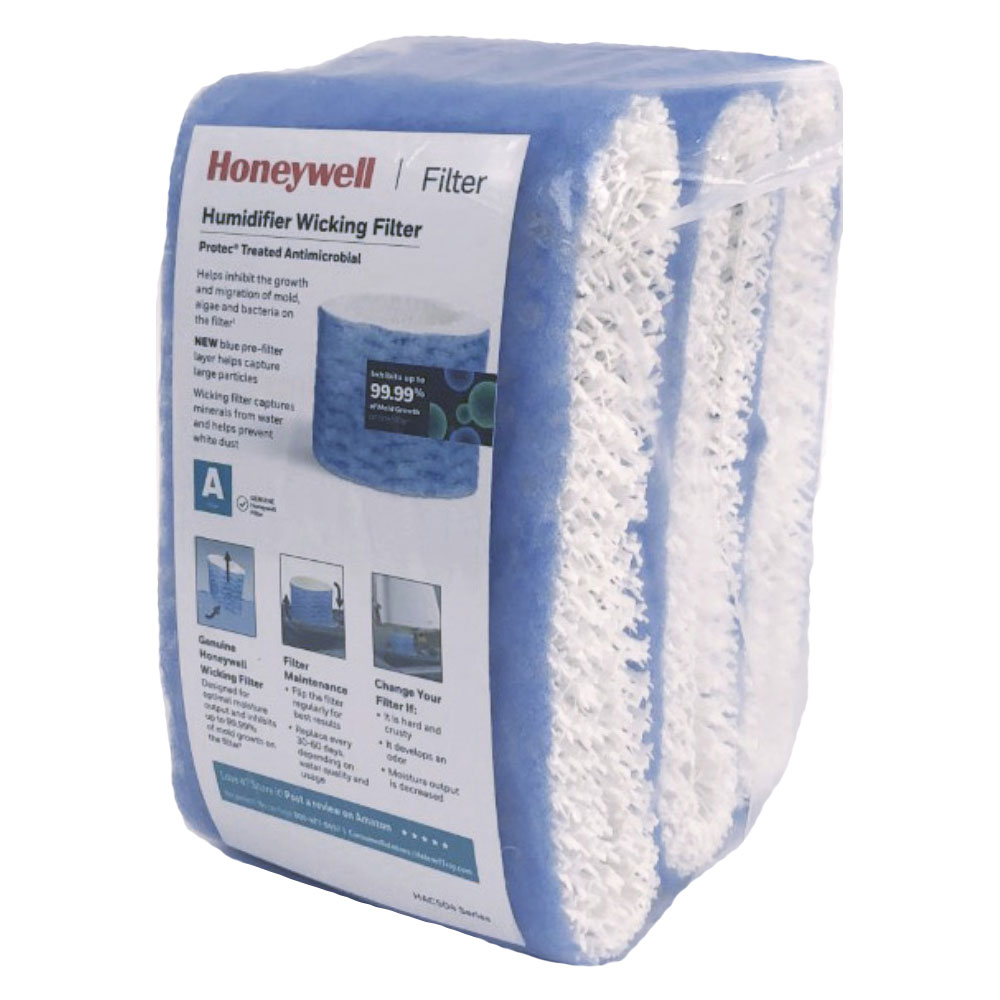
Why You Should Use Honeywell Humidifier Filters and Avoiding Knockoff Filters
The Honeywell Store Introduces Three New Innovative Desk Lamps
A Comparison of Warm Mist, Cool Mist, and Cool Moisture Humidifiers
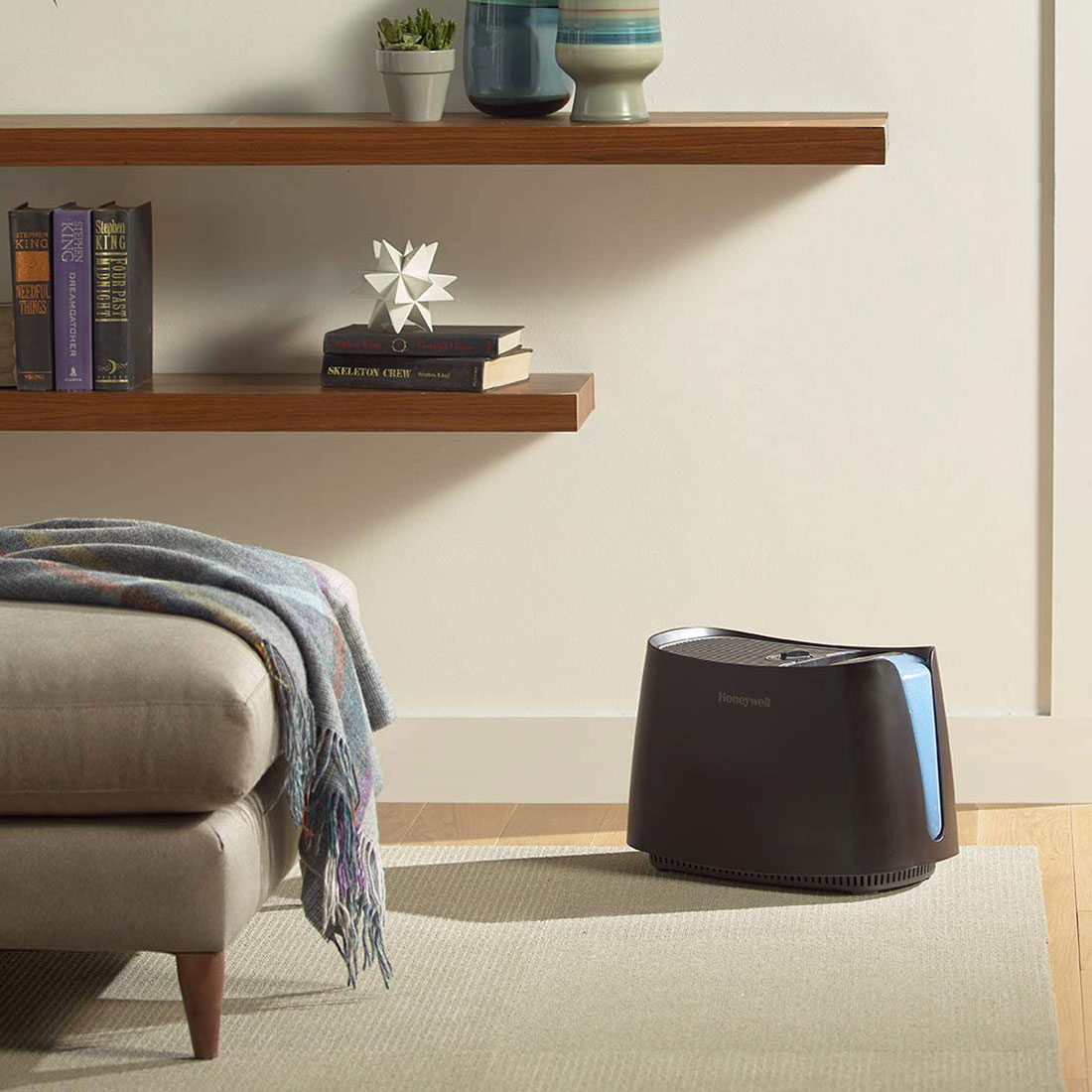
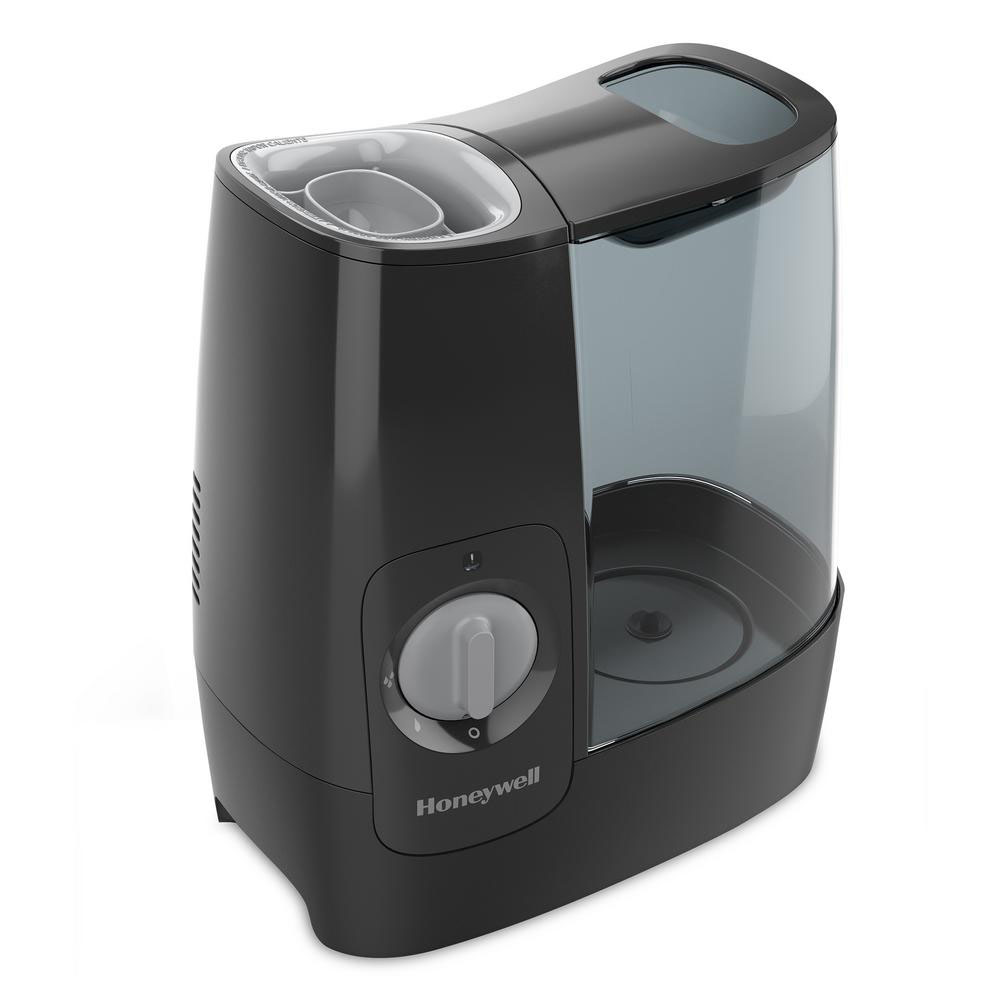
Honeywell Warm Mist Humidifier: A Breath of Fresh Air
Why Should I Get a Honeywell Dehumidifier?
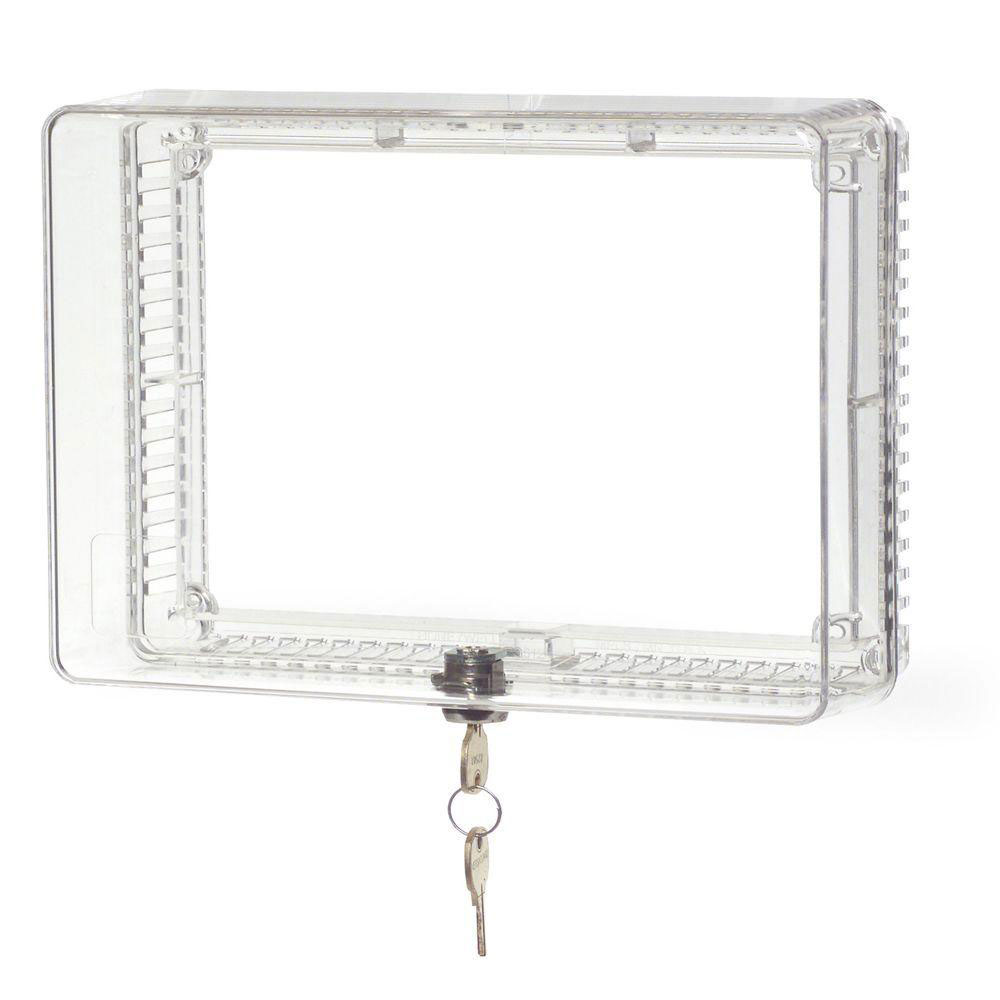
Shield Your Home's Comfort with a Honeywell Thermostat Lock Box
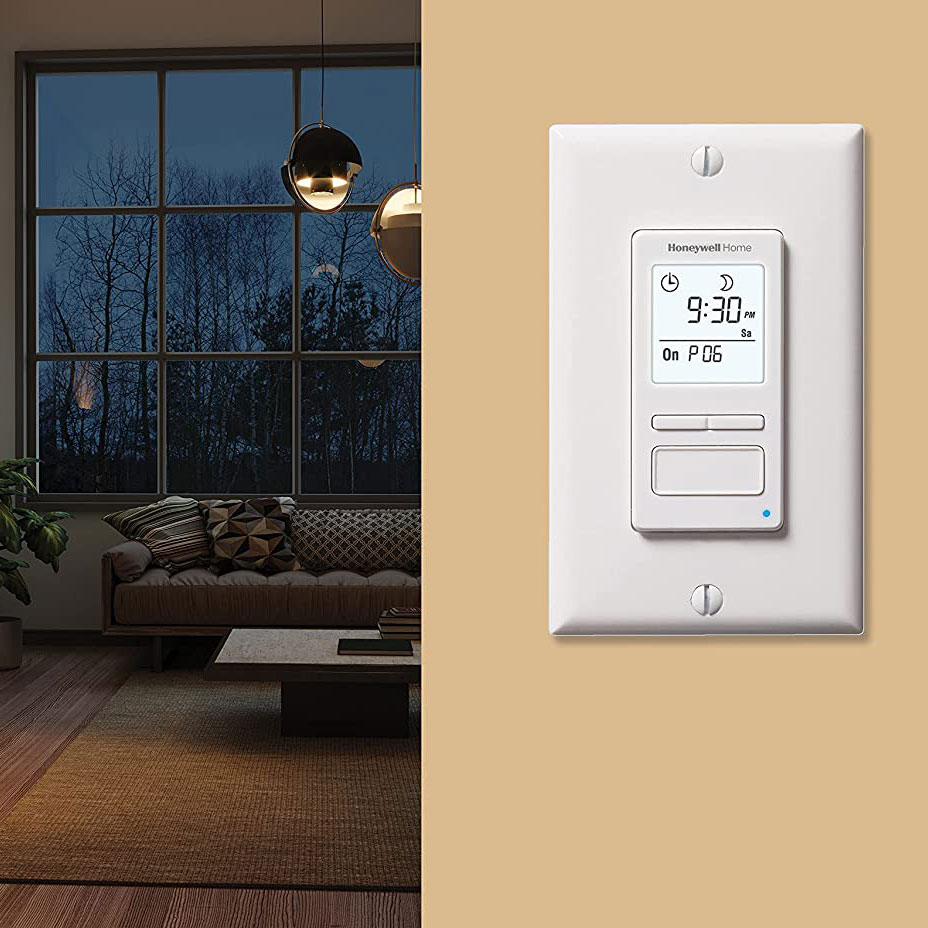
Take Control of Your Light: Unveiling the Power of Honeywell Light Switch Timers
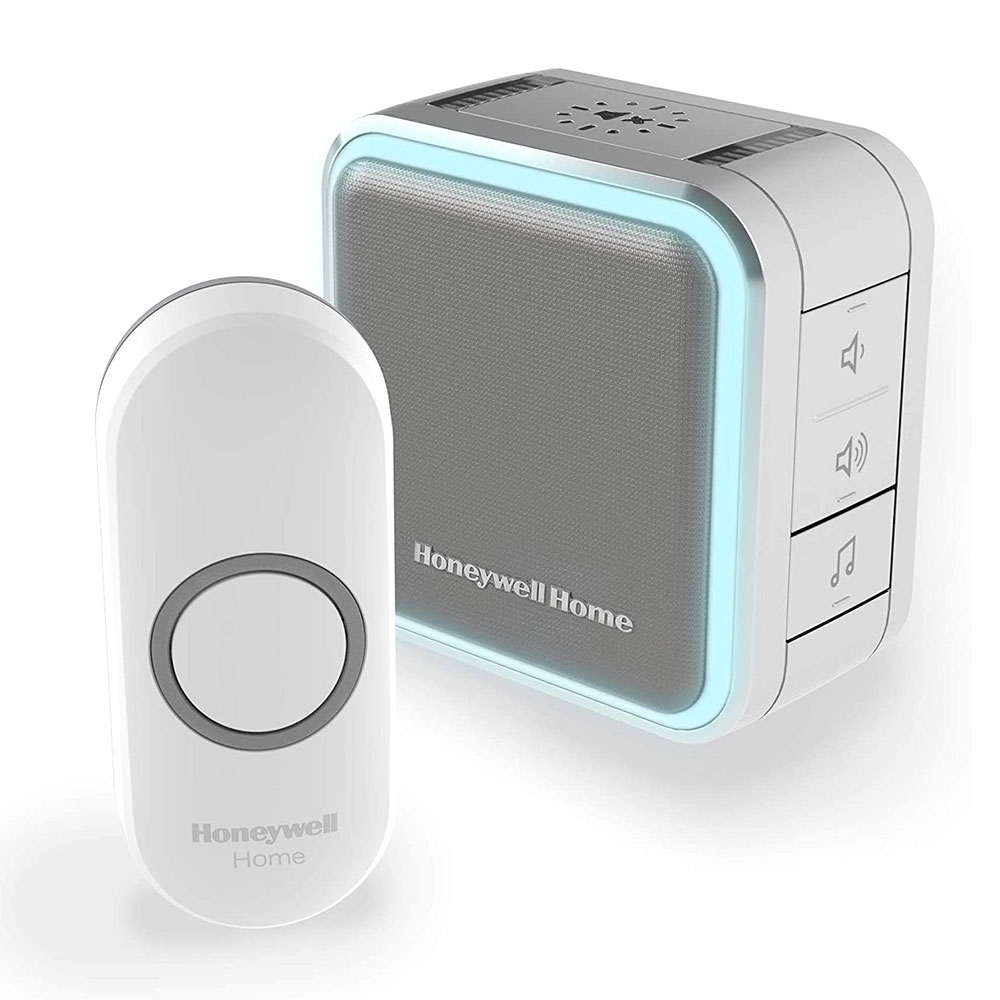
Experience the Honeywell Difference: Series 5 & 9 Wireless Doorbells
Quick Setup, Bright Alerts: Honeywell Wireless Doorbell
How to Install Honeywell Programmable Thermostats
How to Install Honeywell Non-Programmable Thermostats
How to Install Honeywell Wi-Fi Thermostats
Honeywell InSight HEPA Air Purifier: The Ultimate Air Purifier for Smoke
Honeywell Thermostat Reset: A Step by Step Guide
Take a Breather, Hear Clearly, See Sharply: Honeywell Safety Solutions for National Safety Month
Find Your Perfect Breeze: A Guide to Honeywell Fans, Portable Air Conditioners & Thermostats
Don't Let Summer Heat Steal Your Comfort: The Power of Cool Mist Humidifiers
Celebrate National Pet Month with a High-Tech Treat: Smart Pet Feeders and Bowls
Enjoy Fresher Air This Summer with Honeywell Air Purifiers
Door Chimes: Your Summertime Soundtrack
Spring into Clean Air: Why You Should Change Your Furnace Filter Now
Why Spring is Primetime for Filter Replacement
You Can Improve Your Indoor Air Quality: Get the Honeywell HPA200 Air Purifier Today
Breathe Easy This Spring with a Honeywell Air Purifier
Stay Warm and Cozy with Honeywell Portable Heaters
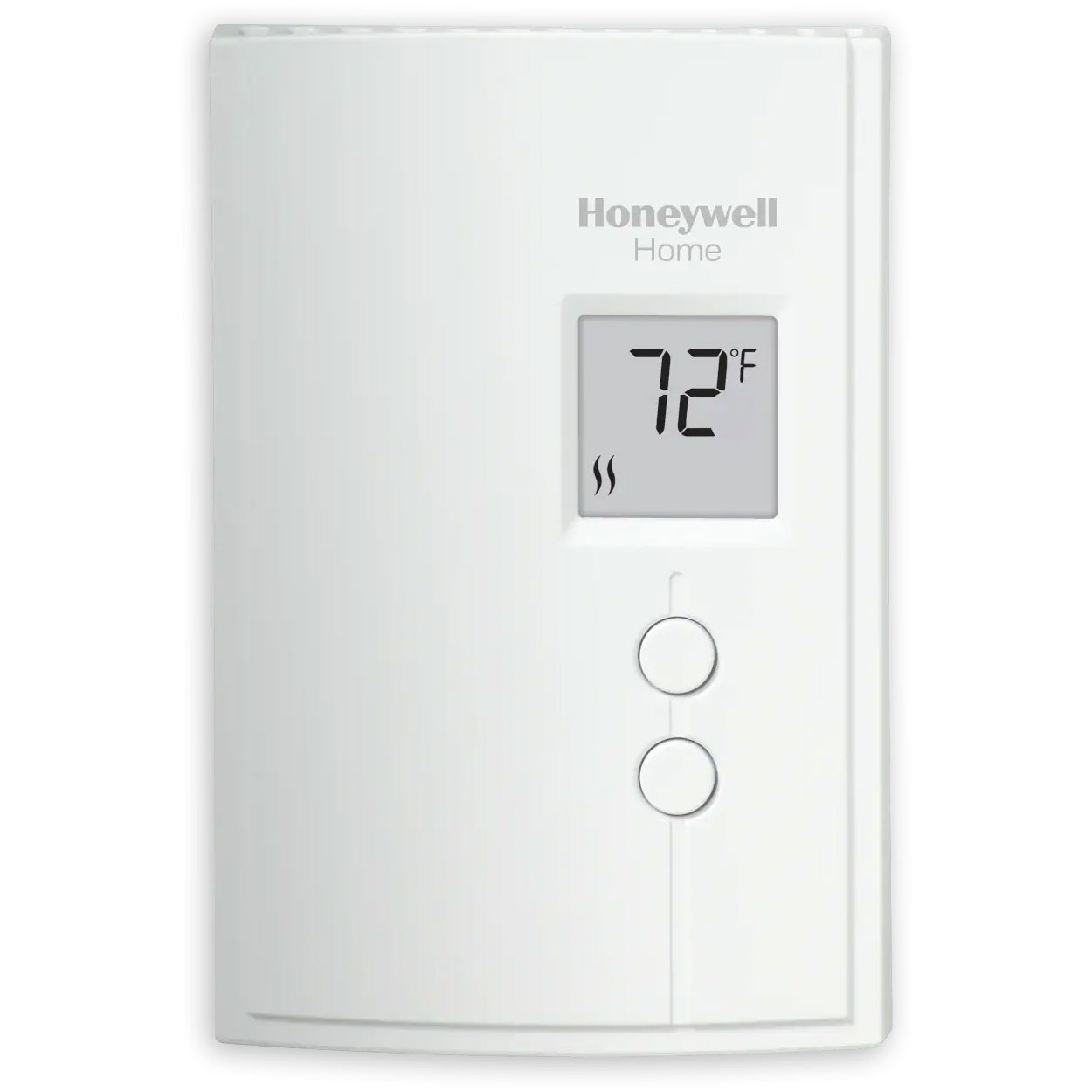
Upgrade Your Home's Comfort and Efficiency with the Honeywell Digital Baseboard Heater Thermostat
True HEPA Protection for Your Home: Honeywell Large Room Air Purifier
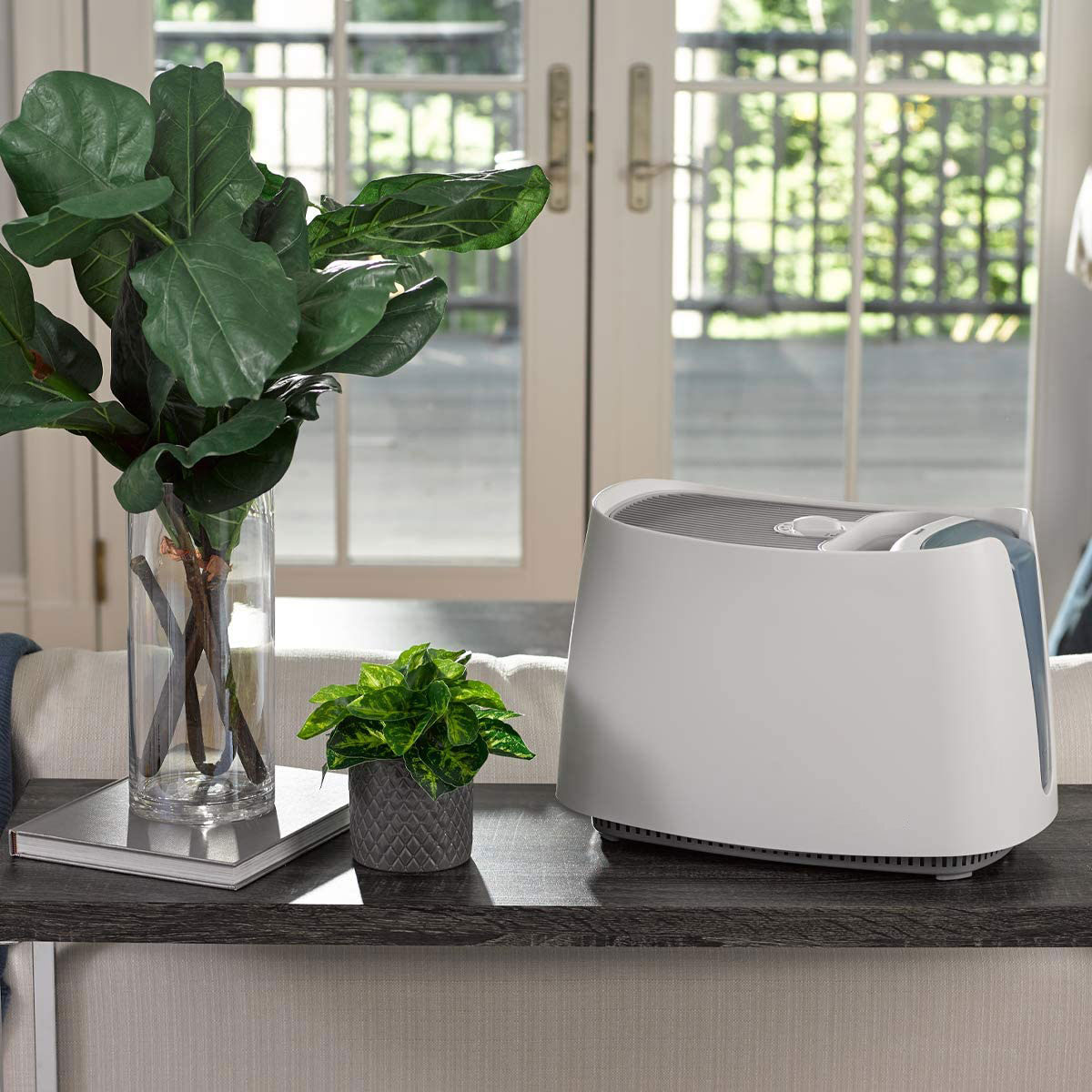
Honeywell Humidifier Benefits All Year Long - Humidifying Is Not Just for the Colder Months
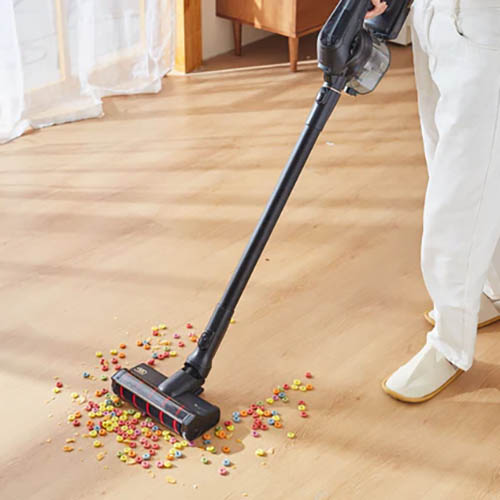
Honeywell VC16 Aeromax Pro Cordless Vacuum Cleaner
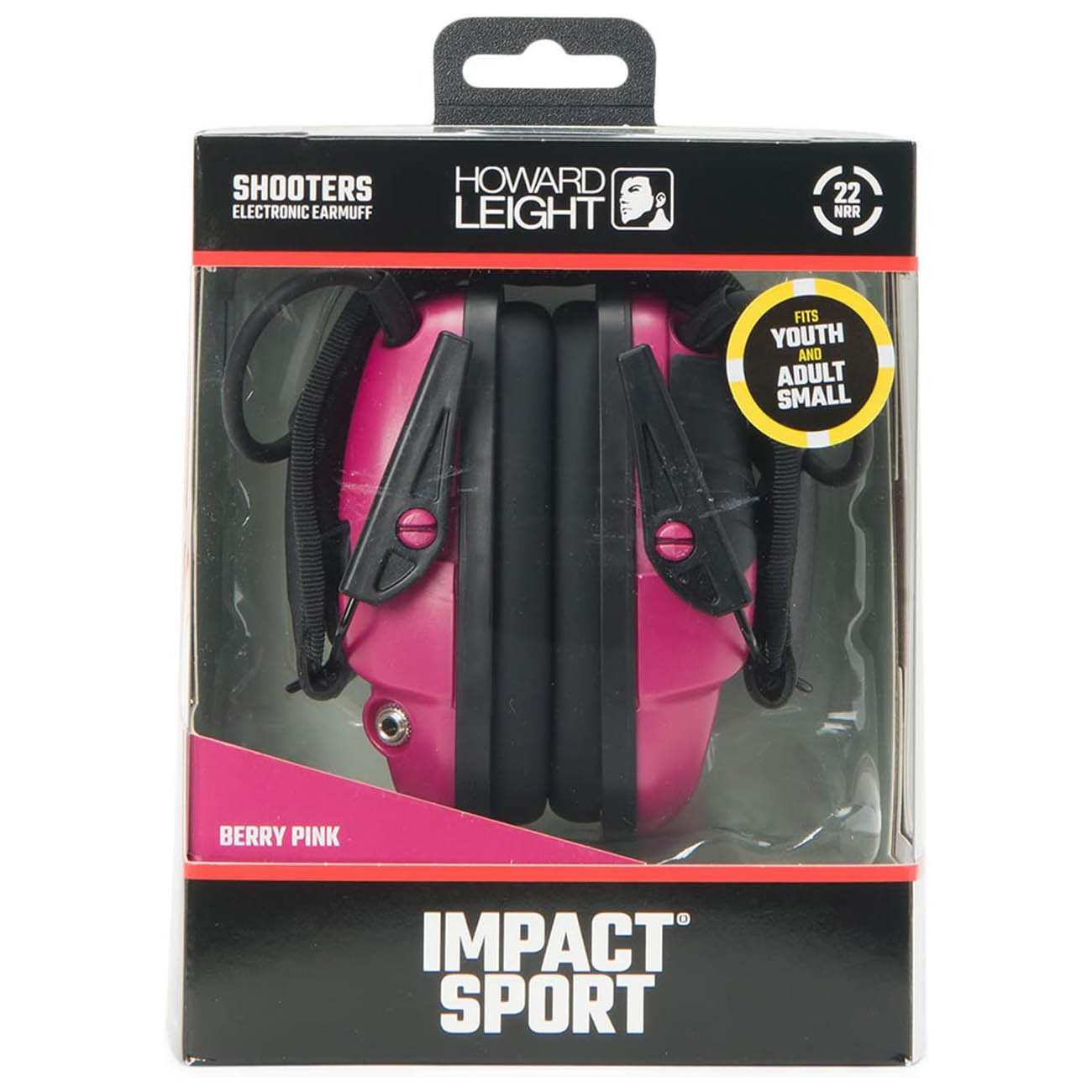
Shooting Hearing Protection for Smaller Heads
Honeywell Heaters: Keeping You Warm and Comfortable All Winter Long
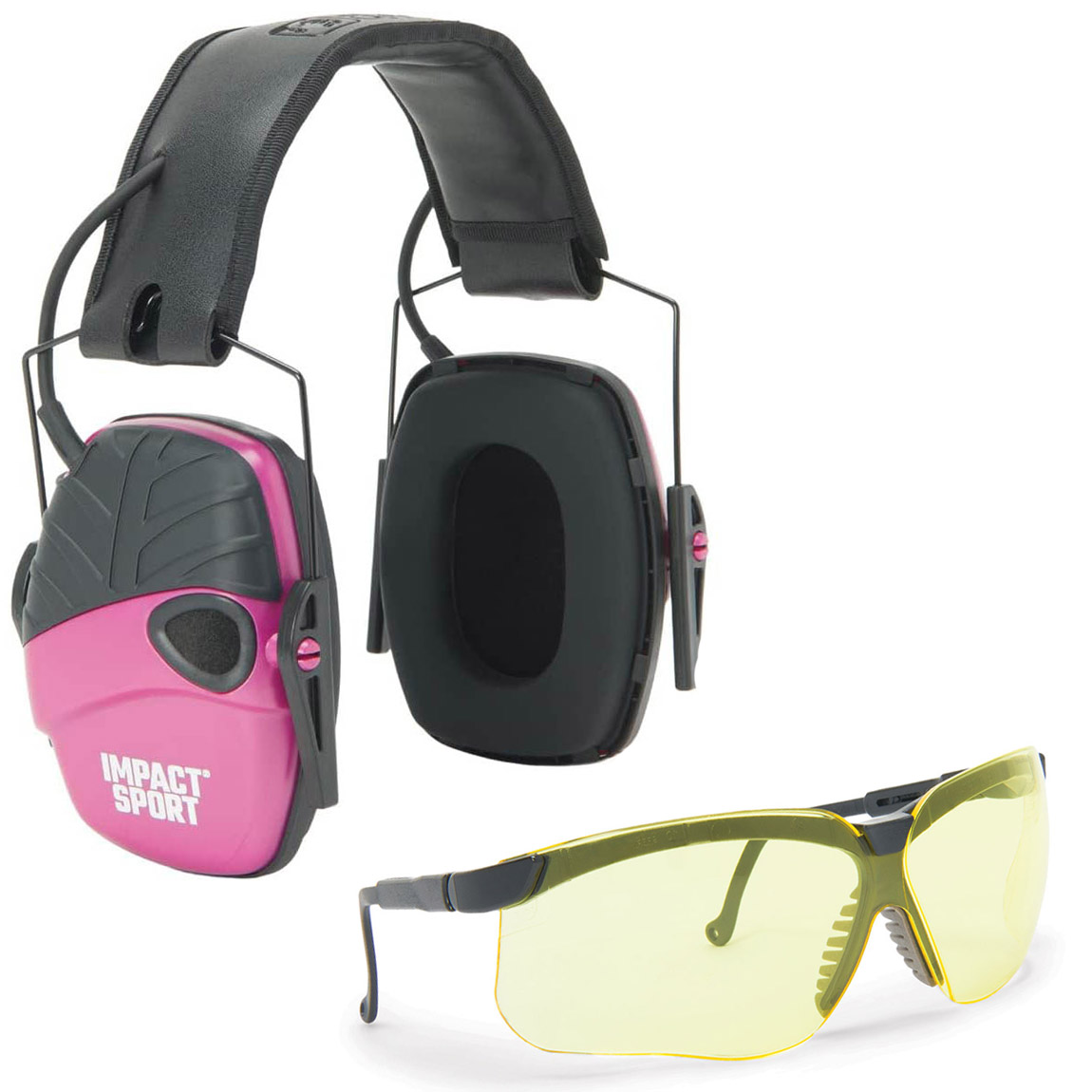
Howard Leight Women's Earmuffs and Genesis Safety Glasses: Protect Your Hearing and Vision in Style
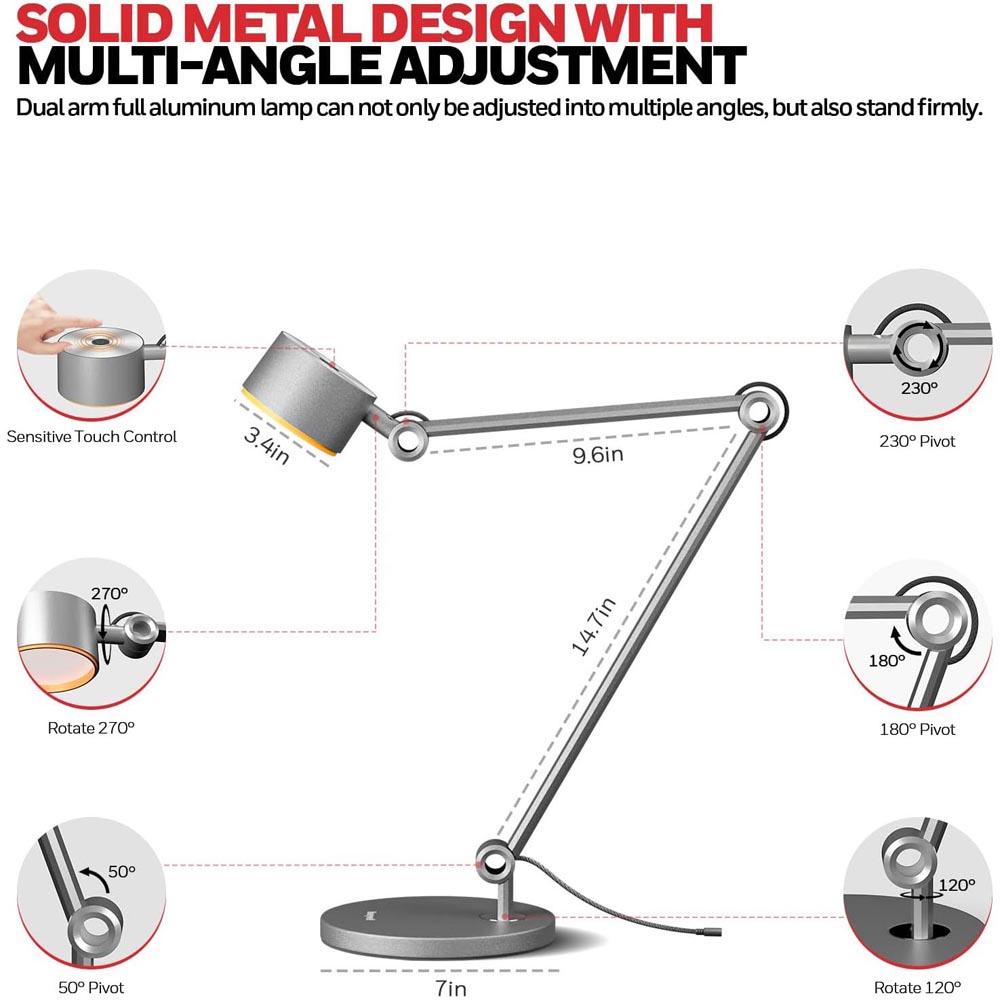
Honeywell Smart Lighting: The Best Desk Lamps for Your Home
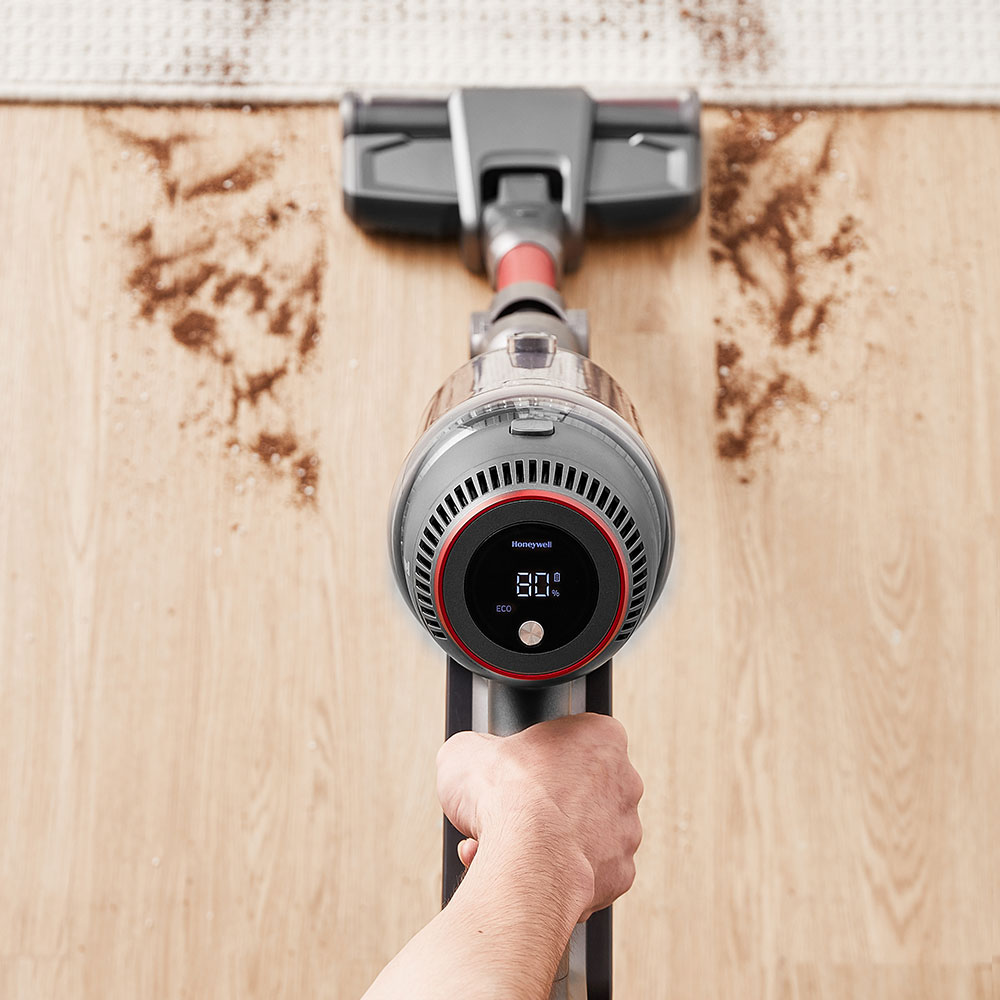
Honeywell Aeromax Elite Cordless Vacuum Cleaner: Experience the Next Level of Superior Suction
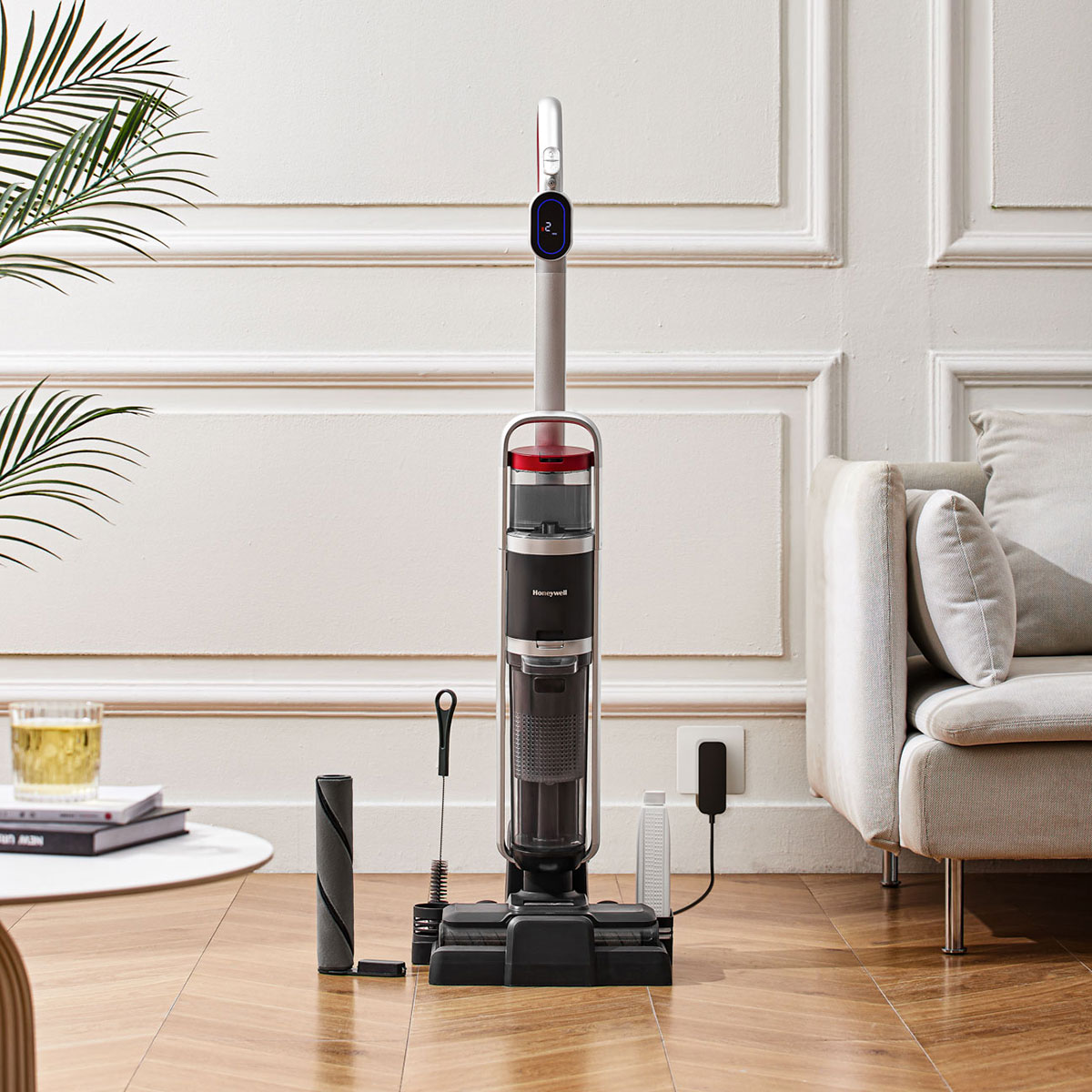
Honeywell Pro Cordless Vacuum: Superior Cleaning Made Easy
How Do I Clean Air Purifier Filters? And Other Filter Questions Answered
The Best Air Purifiers for Wildfire Smoke
What's the Best Air Purifier for my Home?
How Do Honeywell Air Purifiers Work?
How Do Honeywell Electric Bikes Compare To Other E-Bikes?
Are Honeywell Electric Bikes a Best E-Bike of 2023?
Save 10% on Genuine Honeywell Filters When Using a Subscription
Honeywell Portable Air Conditioners: Answering Your Installation Questions and More
What Does an Air Purifier Capture?
Honeywell Mini Split Air Conditioners: Multi Seasonal Cooling & Heating
Honeywell Ceiling Fans: Answering Your Frequently Asked Questions
Genuine Honeywell Filters: Are They Worth It?

The Obvious & Not So Obvious Honeywell Home Security Products
Why You Should Be Using a Resideo Water Leak & Freeze Detector
Honeywell Air Coolers: Energy Efficient Cooling with Humidification
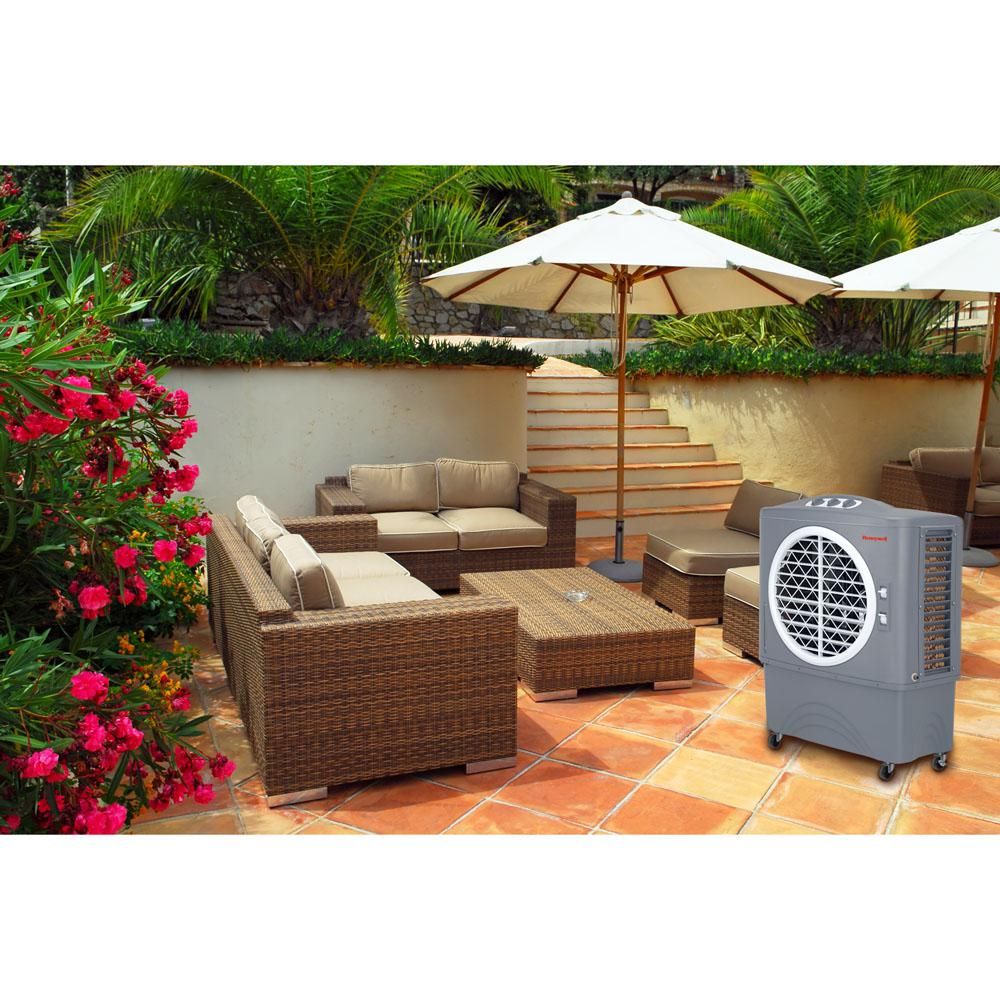
Honeywell Fans: Where Are You Using Yours?
How Honeywell Products Can Help You Save Money by Reducing Energy Costs
Why You Should Choose a Honeywell Permanent Filter Air Purifier
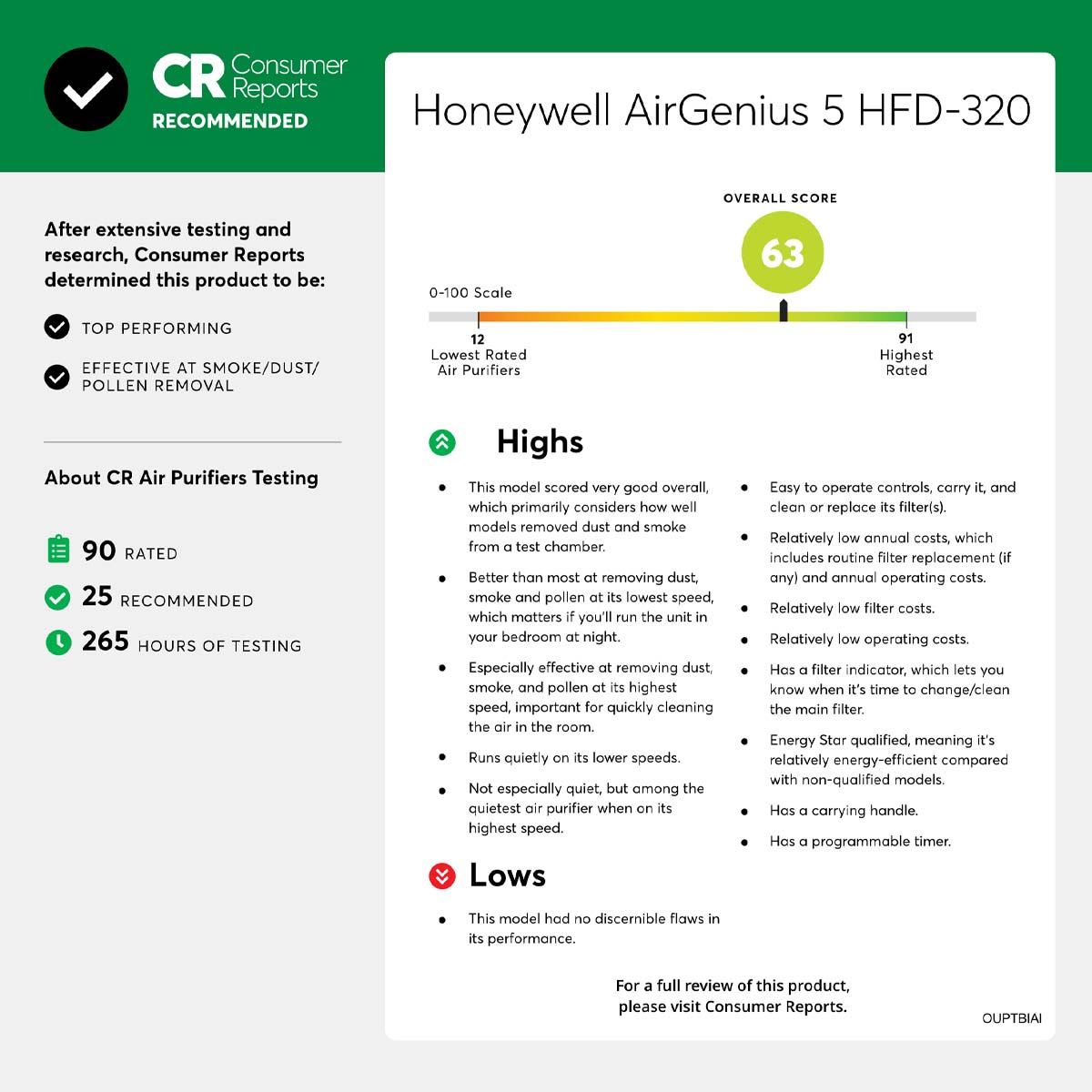
What Should I look for before purchasing a Honeywell HEPA Air Purifier?
Honeywell Door Knobs & Deadbolts: Which One is Right for Me?
Honeywell Dehumidifiers: What Do They Do and Why Do I Need One?
The Best Honeywell Portable Air Conditioners of 2022
How Do I Put On My Honeywell N95 Flatfold Disposable Respirator?
How do I Clean My Honeywell TurboForce Fan?
Genuine Honeywell Filters: Compatible Does Not Mean Comparable
New Honeywell Heaters for the Winter Season
How Do I Clean my Honeywell Humidifier?
Honeywell Humidifier Replacement Filters: What You Need to Know
Honeywell Safety Eyewear: Put Safety in Sight with the Right Winter Eyewear
Honeywell e-bikes: A Closer Look at the Debut Series of Electric Bikes

Honeywell HVAC Furnace Filters: Why & How Often You Should Change Filters
Honeywell Humidifiers: Knowing Where & How to Use Them Best
Honeywell Air Purifiers: Understanding Common Airborne Allergens and How to Deal With Them!
Honeywell Air Purifiers: Soothing Relief In The Living Room & Bathroom
Honeywell Air Purifiers: Improve Indoor Air Quality In The Kitchen & Bedroom
Furnace HVAC Filter Guide: How to Measure Air Filters and Understanding MERV Rating
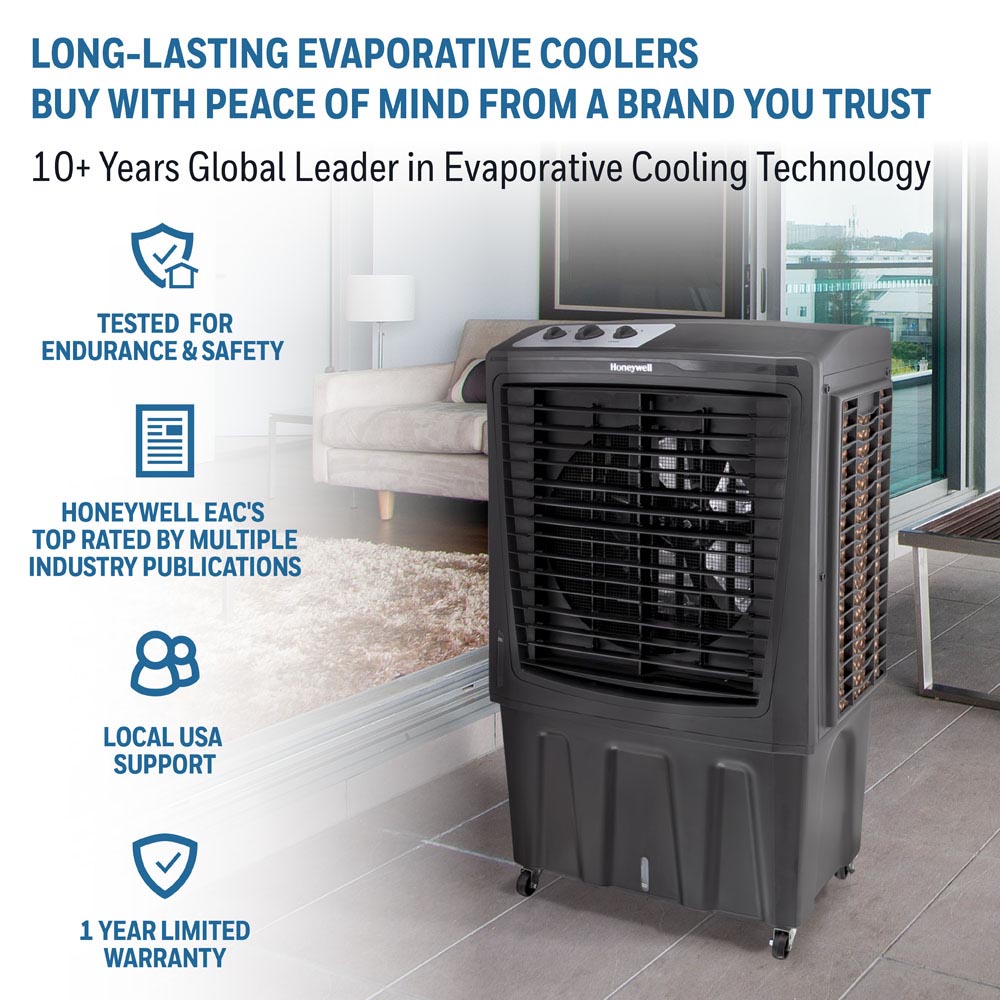
Honeywell Air Coolers: Strong, Maneuverable Cooling for the Summer
Honeywell Thermostats: Finding the Perfect Thermostat
Honeywell Air Purifiers: Our Top Five Air Purifiers of 2021
Honeywell Personal Hand Dryer: Touchless, Hands Free Drying
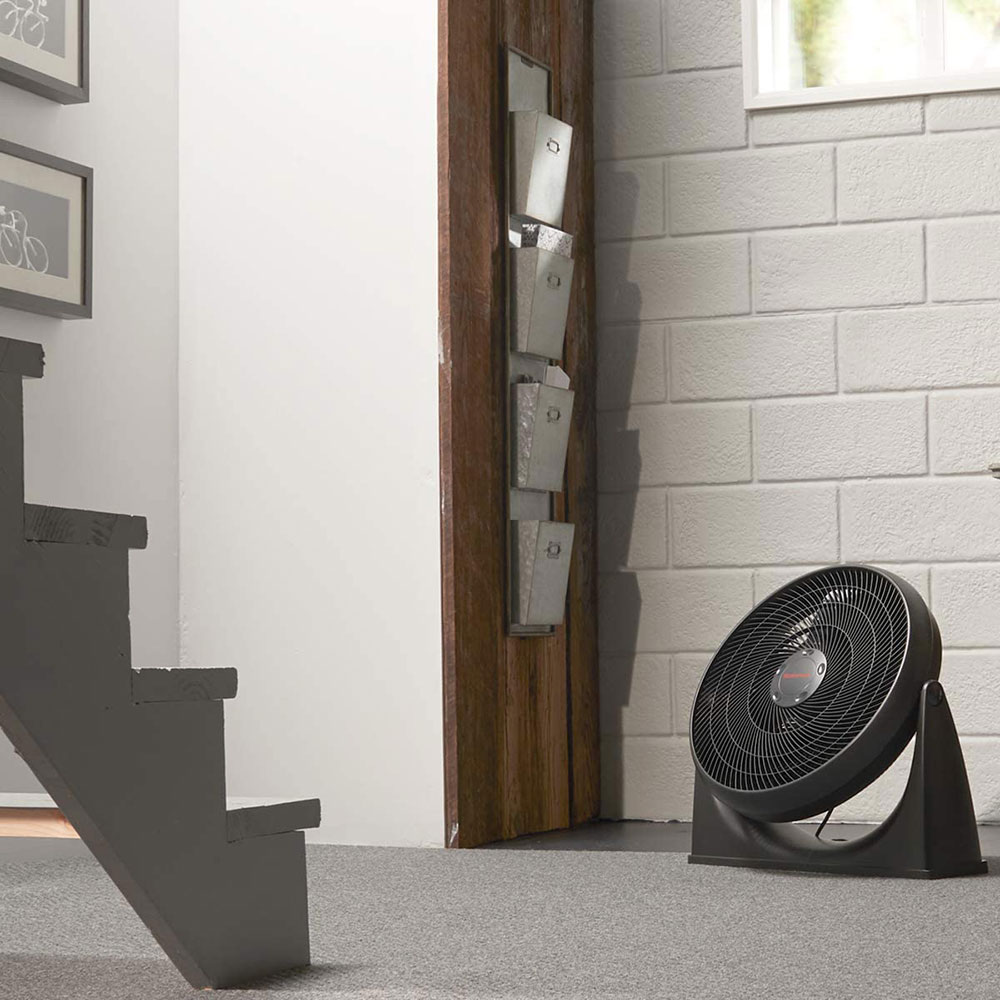
Best Portable Fans from Honeywell in 2021
Honeywell E Bikes: Affordable Electric Bikes in a Variety of Styles

Honeywell TurboForce Fans: Personal to Whole Room Cooling
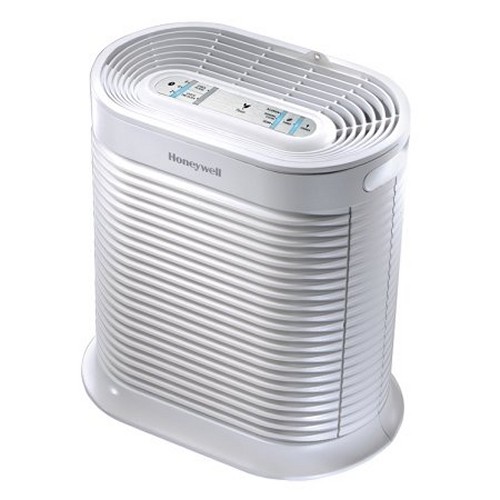
Honeywell True HEPA Air Purifier: The Gold Standard in Air Purification
Honeywell HF Smart Wi-Fi Portable Air Conditioners: Control from Anywhere
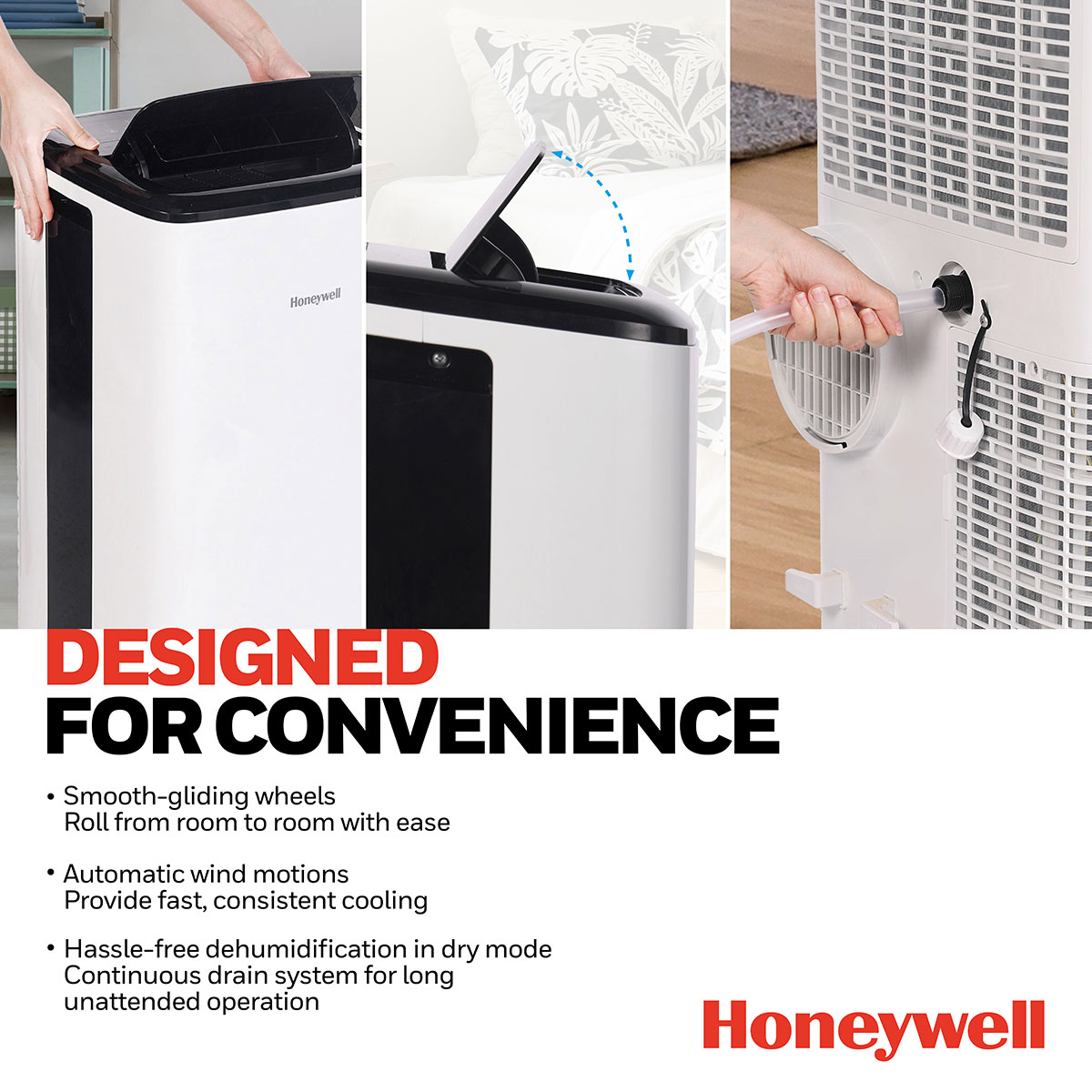
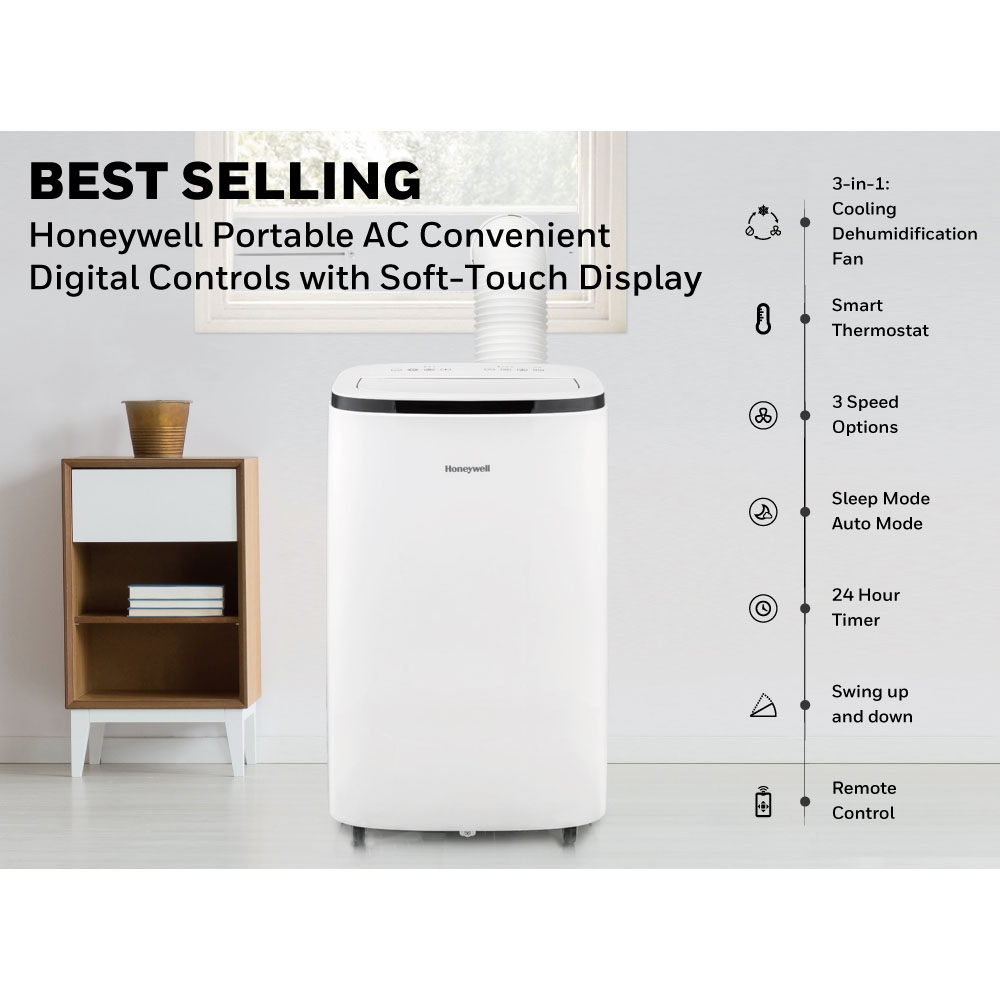
Honeywell Contempo Air Conditioners: Portable, Efficient, Quiet
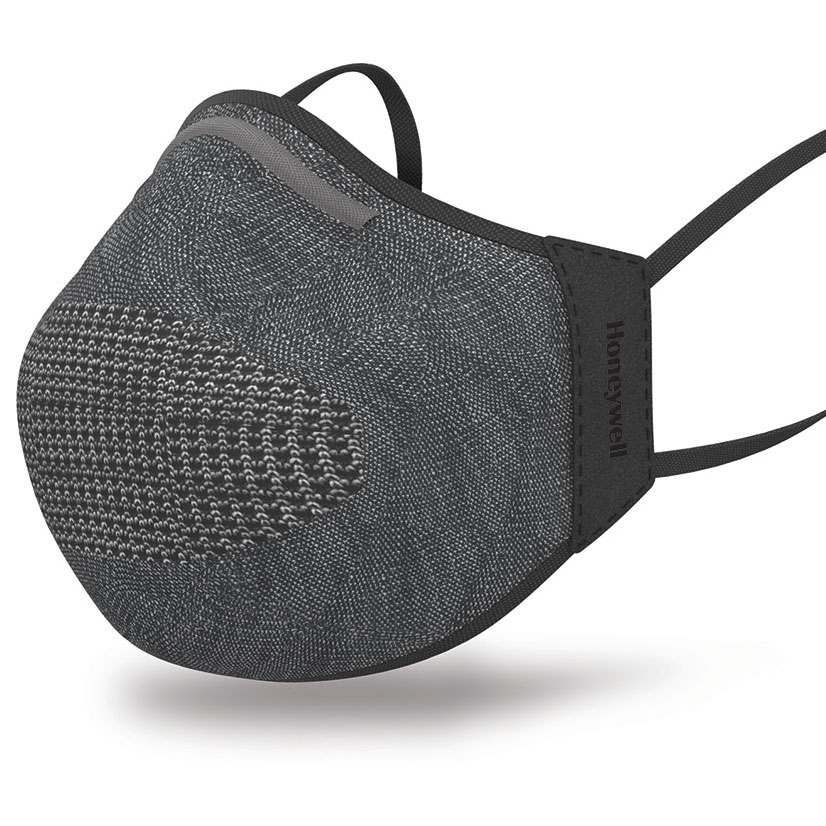
New Honeywell Dual Layer Face Cover: Advanced Filtration Meets Custom Comfort
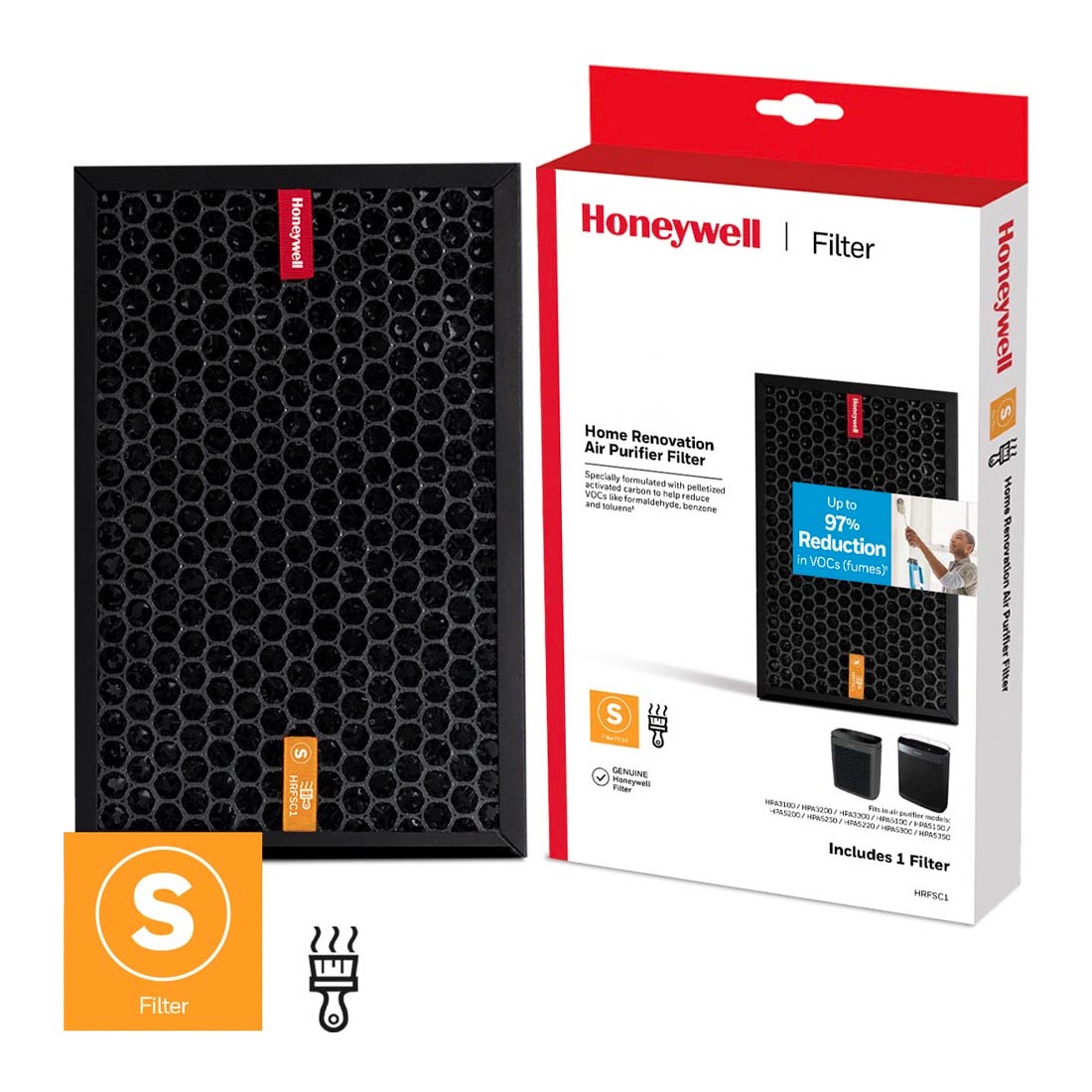
Honeywell Enhanced Air Purifier Filters: Targets & Removes Specific Odors & VOCs
New Honeywell Digital and Smart Safes: Innovative Features, Elite Protection
Honeywell Fireproof & Waterproof Safes: 3-in-1 Protection in the Home
Honeywell Filterless Humidifiers - Easy To Maintain & Clean
Protect What's Important with Honeywell Portable Safes for Work, Dorm Rooms & Travel
Honeywell Warm Mist Humidifier: Warm, Filter-Free Visible Mist
Honeywell Humidifiers: Cool, Filtered Invisible Moisture
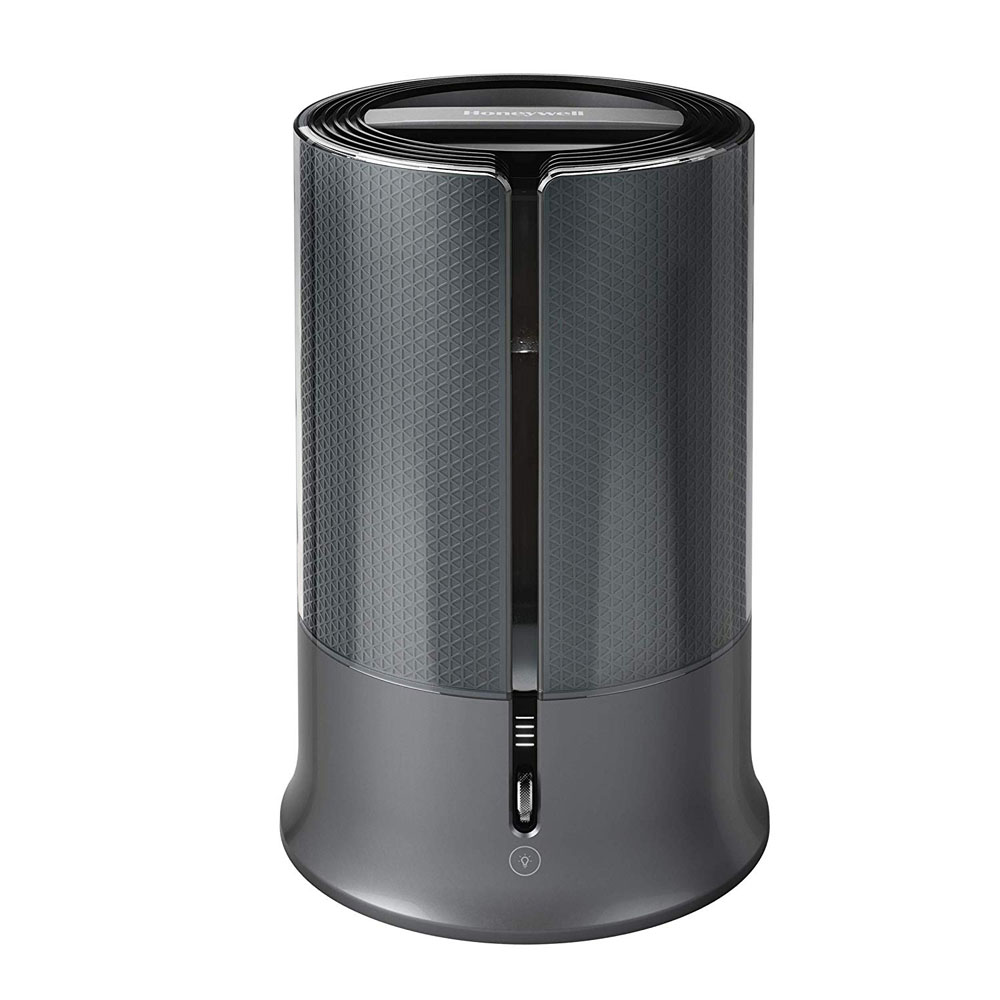
Honeywell Humidifiers: Top Five Humidifiers for Winter
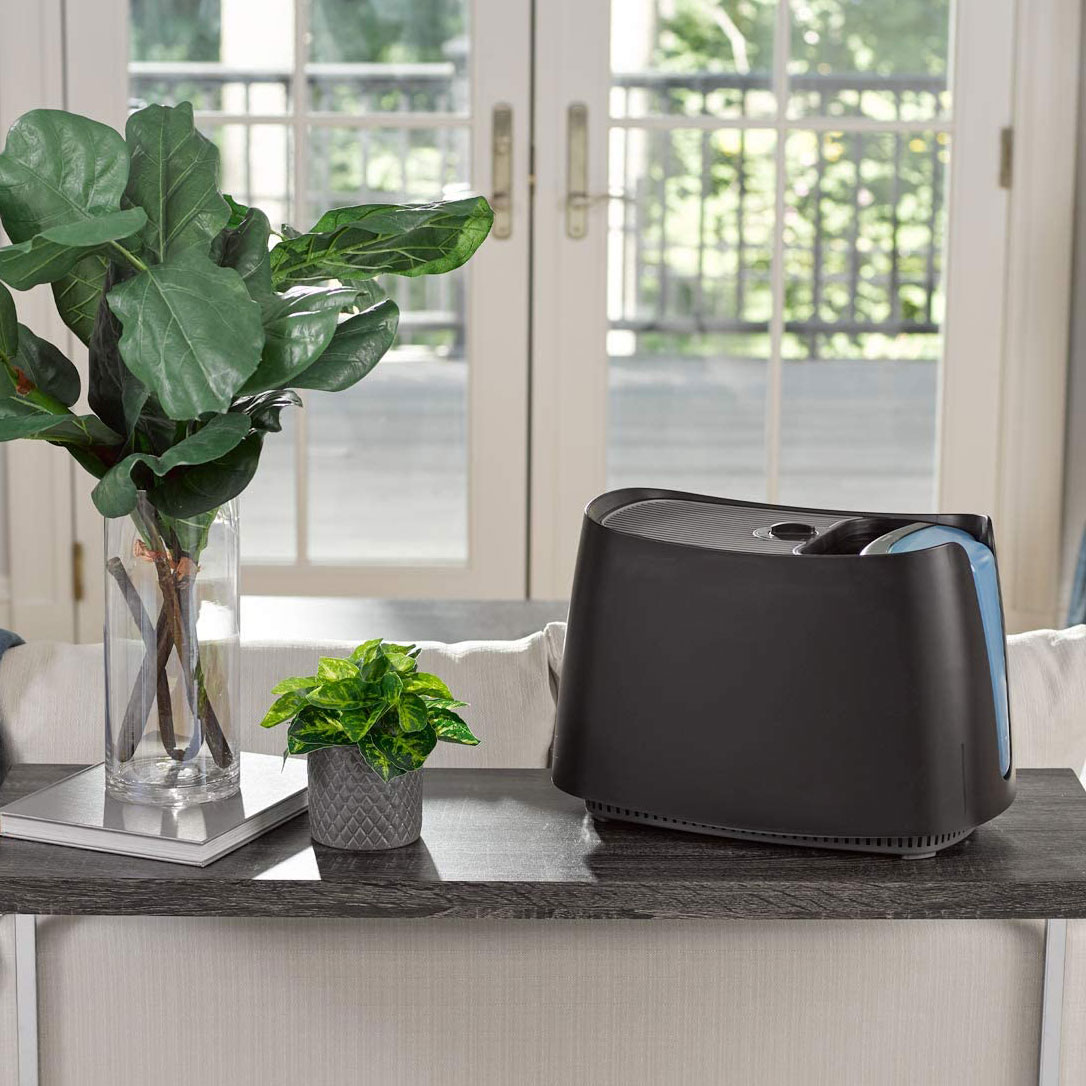
Honeywell Heaters: Top Five Heaters for Winter
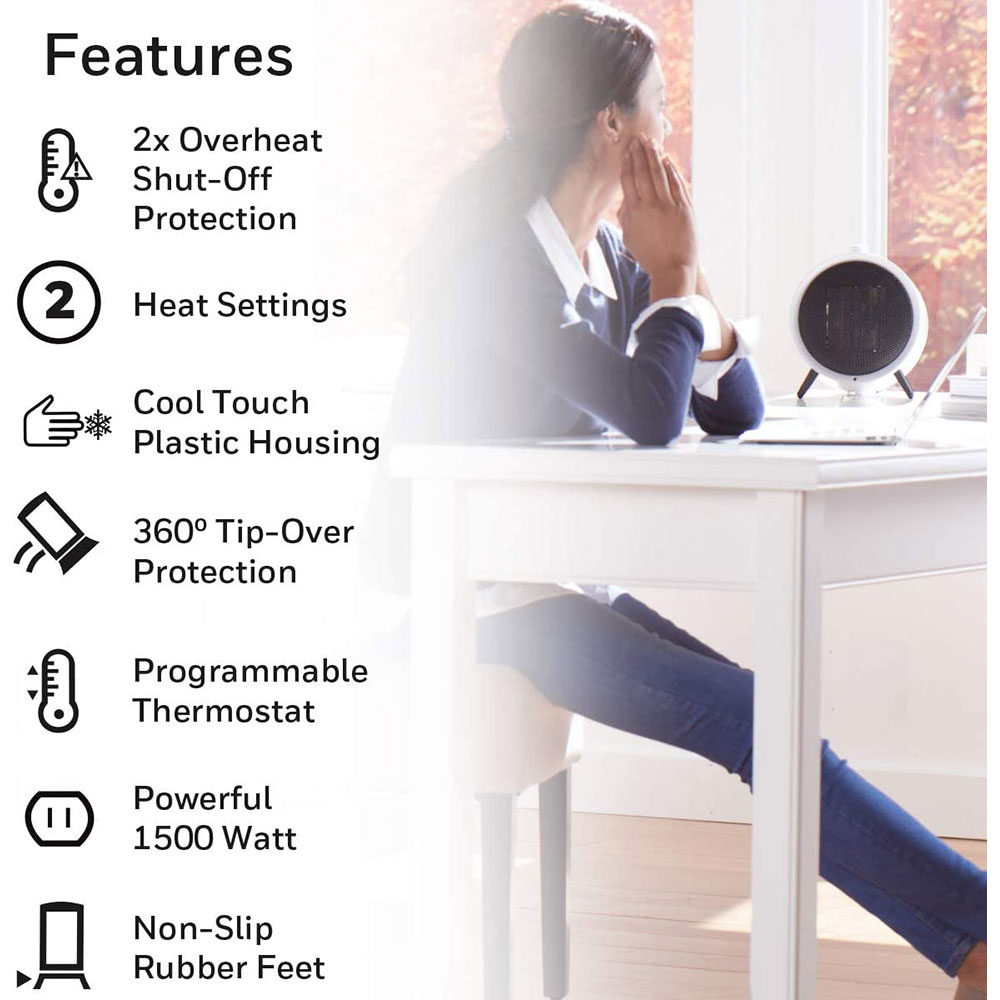
Honeywell Humidifiers: Filter & Filter Free Humidifiers
Honeywell Humidifiers: Guide to Cool & Warm Mist Humidifiers