



Customer Reviews For The Honeywell Home Heat Only Non-Programmable Thermostat - CT50K

Overall Rating
Product Reviews
I hope this one lasts longer than its predecessor.
Unfortunately I ordered the wrong one, but the return process was quick and easy with no hassle. I ordered the correct one now.
Ordered the thermostat after old on in the master bedroom was in question. Once the new thermostat arrived we retested the older on and realized it was working just fine.
Installed two thermostats for ceiling electric heat. They not only look nice they are functioning great! Thank You!
My experience with this order was very good. I received my order on time.
I received very good service product was the right item and received following day. Makes you live work well when you have a company that helps you get the job done on time. Thanks keep up the service. USA
Shipped on time easy to install works great
I installed the thermostat as soon as it arrived. It is slim in style, easy to install and works just great. It replaced a solid-state thermostat that never worked properly. Oh the advantages of mechanical equipment!! I still miss the old T-87F though. But this one will do just fine. A fair price for a great product!!!
works great with steam heat
works good, no complaints
Product FAQs
There isn't a universal reset for all Honeywell Non-Programmable Thermostats. The process will vary depending on the specific thermostat. However, here are the two most common methods:
Method 1: Power Cycle Reset
- Turn off the power: This can be done by flipping the breaker that controls your HVAC system, or by removing the batteries from the thermostat (if battery-powered).
- Hold the reset button (if present): Some non-programmable Honeywell Thermostats have a dedicated reset button, usually located near the display or behind a cover panel. If your model has one, hold it down for about 5-10 seconds while the power is off.
- Restore power: Turn the breaker back on or reinsert the batteries.
Method 2: Menu Reset (for some models)
- Check your thermostat for a "Menu" button. Not all Honeywell Non-Programmable Thermostats will have one.
- If present, press and hold the "Menu" button. While holding it, navigate through the options (if any) until you find a "Reset" function. This might involve pressing arrow buttons.
- Select "Reset" and confirm the prompt (if applicable).
CT50K1002/E1 Video Guide
Watch this helpful video to learn more about the Honeywell Home CT50K1002 Standard Heat Only Thermostat, Non Programmable.
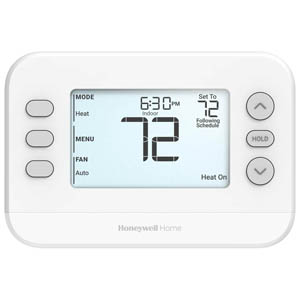
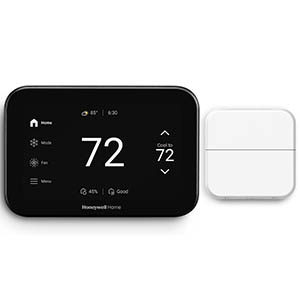
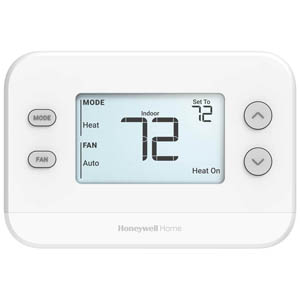
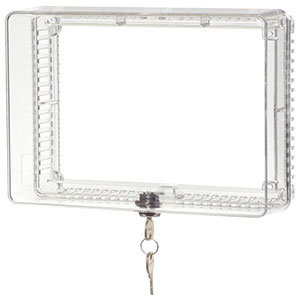
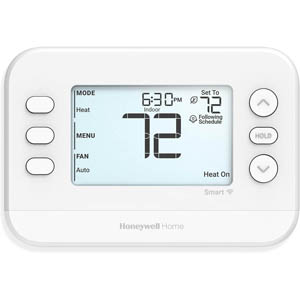
Read customer ratings and reviews for the Honeywell Home CT50K1002 Standard Heat Only Thermostat, Non Programmable. Learn what other customers have to say about their experiences, including what they liked, how the Honeywell Home Heat Only Non-Programmable Thermostat - CT50K met their expectations, and any concerns they encountered. These firsthand perspectives can provide helpful information beyond the standard product description.
Browse the reviews to compare customer ratings, explore positive and critical feedback, and make a more informed purchasing decision. If you've purchased or used this product, we encourage you to share your experience and help other shoppers find the right product for their needs.