




Honeywell Home RTH2410B1019 5-1-1-Day Programmable Thermostat
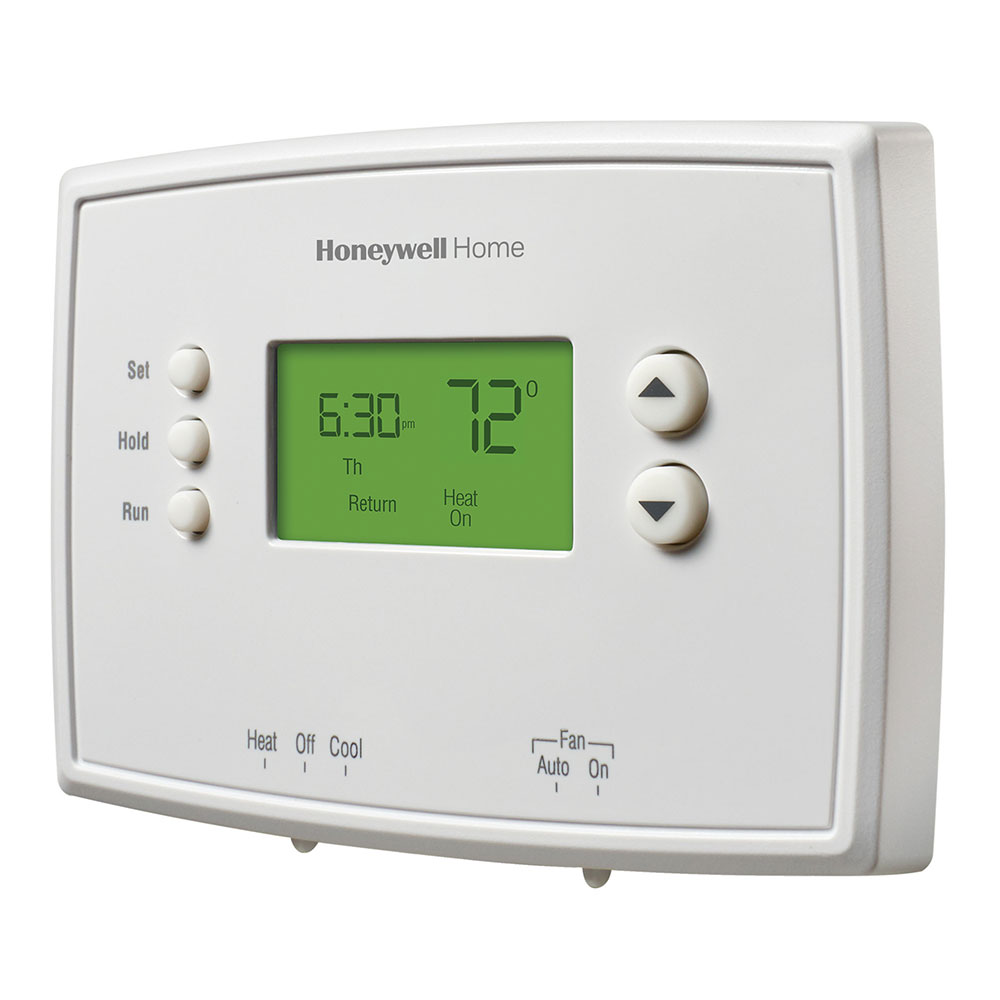
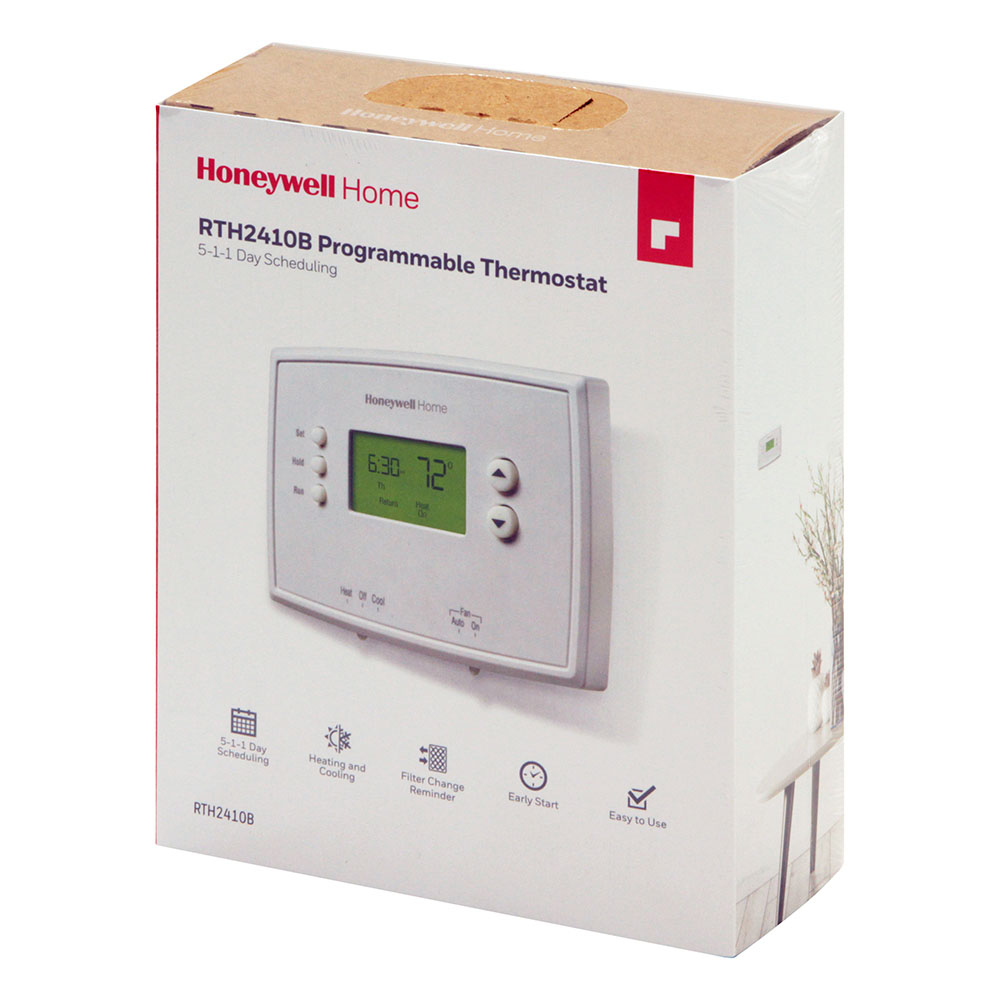
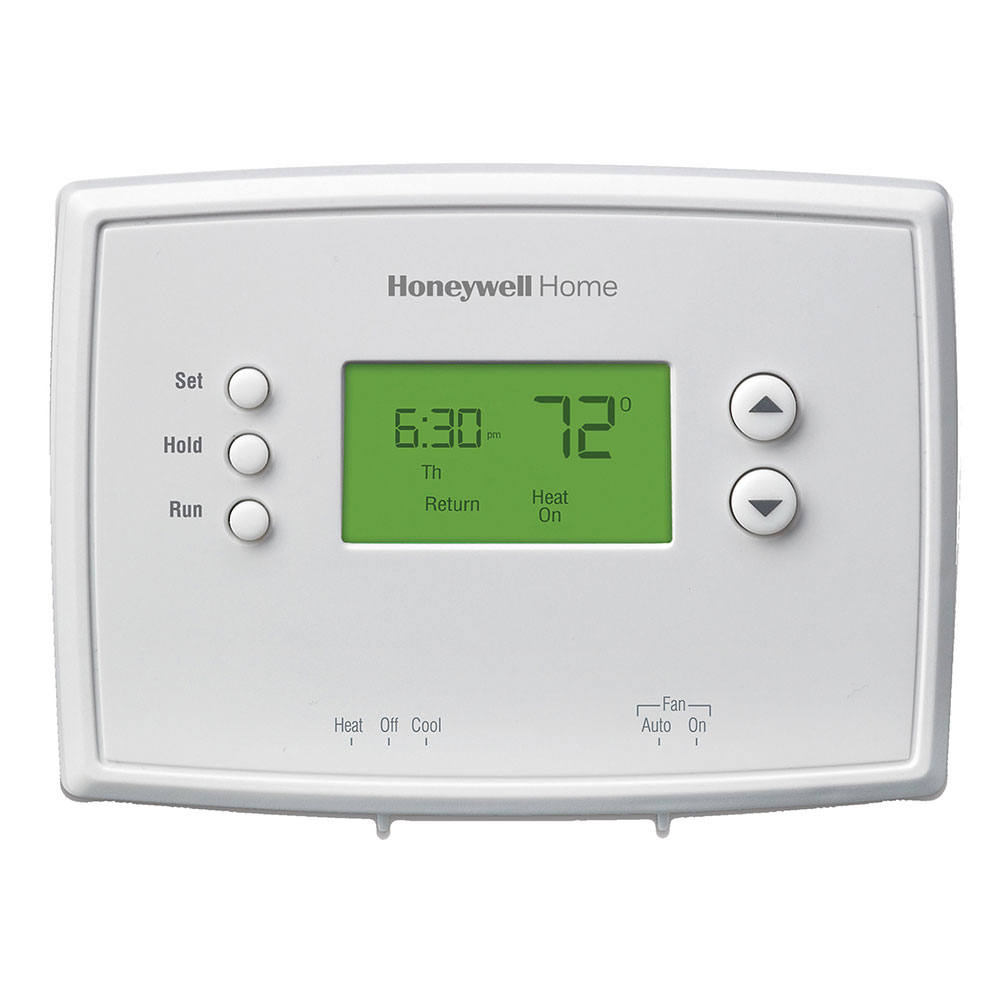
- Program weekdays, Saturday and Sunday, each with 4 program periods per day.
- Easy to use, basic operation keeps programming easy.
- Compatible with heating/cooling systems and heat pumps with auxiliary heat.
- Backlit display for easy viewing even in dimly lit rooms or hallways.
- Precise +/- 1° F temperature control
- Filter change reminder
- Does not work with electric baseboard heat (120-240V) or multi-stage heating/cooling systems.
Honeywell Home 5-1-1-Day Programmable Thermostat - RTH2410B Product Description
Simple Control, All Week Long: Honeywell 5-1-1 Day Thermostat
This user-friendly Honeywell Thermostat lets you create a personalized heating and cooling schedule for your week.
Weekday & Weekend Flexibility
Program separate schedules for weekdays and weekends to perfectly match your routine.
Simple Programming
Enjoy the proven Honeywell programming logic for easy setup and adjustments.
4 Settings per Day
Set up to four different temperature preferences per day for maximum comfort throughout the day and night.
Large Display & Easy Controls
The clear, wide screen and enlarged buttons make adjusting settings a breeze.
Take control of your comfort and save energy with the Honeywell 5-1-1 Day Programmable Thermostat.
There are two ways to reset your Honeywell Home RTH2410B1019 5-1-1-Day Programmable Thermostat:
Reset Schedule:
This option clears your current temperature program but keeps other settings intact.
- Press the SET button repeatedly until "Set Schedule" shows on the screen.
- Use the up or down arrows to choose the desired wake time, then press SET to confirm.
- Adjust the temperature for this time period using the arrows, then press SET to confirm.
- Repeat steps 2 and 3 for each time period (Leave, Return, Sleep) you want to set.
- Press the RUN button to save and exit the schedule setting mode.
Factory Reset:
This option erases all settings, including the program, time, and date.
- Press and hold the SET button for about 5 seconds until the screen changes.
- Release the button, and the thermostat will enter the setup mode.
- Use the up or down arrows to navigate through the options.
- Locate the "Reset" option and press SET to select it.
- Confirm the reset by pressing SET again.
- Warranty: 1 year limited warranty.
- Product Size (WxDxH): 3.38 x 1.1 x 4.75 in.
- Honeywell RTH2410 Thermostat Manual
- RTH2410 Honeywell Thermostat Operating Manual
- RTH2410 Honeywell Thermostat Installation Guide
Related Products
Honeywell Home 5-1-1-Day Programmable Thermostat - RTH2410B Reviews
I ordered the wrong item in error, and have just mailed it back. The return process is efficient Im grateful for that.