

Customer Reviews For The Honeywell Home Heat and Cool Non-Programmable Thermostat - CT51N
There isn't a universal reset for all Honeywell Non-Programmable Thermostats. The process will vary depending on the specific thermostat. However, here are the two most common methods:
Method 1: Power Cycle Reset
- Turn off the power: This can be done by flipping the breaker that controls your HVAC system, or by removing the batteries from the thermostat (if battery-powered).
- Hold the reset button (if present): Some non-programmable Honeywell Thermostats have a dedicated reset button, usually located near the display or behind a cover panel. If your model has one, hold it down for about 5-10 seconds while the power is off.
- Restore power: Turn the breaker back on or reinsert the batteries.
Method 2: Menu Reset (for some models)
- Check your thermostat for a "Menu" button. Not all Honeywell Non-Programmable Thermostats will have one.
- If present, press and hold the "Menu" button. While holding it, navigate through the options (if any) until you find a "Reset" function. This might involve pressing arrow buttons.
- Select "Reset" and confirm the prompt (if applicable).
The Easy Way to Set Your Home Temperature: Honeywell Manual Thermostat
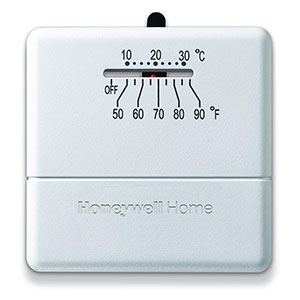
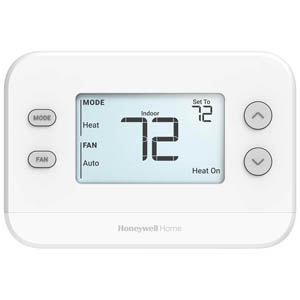
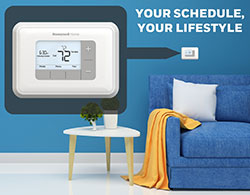
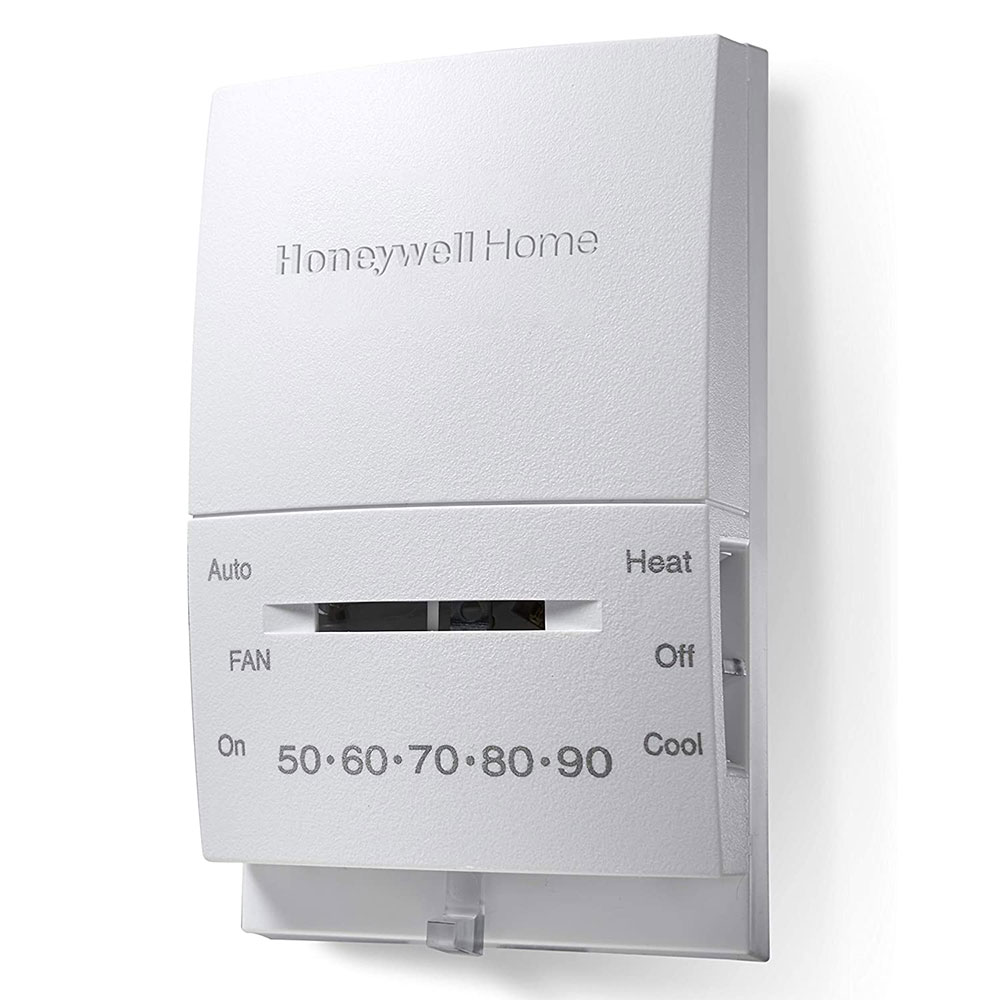
Enjoy easy and precise temperature control for your home with the Honeywell Manual Thermostat. This user-friendly thermostat is ideal for those who prefer a no-frills approach to comfort.
Simple Design
Easy-to-use controls with a clear display let you set your desired temperature quickly and accurately.
Mercury-Free
This eco-friendly thermostat eliminates any mercury concerns.
Heats and Cools
This manual thermostat works with central oil heating, electric furnaces, and central electric cooling systems for year-round comfort.
Compact Size:
The small design makes it a discreet addition to any room.
The Honeywell Manual Thermostat is a perfect choice for anyone who wants a simple and reliable way to control their home's temperature.