






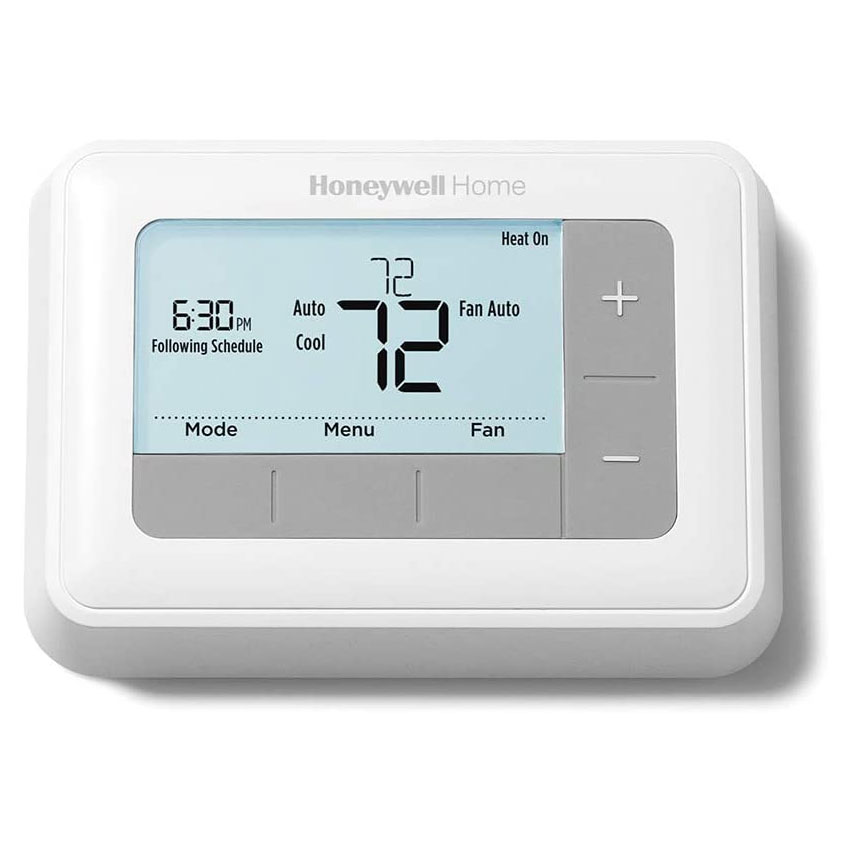
Customer Reviews For The Honeywell Home T5 Conventional 7-Day Programmable Thermostat
Overall Rating
Product Reviews
Super easy to install. Works wonderfully.
I purchased this 7 day programmable thermostat as I work on Monday, Wednesday and Friday. I have the weekend off as well as Tuesday and Thursdays. I needed a thermostat that could be different on every day of the week not just a weekday/weekend schedule. This thermostat works very well with ample settings for my varied work/play schedule. Thanks,
Be careful not to press the release button when installing wires as they won't remsin attached until that button is reset. Otherwise installation was easy. Programming had lots of extra options compare to old 7 day thermostat but by following directions it set up quickly.
We had a older model adjustable thermostat. Which I now believe was not working up to its potential. This unit was easy to install. We're finding that the house is much warmer than it had been with the other unit installed.
Thermostat was easy to install with included instructions and easy to program. Also looks nice on the wall.
Nice thermostat, but the instruction manual does not provide any help for transitioning from an old mercury thermometer. There is no mention at all about the fact that a 3rd C wire is needed which was not needed on the mercury thermometer. This can cause a lot of frustration trying to troubleshoot why it doesn't work.
This thermostat looks great on the wall. And is easy to use. Even for me!
Easy to install and program. Works perfect. Access to setup options are14 on page of the manual. The only thing was option 425 didn't show up while I was programming it. I'm assuming it was because I configured it as a manual thermostat instead of a programmable type.
simple installation and programming. the whole job took 45 minutes. the back light is easier on the eyes than the green.
Product FAQs
There are several ways you can reset your Honeywell Home T5 Programmable Thermostat:
- PERFORMING A FACTORY RESET
- Press and hold Menu
- Press > until you see Reset, and then select it
- Press > until you see Factory Reset, and then select it
- Congratulations! You’ve reset your thermostat! You can now configure your device for its new settings.
- PERFORMING A WiFi RESET
- Press and hold Menu
- Press > until you see Reset, and then select it
- Press > until you see WiFi, and then select it
- Congratulations! You’ve reset your thermostat!
- PERFORMING A SCHEDULE RESET
- Press and hold Menu
- Press [Symbol] until you see Reset, and then select it
- Press [Symbol] until you see Schedule, and then select it
- Congratulations! You’ve reset your thermostat!
- PERFORMING A HOMEKIT RESET
- Press and hold Menu
- Press > until you see Reset, and then select it
- Press > until you see HomeKit Reset, and then select it
RTH7560E1001/E Video Guide
Watch this helpful video to learn more about the Honeywell Home T5 Conventional 7-Day Programmable Thermostat, RTH7560E.
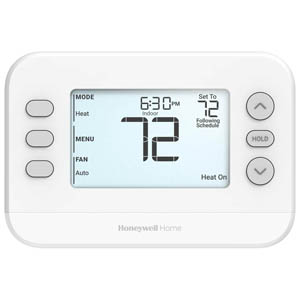
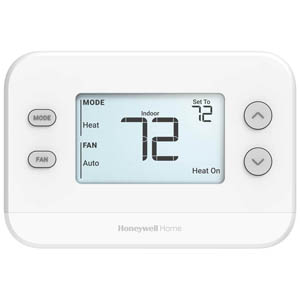
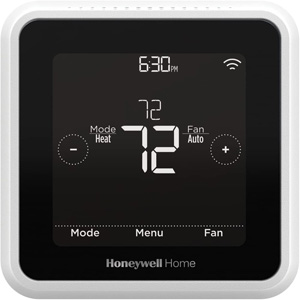
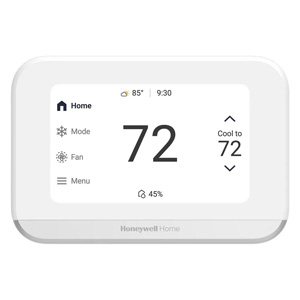
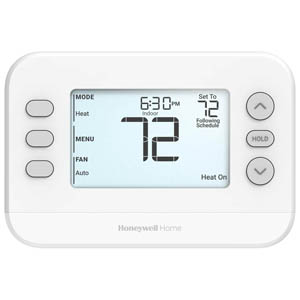
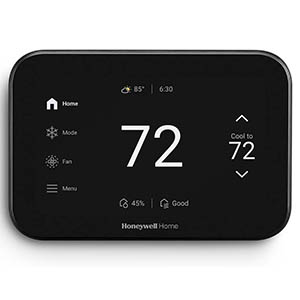
Read customer ratings and reviews for the Honeywell Home T5 Conventional 7-Day Programmable Thermostat, RTH7560E. Learn what other customers have to say about their experiences, including what they liked, how the Honeywell Home T5 Conventional 7-Day Programmable Thermostat met their expectations, and any concerns they encountered. These firsthand perspectives can provide helpful information beyond the standard product description.
Browse the reviews to compare customer ratings, explore positive and critical feedback, and make a more informed purchasing decision. If you've purchased or used this product, we encourage you to share your experience and help other shoppers find the right product for their needs.