



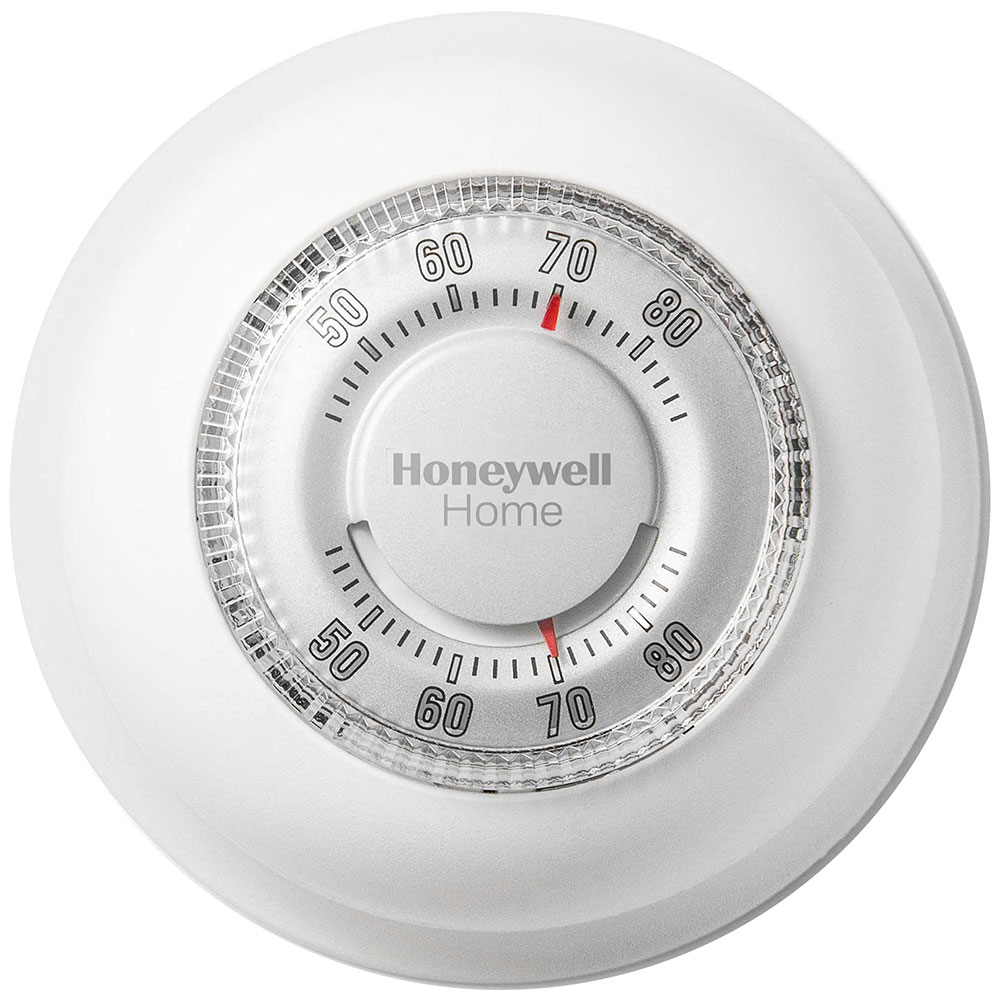
Customer Reviews For The Honeywell Home Round Heat Only Non-Programmable Manual Thermostat - CT87K
Overall Rating
Product Reviews
I recently installed the Honeywell CT87K1004 in my workshop, and it is a refreshing return to simplicity. After struggling with "smart" thermostats that require constant updates and complex programming, this manual dial is a breath of fresh air. I don’t have to worry about Wi-Fi disconnecting or a complicated schedule changing my settings unexpectedly. It is built like a tank and feels much sturdier than the flimsy digital models.
Great product consistent with its name, keep up the great work. Thanks
The temperature control part works but the thermometer to read room temp did not work from day 1. I needed the thermostat so will have to live with what i got. Poor quality control
Response:We apologize for the inconvenience. We'd be happy to assist you in resolving this matter. Please contact us and we'll get this squared away ASAP.
Very satisfied, fast delivery, good instructions, easy to install.
So easy to install. Best thermostat on the market, . I had an old one with the mercury And it lasted over 30 yrs. New one works effectively.
Nice product I have used it in two different houses over two decades no problems. Keep making the product.
We really appreciated the fast service. The thermostat was easy to install and is working great. Thank you so much for being there. We live in a remote area and would have had to drive at least 2 hours to find this.
old faithful, still works just as good as it always has cant go wrong with honeywell thermostat
Product FAQs
There isn't a universal reset for all Honeywell Non-Programmable Thermostats. The process will vary depending on the specific thermostat. However, here are the two most common methods:
Method 1: Power Cycle Reset
- Turn off the power: This can be done by flipping the breaker that controls your HVAC system, or by removing the batteries from the thermostat (if battery-powered).
- Hold the reset button (if present): Some non-programmable Honeywell Thermostats have a dedicated reset button, usually located near the display or behind a cover panel. If your model has one, hold it down for about 5-10 seconds while the power is off.
- Restore power: Turn the breaker back on or reinsert the batteries.
Method 2: Menu Reset (for some models)
- Check your thermostat for a "Menu" button. Not all Honeywell Non-Programmable Thermostats will have one.
- If present, press and hold the "Menu" button. While holding it, navigate through the options (if any) until you find a "Reset" function. This might involve pressing arrow buttons.
- Select "Reset" and confirm the prompt (if applicable).
CT87K1004/E1 Video Guide
Watch this helpful video to learn more about the Honeywell Home CT87K1004 Heat Only Non-Programmable Round Thermostat.
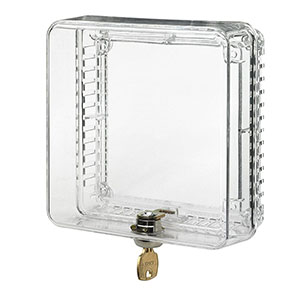
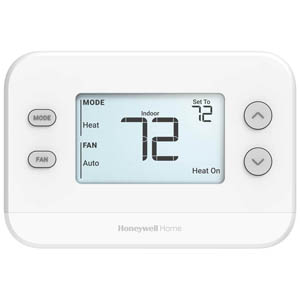
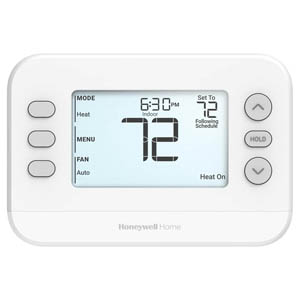
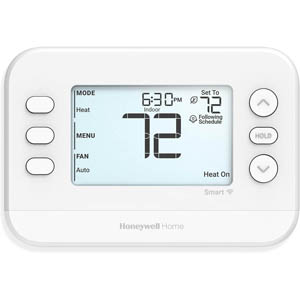
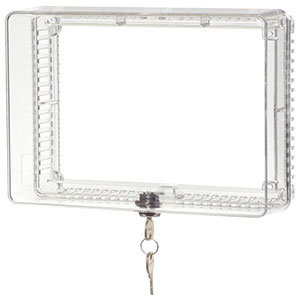
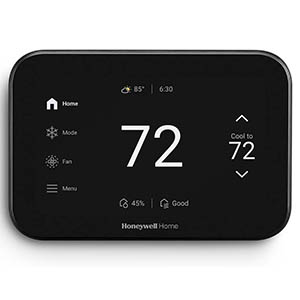
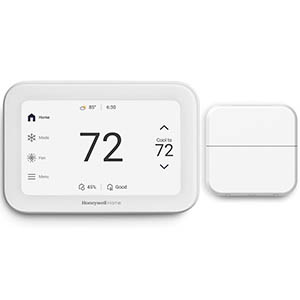
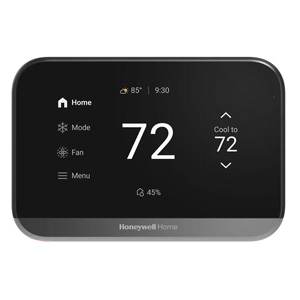
Read customer ratings and reviews for the Honeywell Home CT87K1004 Heat Only Non-Programmable Round Thermostat. Learn what other customers have to say about their experiences, including what they liked, how the Honeywell Home Round Heat Only Non-Programmable Manual Thermostat - CT87K met their expectations, and any concerns they encountered. These firsthand perspectives can provide helpful information beyond the standard product description.
Browse the reviews to compare customer ratings, explore positive and critical feedback, and make a more informed purchasing decision. If you've purchased or used this product, we encourage you to share your experience and help other shoppers find the right product for their needs.